

POWER GRADE PACK

POWER GRADE PACK
¥14,800 VAT

What is AM POWER GRADE?
Two PowerGrades are provided — a color system for enjoying both digital and film-like looks.
You gave Log shooting a try, but the color grading never quite comes together — and you want it easier and faster.
That is what this solves.
Two approaches: “beautiful” color and “film-like” color.
The AM POWER GRADE PACK contains four original LUTs.
Please install the original LUTs before using them.
Note: DaVinci Resolve for iPad is not supported.
You gave Log shooting a try, but the color grading never quite comes together — and you want it easier and faster.
That is what this solves.
Two approaches: “beautiful” color and “film-like” color.
The AM POWER GRADE PACK contains four original LUTs.
Please install the original LUTs before using them.
Note: DaVinci Resolve for iPad is not supported.

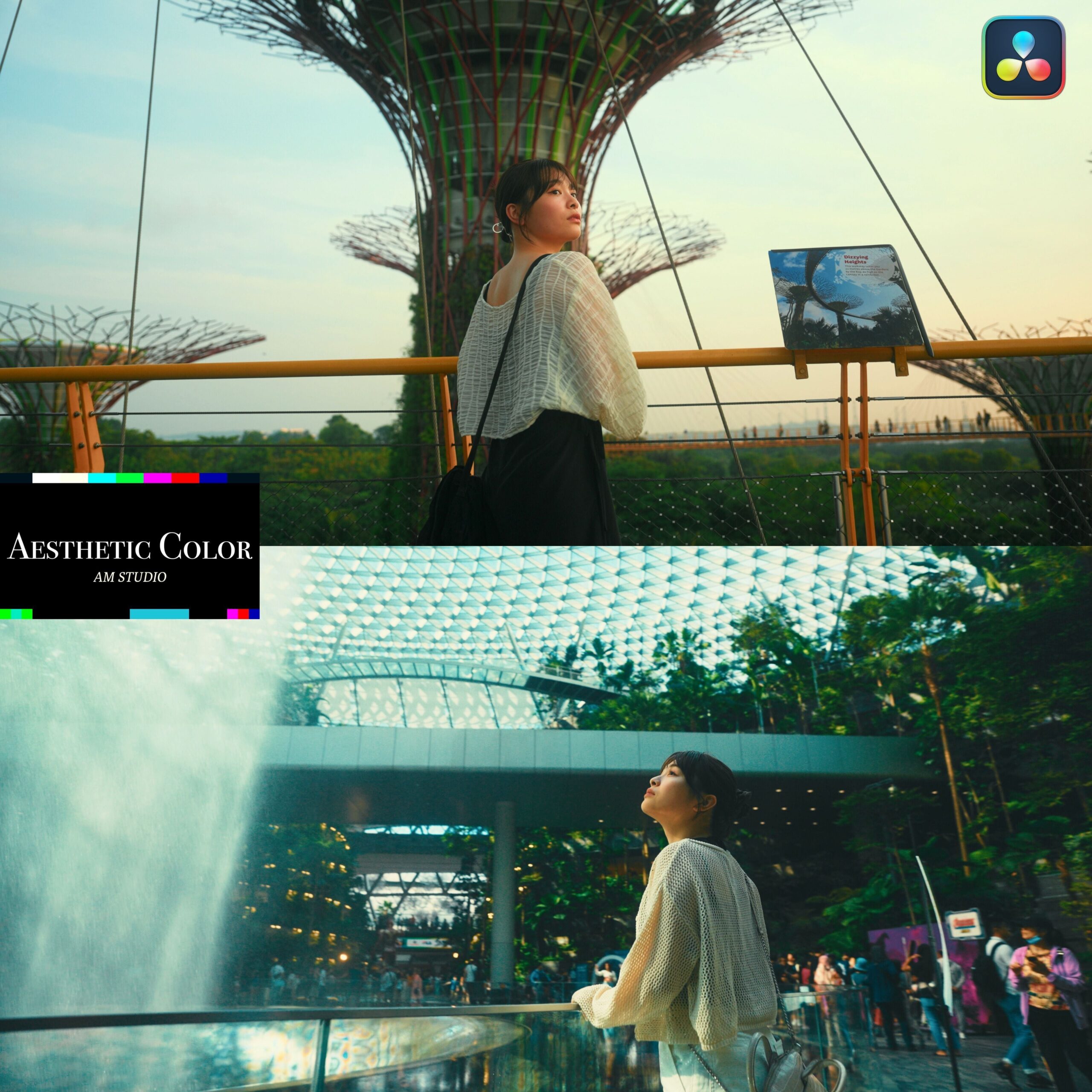
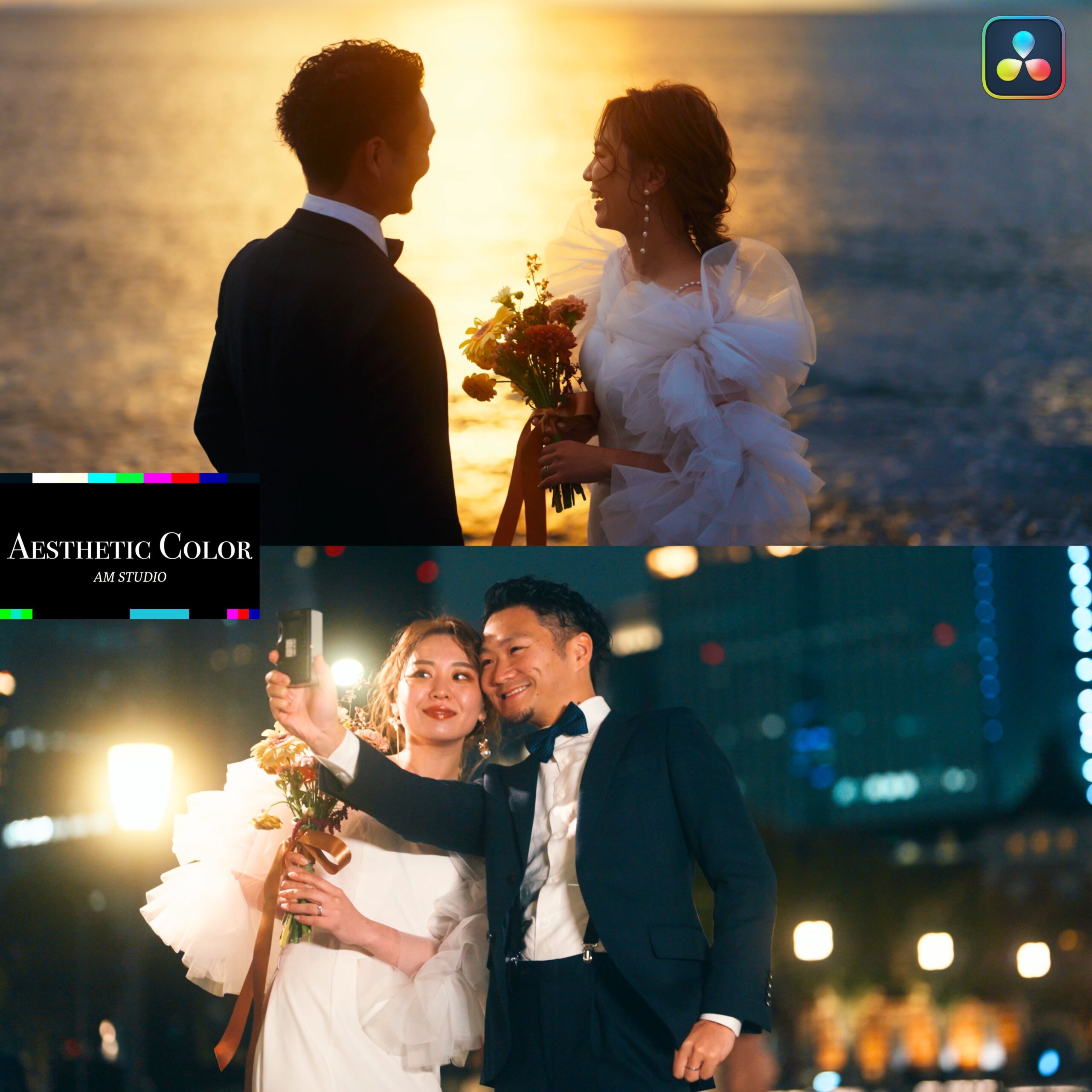
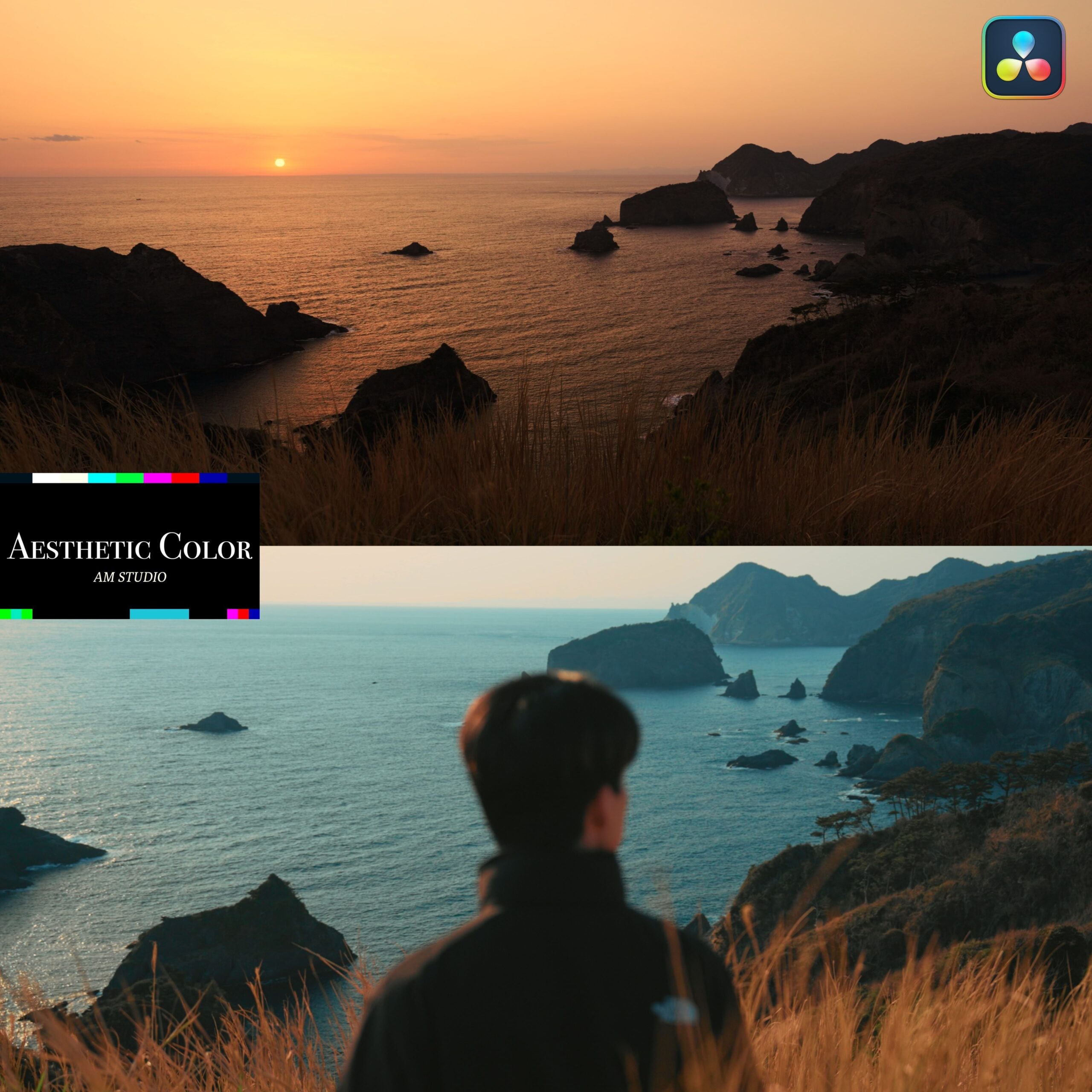
Aesthetic Color
Aesthetic Color, as the name says, draws out “aesthetic” color that makes the most of the footage’s own color. It is a POWER GRADE for finishing digital camera footage more beautifully.
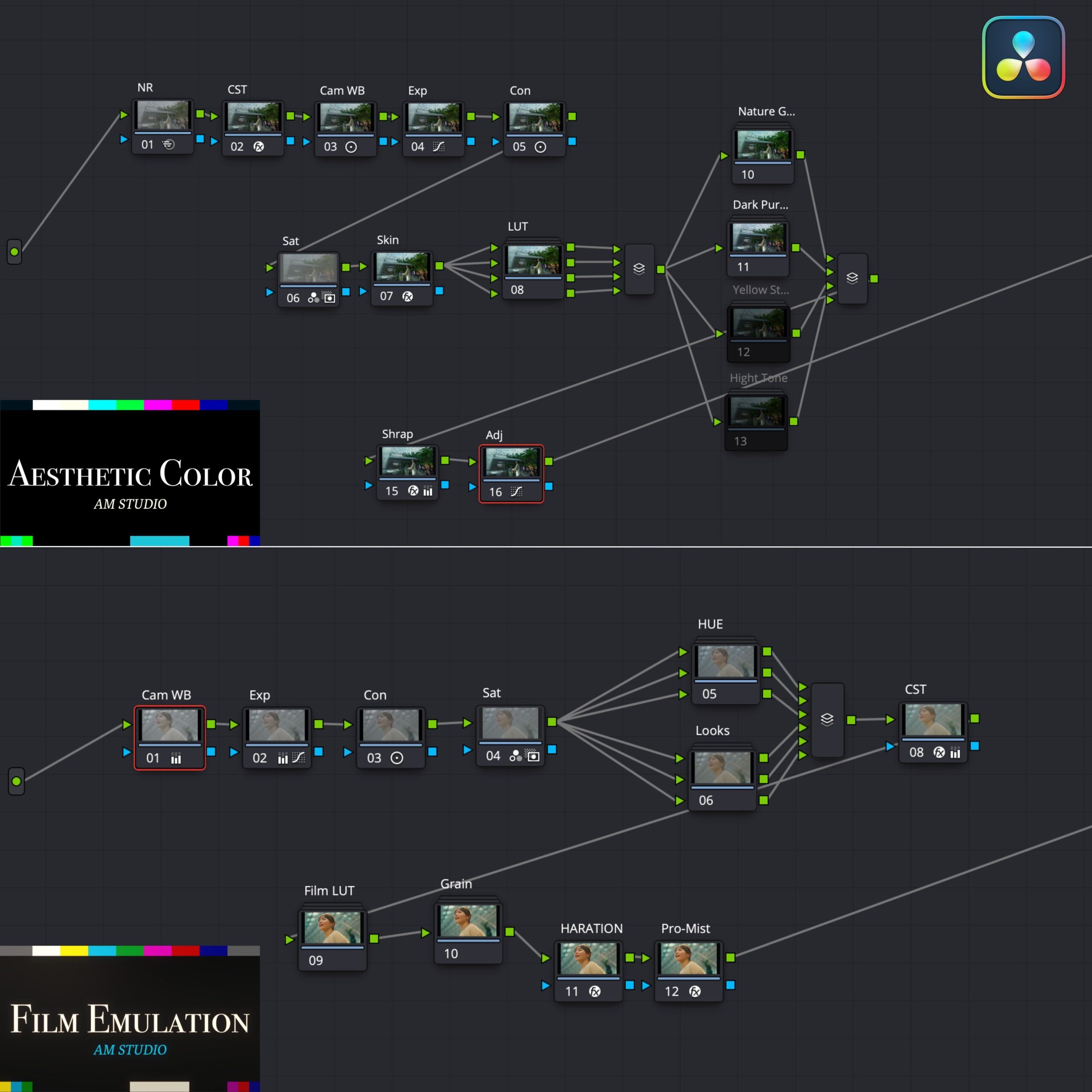
What each node does
① NR - handles noise in the footage. Use it as needed.
② CST - converts the color space based on the camera data you shot, bringing Log footage to its intended color. The default is S-Log3; if you use another camera, reset only the input color space and input gamma.
③ CamWB - adjusts white balance.
④ Con - adjusts contrast.
⑤ Sat - adjusts saturation. (The default is a little strong — adjust it to taste.)
⑥ Skin - corrects the subject’s skin. When using it, select the area with the Qualifier first.
⑦ LUT - four LUTs are provided. This is where you decide the main color. They can also be blended together.
Note: if you want more natural color, we recommend leaving it off.
⑨⑩⑪⑫ Parallel area - four color adjustments to play with.
Switch each one on and pick the ones you want to use. Several can be applied at once.
Every parameter can be readjusted in each tool. You can work the way AKIYA himself grades, day to day.
⑭ Sharp - adds sharpness to the image. Adjust it to taste.
⑮ Adj - anything else you want to add can be done here.
② CST - converts the color space based on the camera data you shot, bringing Log footage to its intended color. The default is S-Log3; if you use another camera, reset only the input color space and input gamma.
③ CamWB - adjusts white balance.
④ Con - adjusts contrast.
⑤ Sat - adjusts saturation. (The default is a little strong — adjust it to taste.)
⑥ Skin - corrects the subject’s skin. When using it, select the area with the Qualifier first.
⑦ LUT - four LUTs are provided. This is where you decide the main color. They can also be blended together.
Note: if you want more natural color, we recommend leaving it off.
⑨⑩⑪⑫ Parallel area - four color adjustments to play with.
Switch each one on and pick the ones you want to use. Several can be applied at once.
Every parameter can be readjusted in each tool. You can work the way AKIYA himself grades, day to day.
⑭ Sharp - adds sharpness to the image. Adjust it to taste.
⑮ Adj - anything else you want to add can be done here.
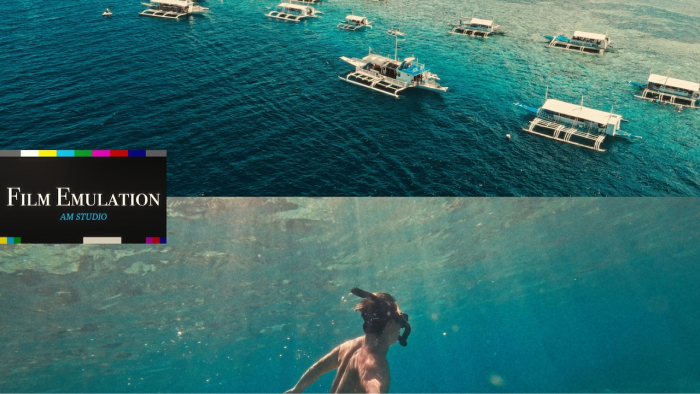
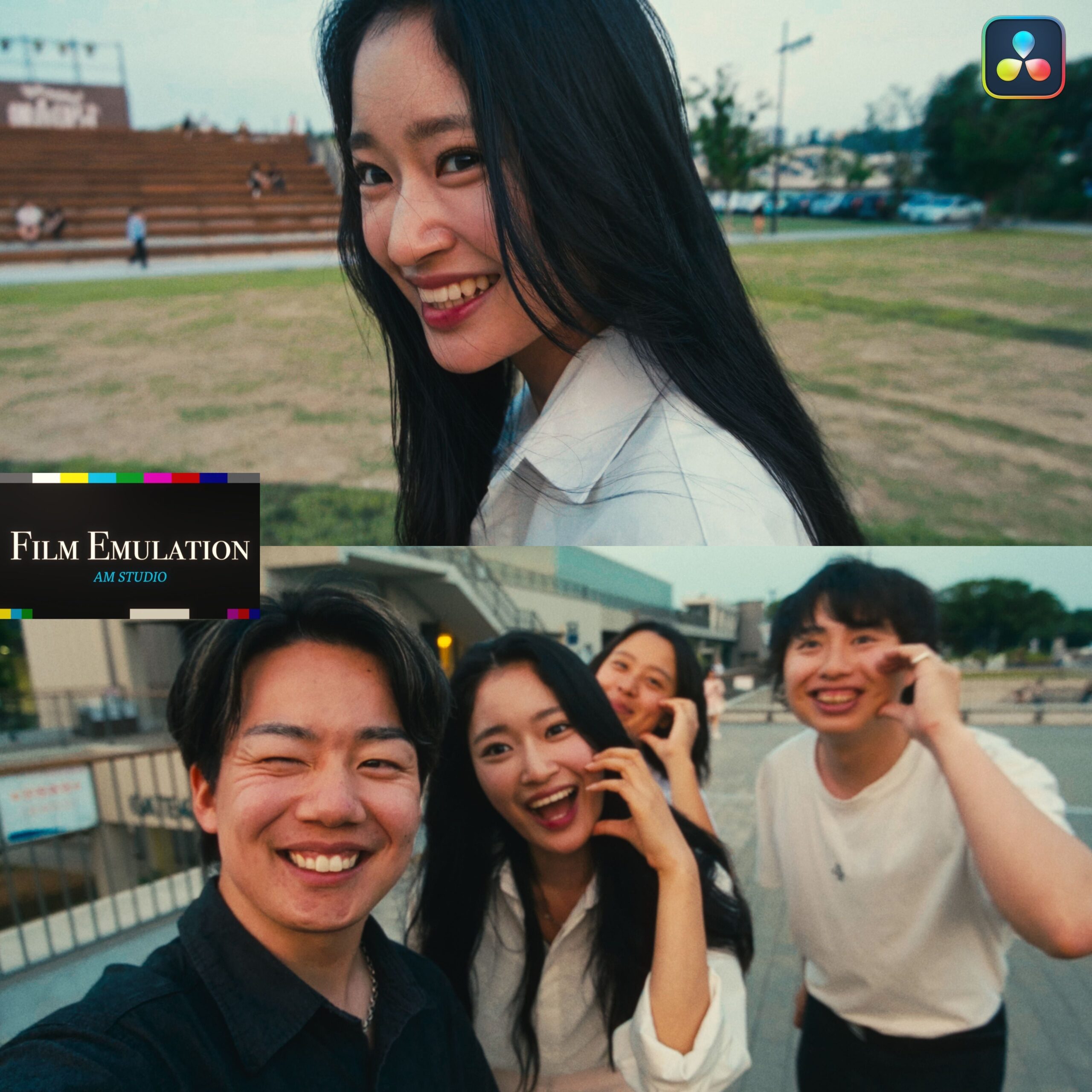
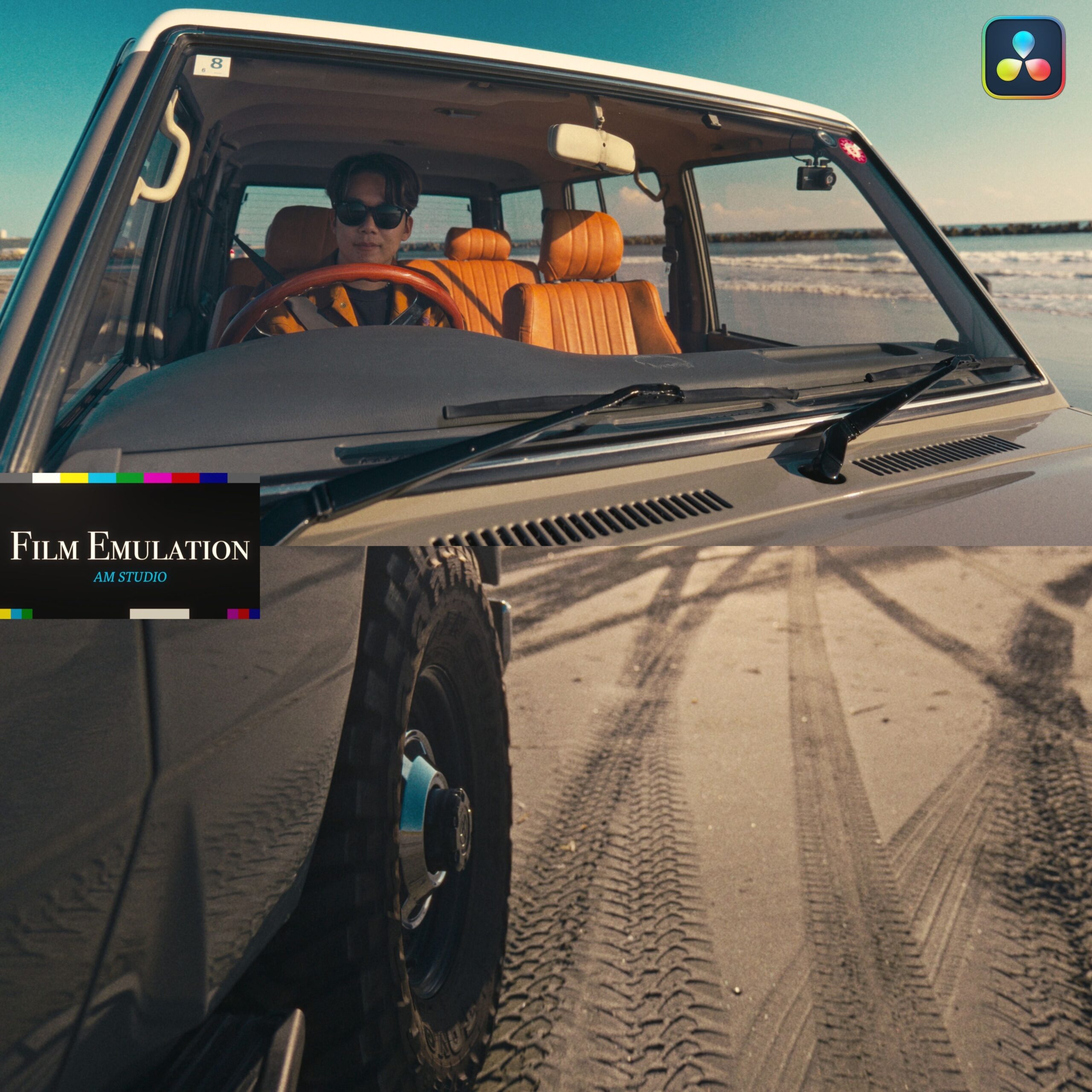
Film Emulation
Film Emulation, as the name says, imitates film. It turns digital data into something film-like with little effort, so you can enjoy today’s “film look” trend in video too.
What each node does
① CamWB - adjusts white balance.
② Exp - adjusts exposure.
③ Sat - adjusts saturation. (The default is a little strong — adjust it to taste.)
④ Con - adjusts contrast.
⑤ HUE - lets you adjust hue and saturation. Use the parallel nodes prepared in advance as you like.
You can also use only the ones that suit the mood you are after. Their parameters can be readjusted in each tool.
⑥ Looks - three Looks are provided. Switch them on and adjust as you like.
Several can be applied at once. Their parameters can be readjusted in each tool.
⑧ CST - the node for moving toward film color. It converts the color space based on the camera data you shot. The default is S-Log3, so if you use another camera, reset only the input color space and input gamma.
⑨ Film LUT - the node that sets the main film direction.
Choose one Film LUT inside the compound node.
You can also use one of the four bundled original LUTs here.
⑩ Grain - adds noise to the image. Readjust it to taste.
⑪ HARATION - reproduces a phenomenon particular to film, softening the image slightly. Readjust it to taste.
⑫ Pro-Mist - gives the highlights a mist-filter-like effect. Readjust it to taste.
② Exp - adjusts exposure.
③ Sat - adjusts saturation. (The default is a little strong — adjust it to taste.)
④ Con - adjusts contrast.
⑤ HUE - lets you adjust hue and saturation. Use the parallel nodes prepared in advance as you like.
You can also use only the ones that suit the mood you are after. Their parameters can be readjusted in each tool.
⑥ Looks - three Looks are provided. Switch them on and adjust as you like.
Several can be applied at once. Their parameters can be readjusted in each tool.
⑧ CST - the node for moving toward film color. It converts the color space based on the camera data you shot. The default is S-Log3, so if you use another camera, reset only the input color space and input gamma.
⑨ Film LUT - the node that sets the main film direction.
Choose one Film LUT inside the compound node.
You can also use one of the four bundled original LUTs here.
⑩ Grain - adds noise to the image. Readjust it to taste.
⑪ HARATION - reproduces a phenomenon particular to film, softening the image slightly. Readjust it to taste.
⑫ Pro-Mist - gives the highlights a mist-filter-like effect. Readjust it to taste.
Q&A
· Which editing software or app can I use this with?
It works with DaVinci Resolve only.
After downloading, please watch the included “how to use” video before you start.
Purchase Questions
You May Also Like





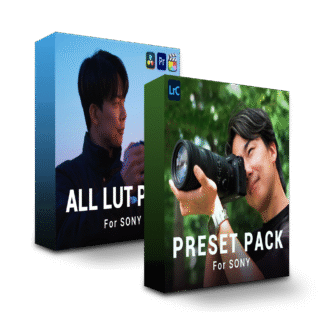
 POWER GRADE PACK
¥14,800 VAT
POWER GRADE PACK
¥14,800 VAT