only
Edit Page


<!doctype html>
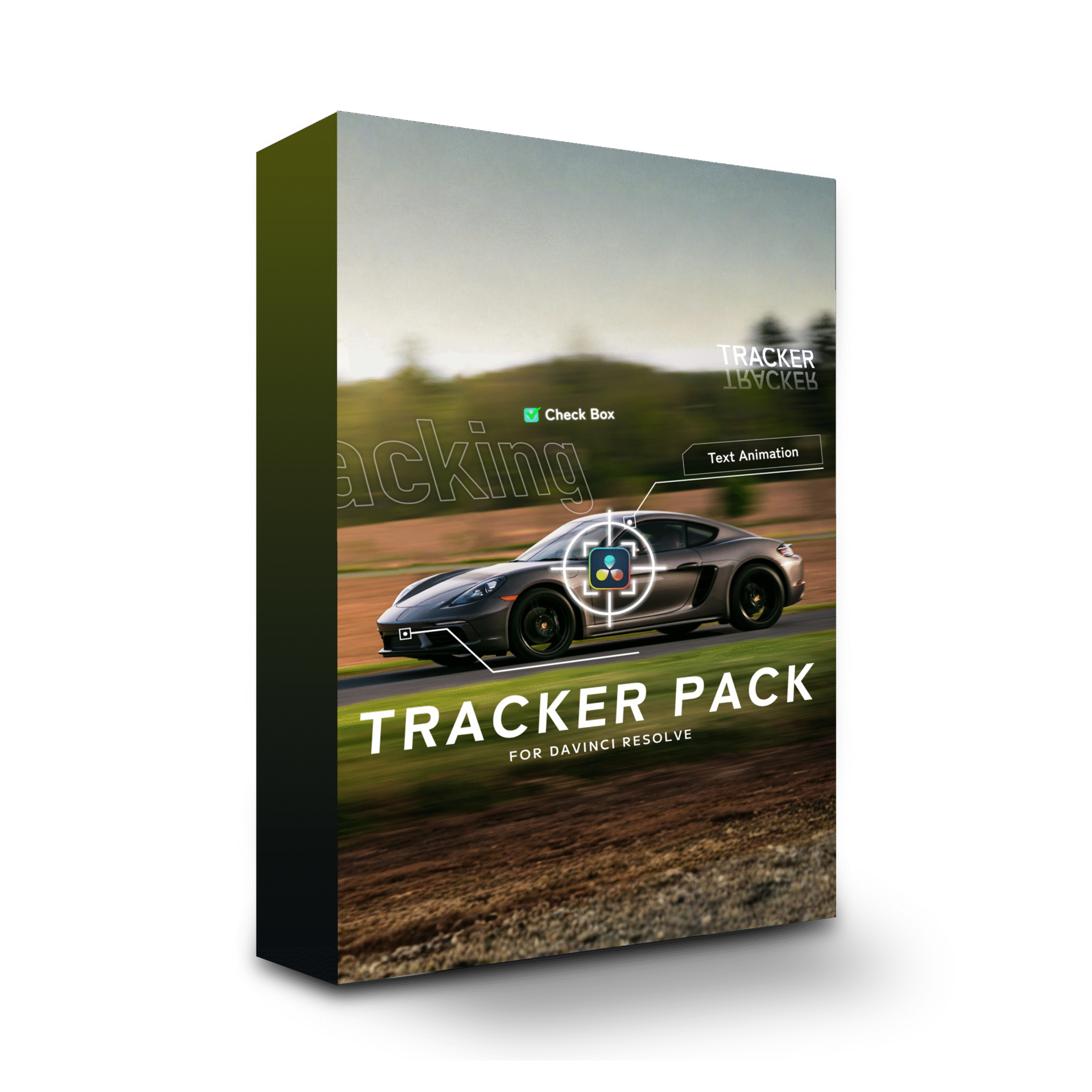
 For DaVinci Resolve
A plugin that makes tracking in DaVinci Resolve smoother and easier.It gathers the tracker settings, text and callouts you reach for most into an easy-to-handle set, giving you an editing setup where the effect you need is always one click away.It adds 16 title tools and 8 effect tools and works with both the free version of DaVinci Resolve and DaVinci Resolve Studio. Note: DaVinci Resolve for iPad is not supported. Please use the desktop version.
Tracker Pack works entirely on the Edit page,
saving you the trouble of building nodes on the Fusion page
so you can stay focused on your edit.
Tracking can feel intimidating,
so we made it simple and approachable.
A versatile plugin for everyone from beginners to professional creators.
Track text, mosaics, images, and more with one pack.
There is no need to open the Fusion page or build nodes.
Use it directly on the Edit page, then simply click the track button.
Anyone can achieve professional-looking results in seconds.
Make titles and captions
follow the movement of your subject.
Naturally track a mosaic over faces
and other areas you want to conceal.
Place an image or logo over your subject
and track its movement smoothly.
Accurately track mosaics or images
over vehicle license plates.
Drop in the screen you want to swap and the replacement lands naturally, instantly.
Video or stills, it locks on at any angle.
As many as you need, of course.
Track naturally with changes
in tilt and perspective.
Track multiple screens
at the same time.
Track both video
and still images.
Draw any shape you like and the line follows your subject.
It stretches, bends and stops on its own, in step with the motion.
Simply draw any shape you like.
Supports both straight and curved lines.
The line automatically stretches
and deforms with the subject.
Use fills and lines
to highlight an area.
A broad set of designs. Pick the style you want for titles, subtitles or callouts.
Size and position can be adjusted to match the motion.
Edit Page
No Studio License Required
8
GET STARTED
¥24,800 tax included
Tutorials on tracker settings, text, callouts, and more
are available on our YouTube channel with over 270,000 subscribers
and counting.















Q1: Which software can I use it with?
DaVinci Resolve only. Version 19.1 or later with Fusion functionality is required.
Q2: Does it work on both Windows and Mac?
Yes. Windows 10 (64-bit) or later, or macOS 11 Big Sur or later
Q3: How do I install it? Is it difficult?
The product itself installs in just 30 seconds.
A usage guide for purchasers (README and tutorial video) is included, so you can get started with confidence.
Q5: Can I use it commercially?
Yes. Commercial use is permitted for YouTube, social media, client projects and more.
However, redistribution or resale of the downloaded data is prohibited.
Q6: Can I use it on multiple devices?
Yes, as long as the devices belong to the purchaser.
Teams and companies must purchase one copy for each user.
We also offer individual consultations for large organizations. Please contact us through the inquiry page.
Q7: Can I get a refund?
Due to the nature of digital content, refunds are not available.
However, if a file is corrupt or defective, our support team will assist you promptly.
Q8: Does it work with the free version of DaVinci Resolve?
Yes, it works with the free version of DaVinci Resolve.
Q9: Can I use it with DaVinci Resolve for iPad?
Tracker Pack does not support the iPad version. Please use the desktop version.
●System Requirements
– DaVinci Resolve 19.1 or later (Fusion functionality required)
– Recommended: DaVinci Resolve Studio (the free version is also supported)
– Windows 10 (64-bit) or later, or macOS 11 Big Sur or later
– RAM: 16GB or more recommended (32GB or more for 4K footage)
– GPU: 2GB or more VRAM (4GB or more recommended)
●Supported Operating Systems
– Windows: Windows 10 (64-bit) / Windows 11
– macOS: macOS 11 Big Sur / macOS 12 Monterey / macOS 13 Ventura / macOS 14 Sonoma or later
●Important Limitations
– DaVinci Resolve with Fusion enabled is required
– Network drives: the product may not work correctly in some environments
Prohibited Activities
– Copying, redistributing, selling or lending this product is prohibited
– Decompiling or reverse-engineering the source code is prohibited
– Modifying and redistributing this product is prohibited
– Transferring or sharing this product with third parties is prohibited
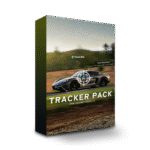 Tracker Pack
¥24,800 VAT
Tracker Pack
¥24,800 VAT