

YouTube Creator Pack


Take your YouTube editing to the next level.
Built by working creators,
this plugin pack is made specifically for DaVinci Resolve.
Use professional-quality assets to give your videos
a polished, next-level finish.

For DaVinci Resolve
YouTube Creator Pack at a glance
A complete video-production toolkit for YouTube creators.
It includes
112 effects, generators, titles, and transitions designed specifically for DaVinci Resolve,
helping you improve production quality and work more efficiently.
On DaVinci Resolve for iPad, every tool except the five URL Generator macros is available after manual installation.
Total
112 assets
28
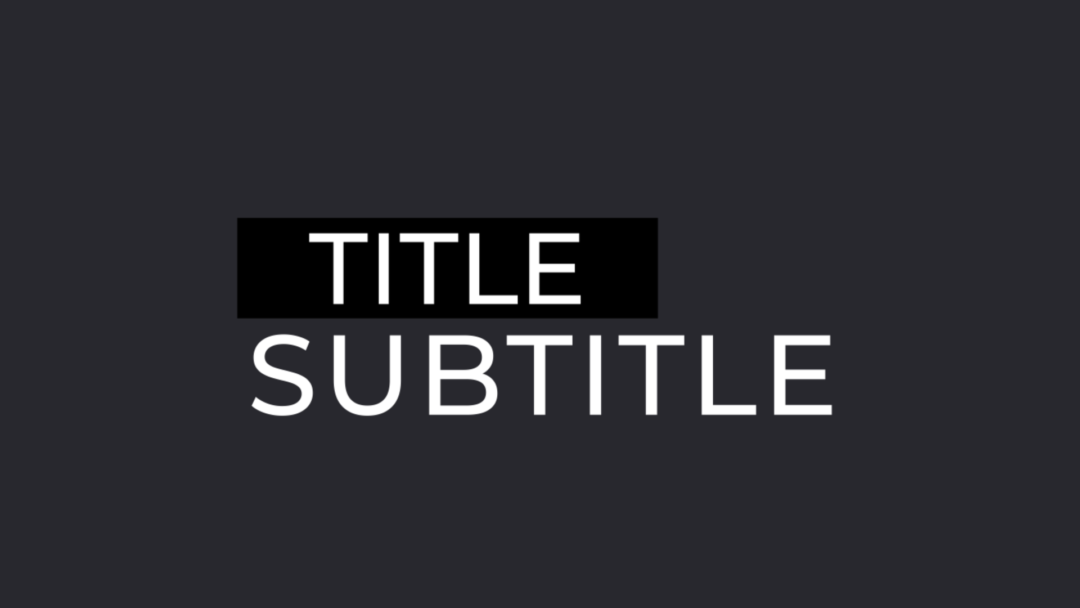
Titles
Titles
28
Effects
Effects
41
Generators
Generators
15
Transitions
Transitions
Features
Professional-quality editing in one complete pack.
A carefully selected library optimized for YouTube.
Improve quality, speed, and creative range at once.

YouTube API integration
Just enter a YouTube URL.
The URL Generator retrieves the information you need automatically
to keep your edit moving.

Faster workflow, polished results
Creator-built templates
significantly reduce editing time
without compromising quality.

Intuitive and easy to use
Designed for simple
drag-and-drop use.
Even beginners can get started immediately.

4K-ready, high-quality assets
High-resolution assets
fit cleanly into
a wide range of projects.
COMPARISON
How it compares
YouTube Creator Pack

- 112 included assets
- Designs optimized for YouTube
- Designed specifically for DaVinci Resolve
- YouTube API integration
- Commercial use permitted
Free plugins
- Smaller selection
- General-purpose designs
- Compatibility can vary
- Often limited
- May not receive updates
Other paid plugins
- Not focused on YouTube production
- More complex workflows
- More restrictive licensing
- May require additional purchases
- Limited localization options
- Limited font selection
HOW IT WORKS
How the API integration works
Enter a YouTube URL.
The URL Generator retrieves the data automatically so you can use it right away.
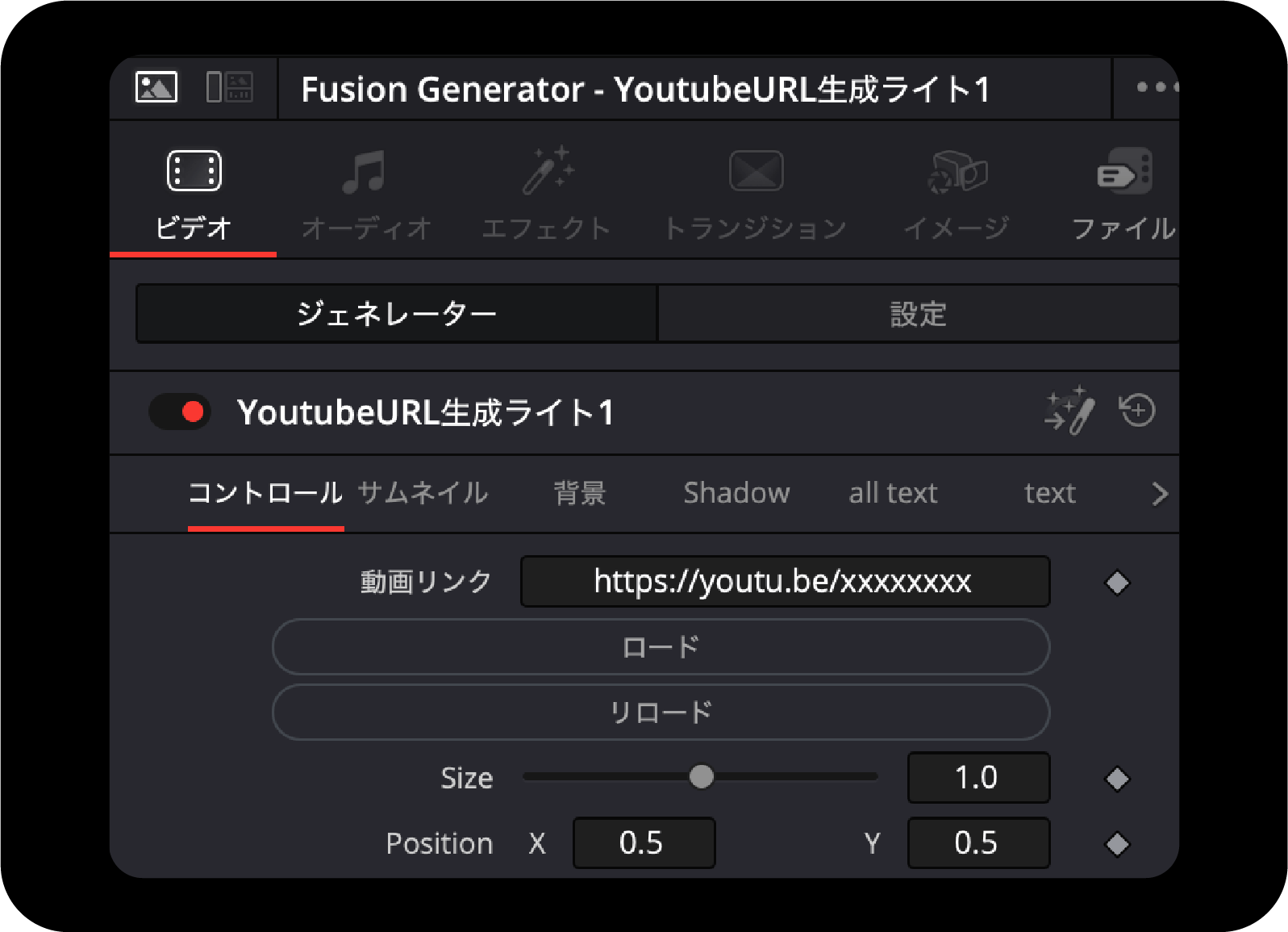
01
Enter the YouTube URL
Paste the URL of the YouTube video you want to use.

02
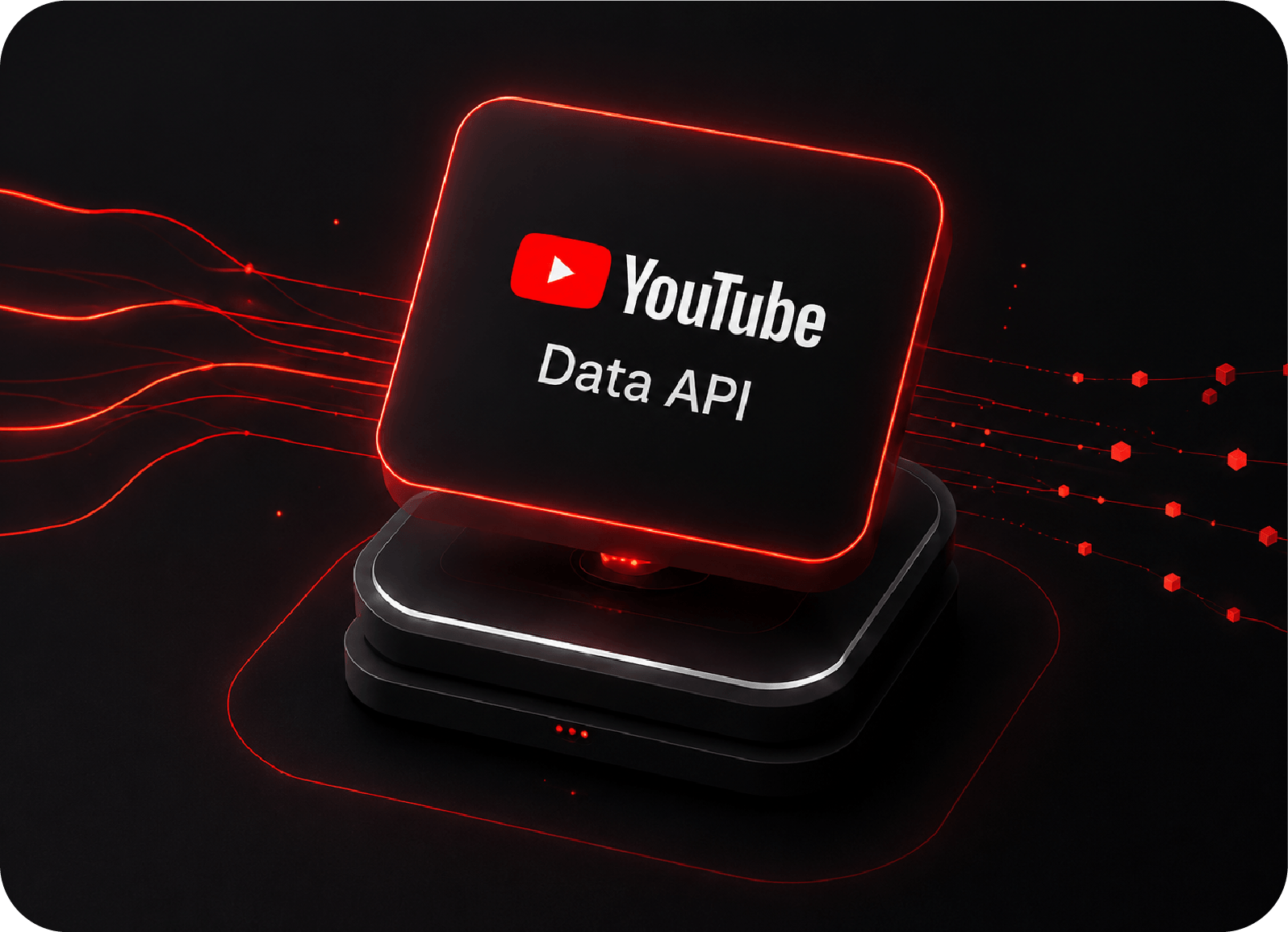
The API retrieves the information
The tool connects to the YouTube Data API and retrieves the video information automatically.
03
Use the data immediately
Use the retrieved data directly and streamline your production workflow.
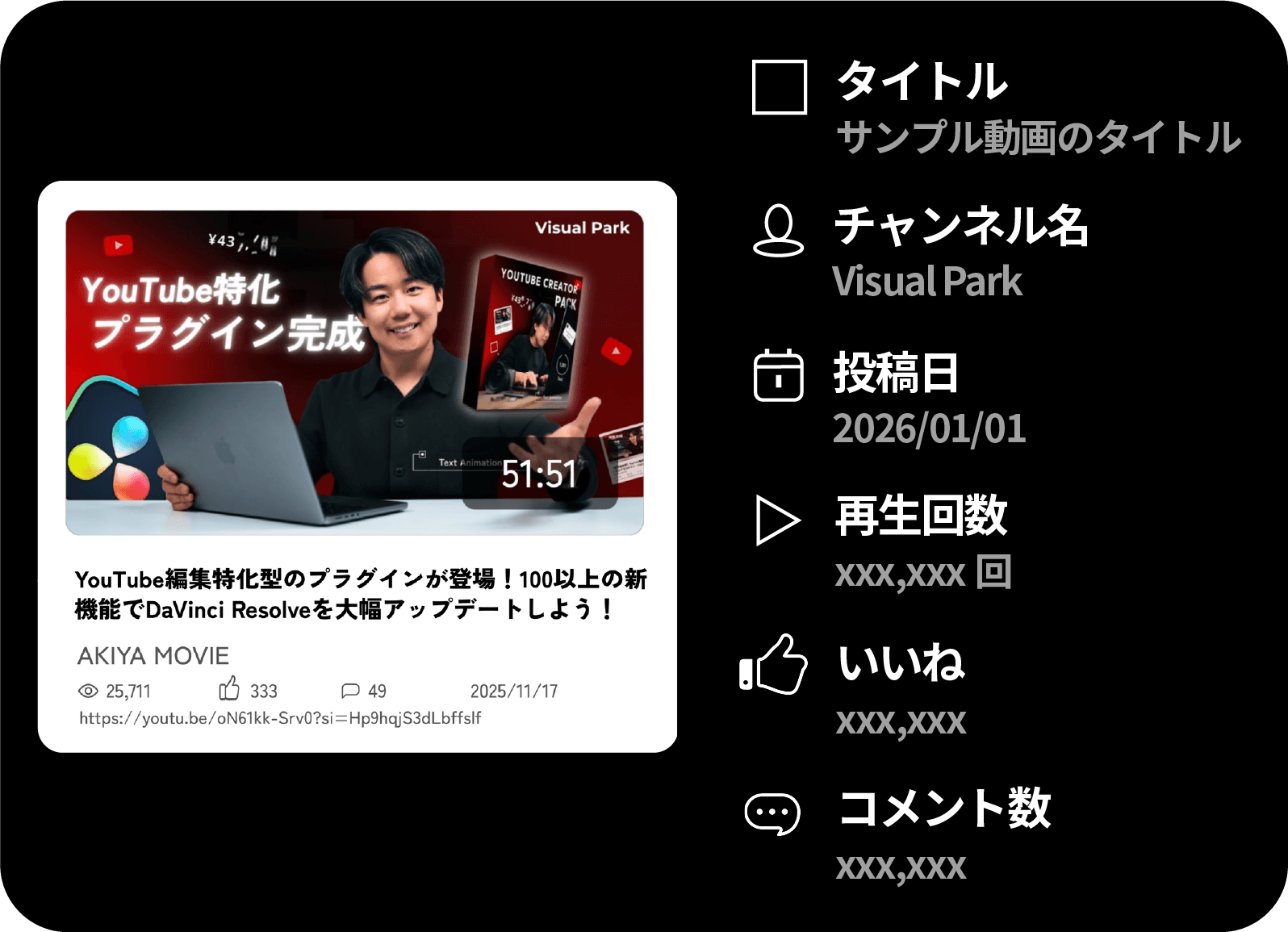
Enter a URL and let the URL Generator handle the design.
The five URL Generator macros are the only tools unavailable on iPad. They use YouTube Data API v3 and require internet access and Python 3. A payment method must be registered even when using the free quota. It is used for identity verification, and usage within the free quota is not charged. If the quota is reached, API requests stop rather than triggering automatic charges. Normal use of this plugin is not expected to exceed the quota.
Animated titles,
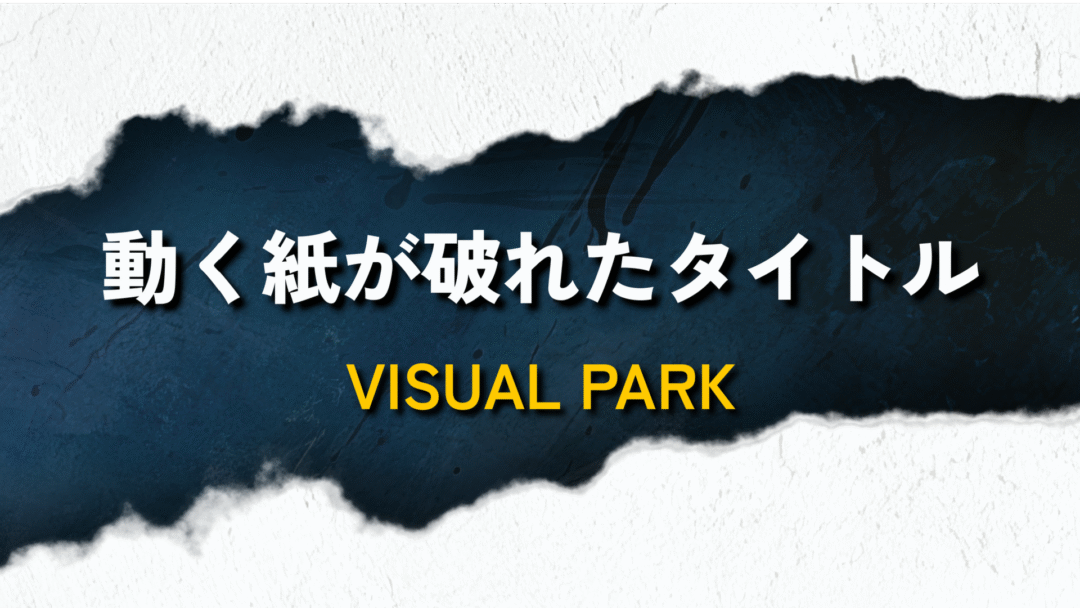
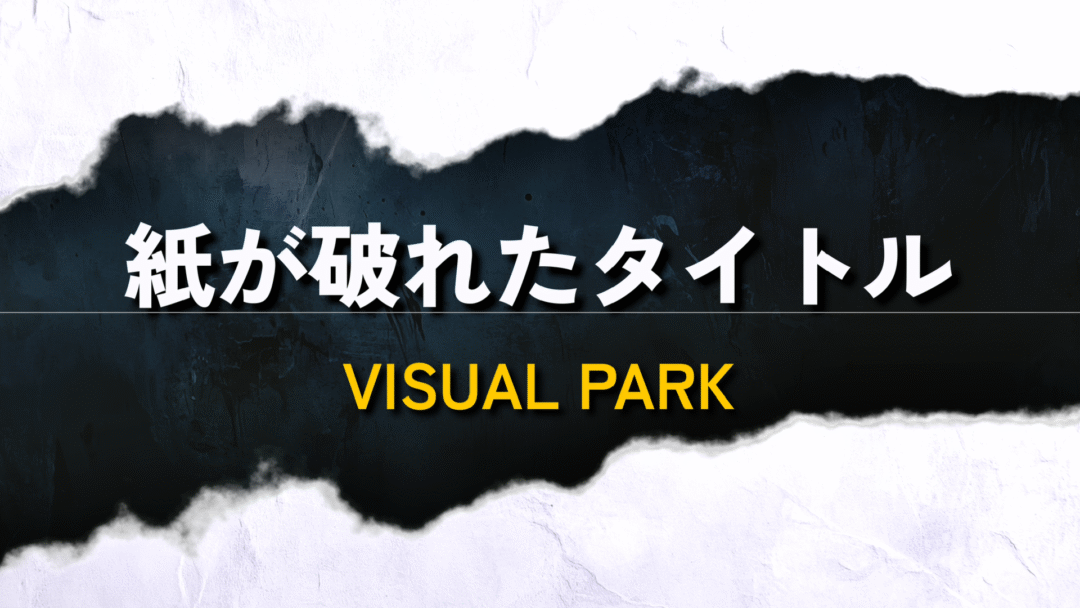
torn-paper reveals,
and even 3D animation.
Comparisons,
split screens,
and walkthroughs in a few clicks.
GET STARTED
Take your production
to the next stage.
A complete creator pack with the tools your channel needs.
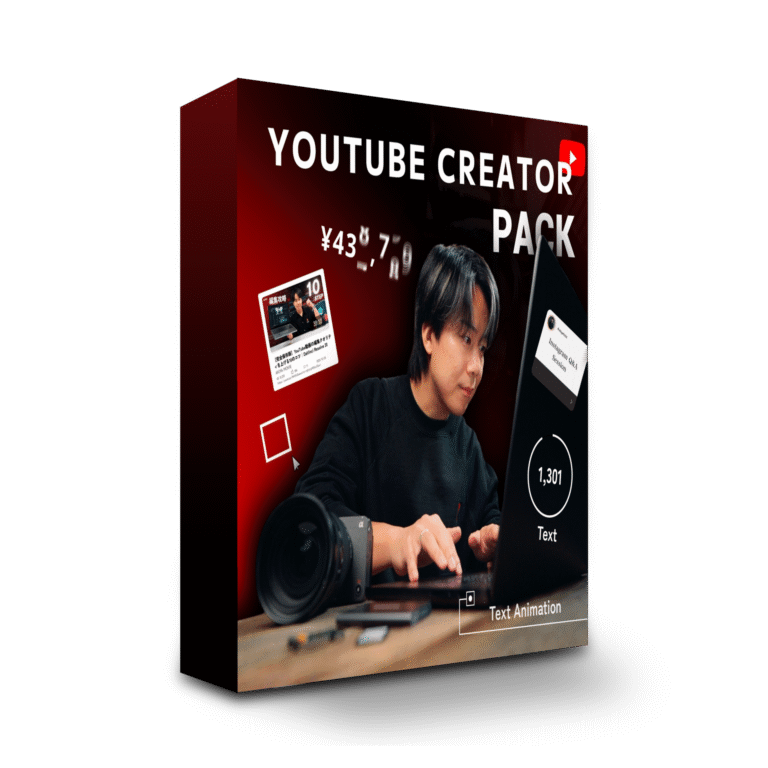
YouTube Creator Pack
¥34,800
tax included
- 112 included assets
- Designs optimized for YouTube
- Designed specifically for DaVinci Resolve
- YouTube API integration
- Commercial use permitted
- English interface and guides included
Supervised by a DaVinci Resolve
Certified Trainer
Learn how to set up the API integration and use the presets on our YouTube channel with
over 270,000 subscribers.
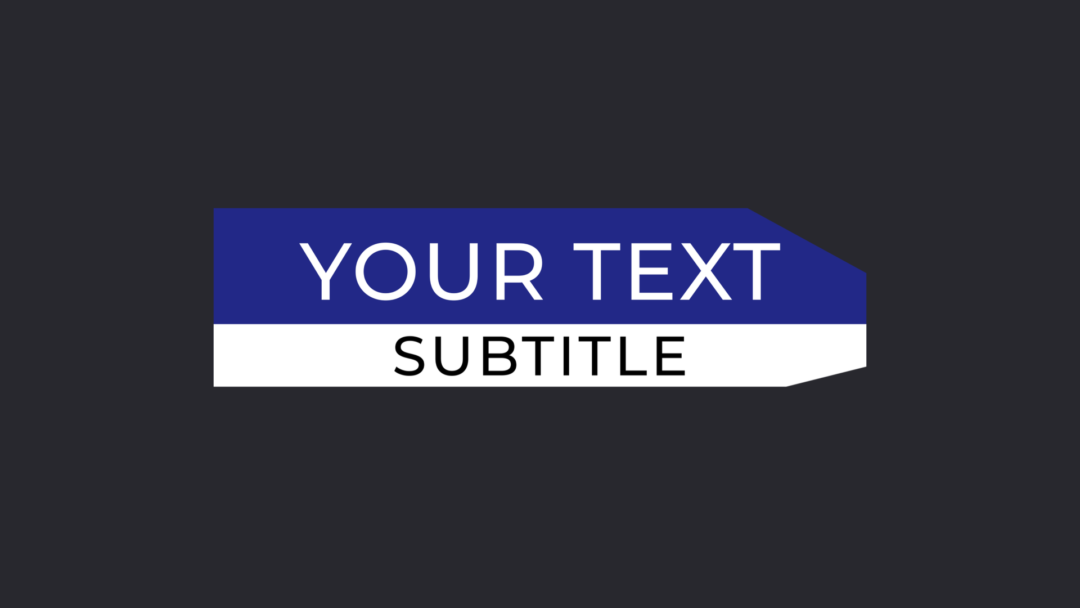
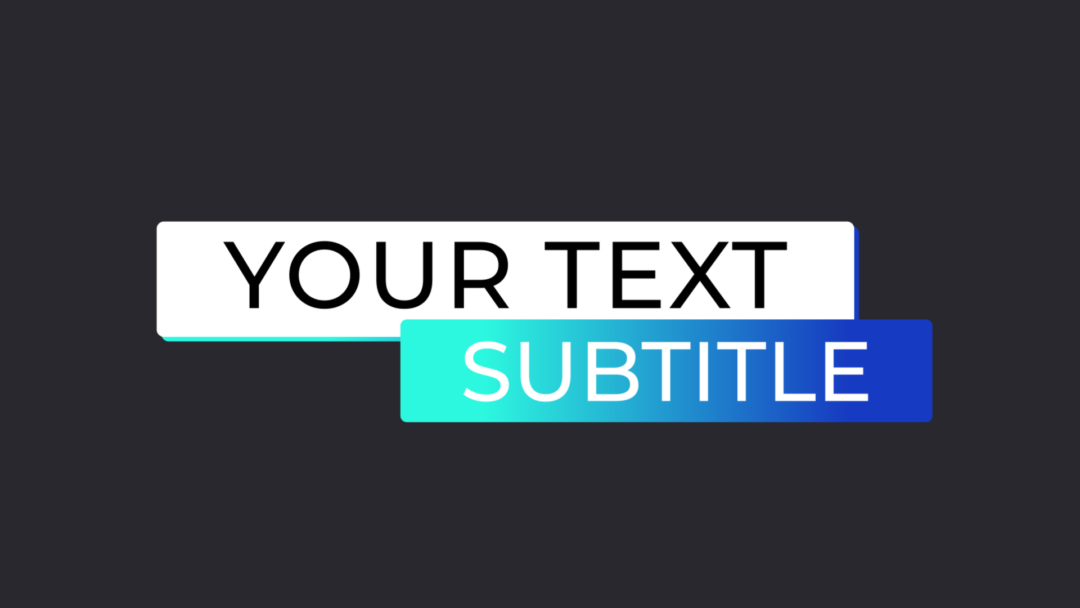
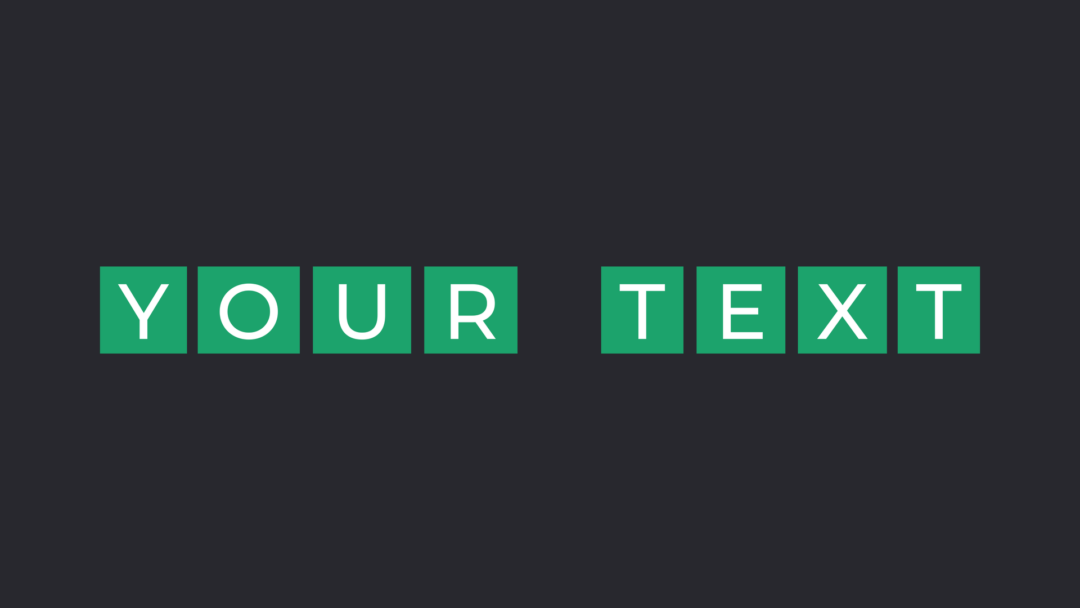
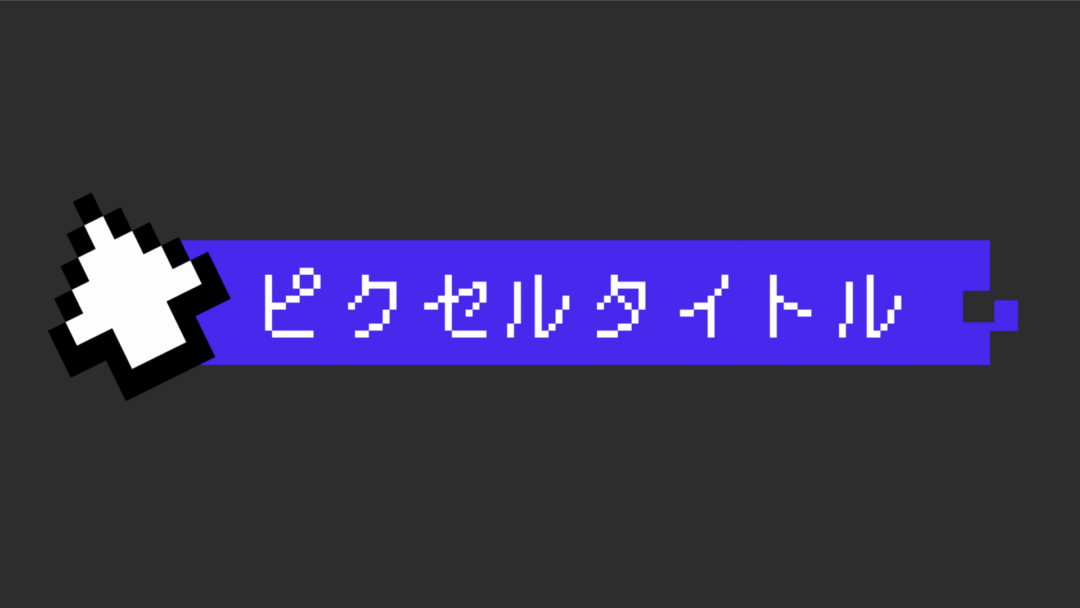
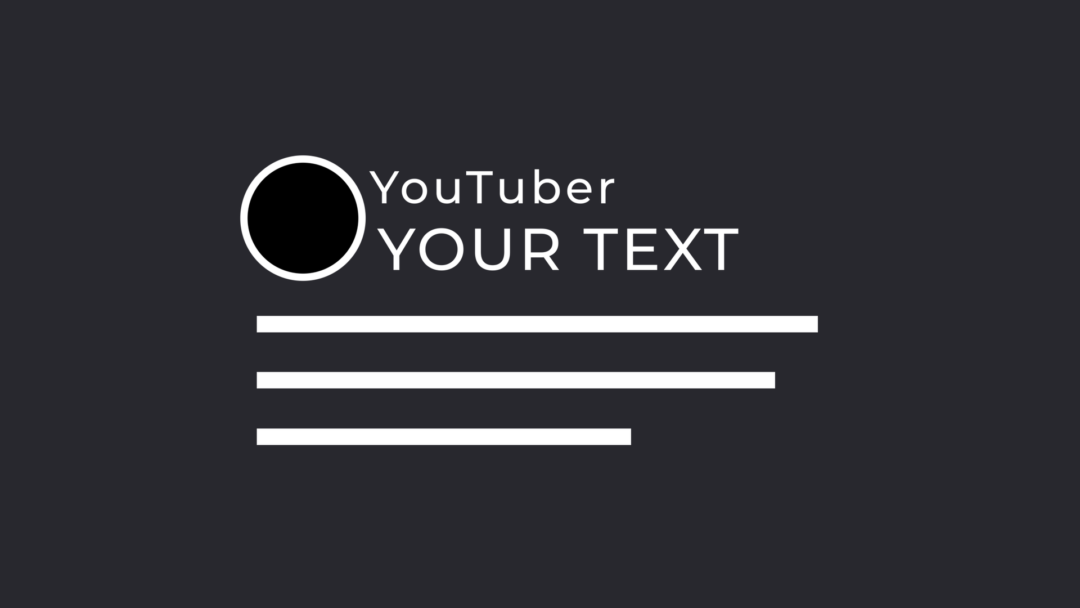
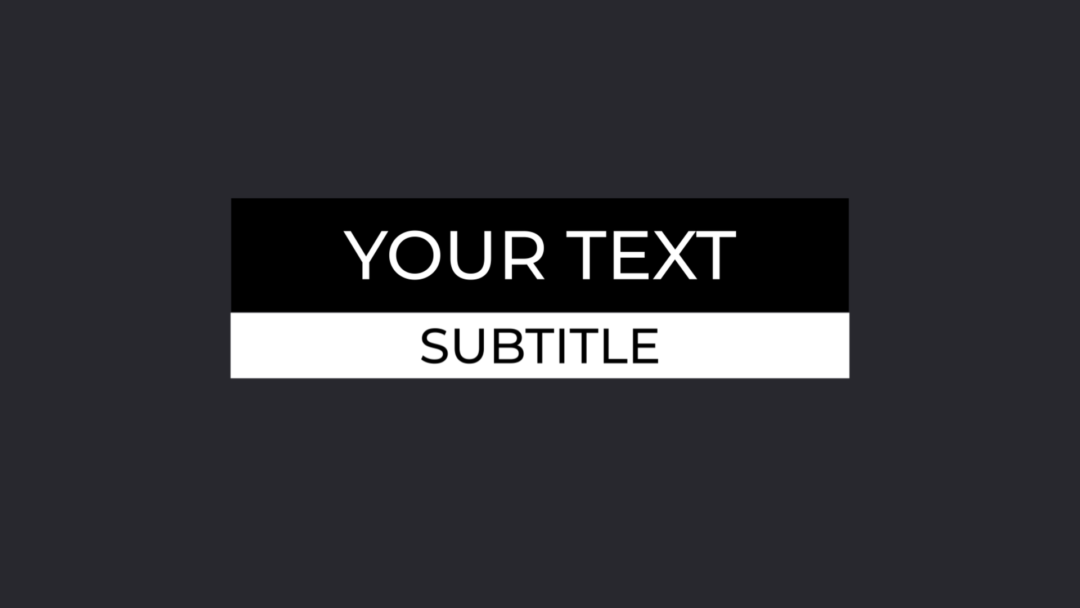
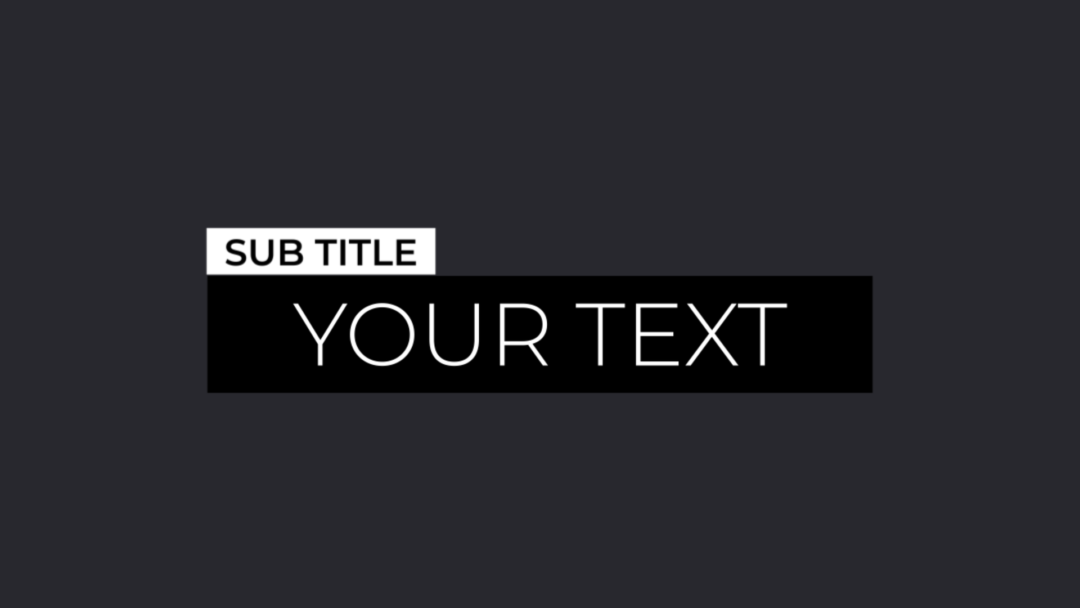
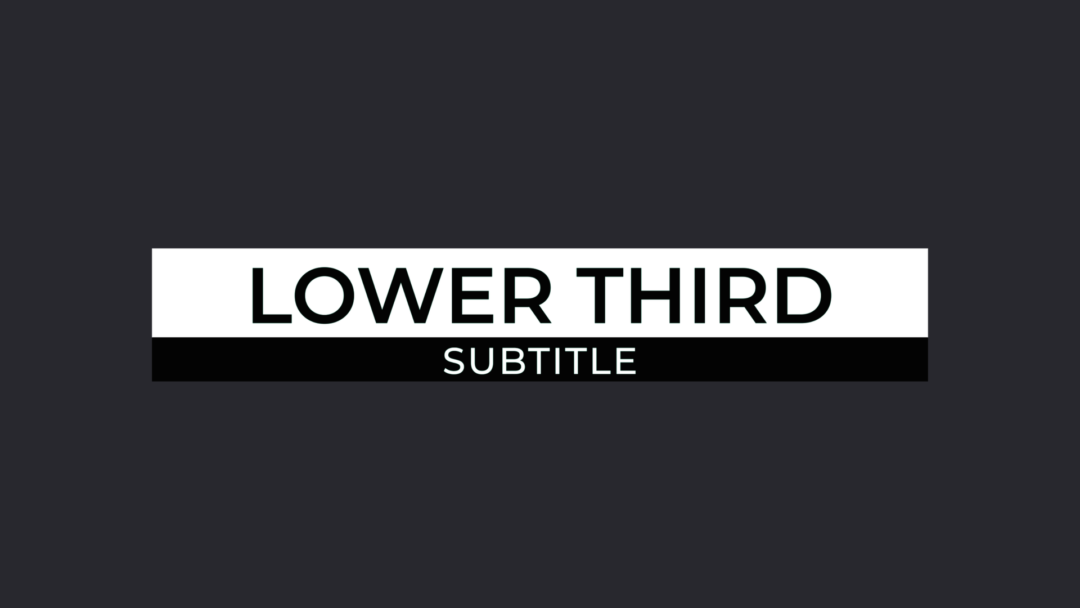
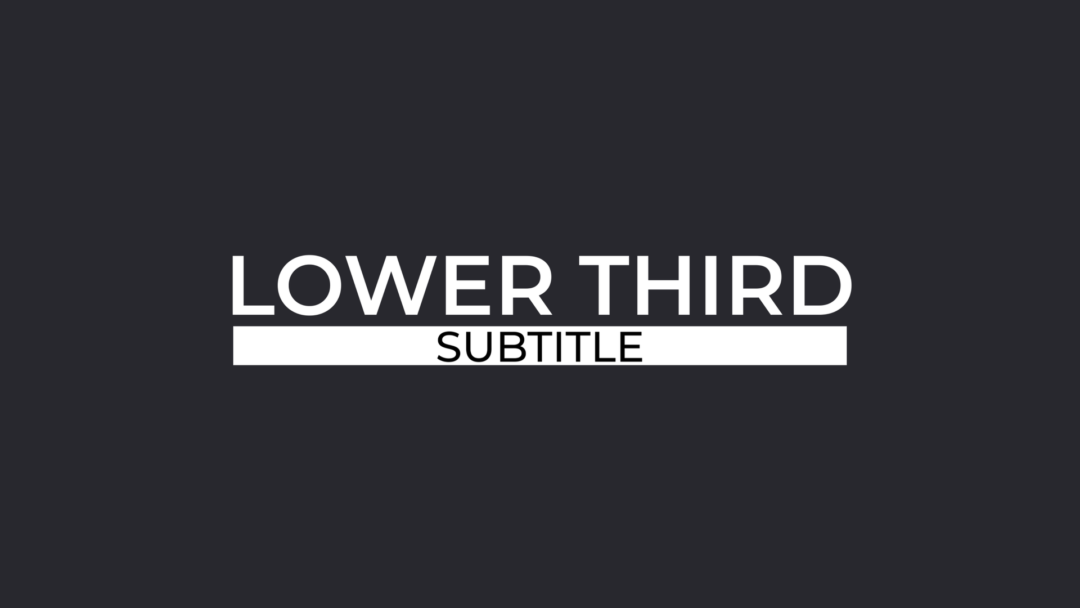
28 Titles


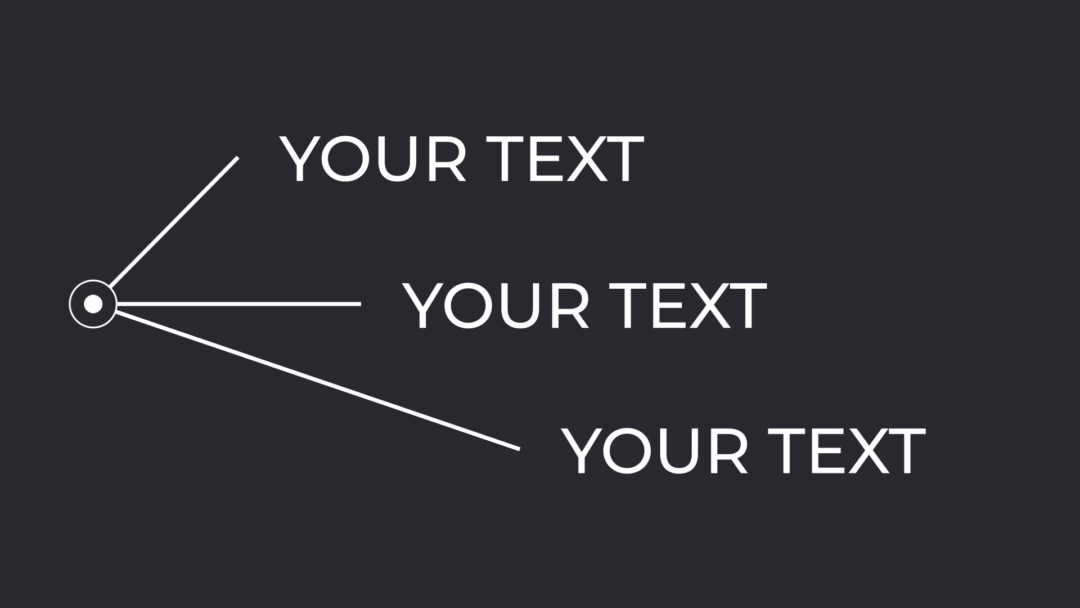
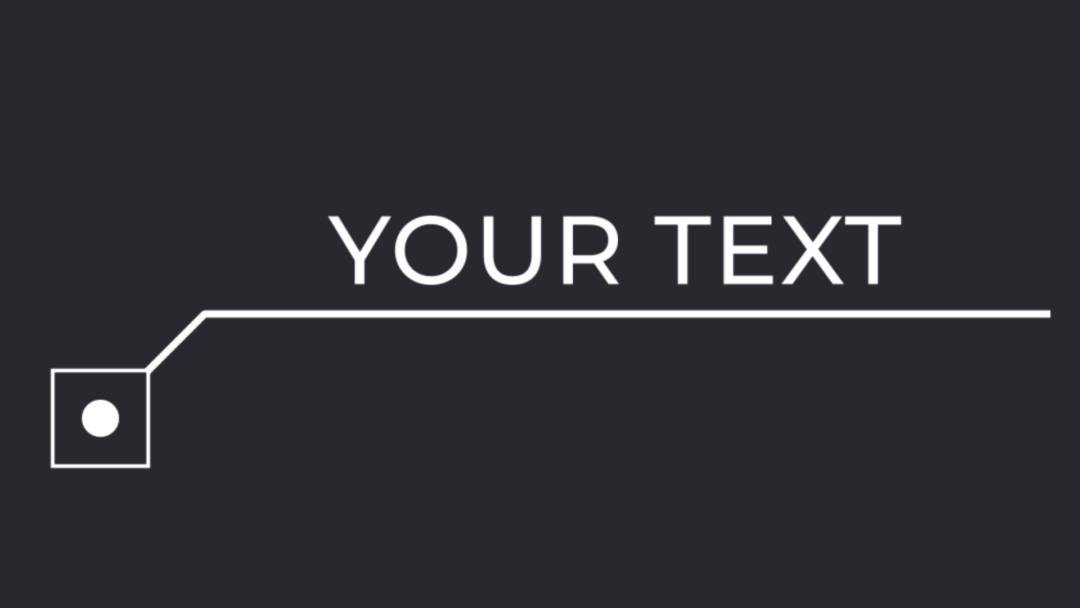
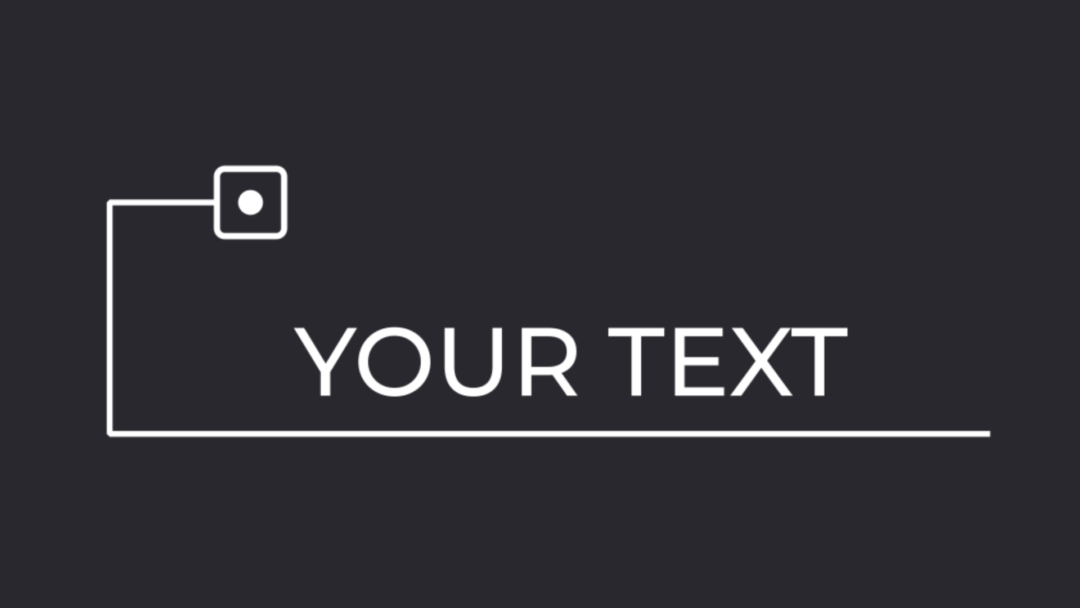





28 Effects











41 Generators



















15 Transitions















Creator Voice

@AOKI
DaVinci Resolve Certified Trainer
This plugin was clearly made by someone who understands YouTube editing inside out. The URL Generator is especially impressive. It cuts production time without sacrificing quality, so I recommend it to any creator who values both speed and polish.

Q&A
Q1: Which software does it support?
DaVinci Resolve 19.1 or later is required, with Fusion functionality available.
Q2: Does it work on Windows and macOS?
Yes. It supports Windows 10 (64-bit) or later and macOS 11 Big Sur or later.
Q3: Is installation difficult?
The main package installs in about 30 seconds. The URL Generator requires separate API setup, but
the included README and tutorial video guide you through the process.
Q5: Can I use it commercially?
Yes. Commercial use is permitted for YouTube, social media, and client projects.
Redistribution or resale of the downloaded files is prohibited.
Q6: Can I use it on multiple devices?
Yes, as long as the devices are used by the purchaser.
Teams and organizations need one license for each user.
Please contact us to discuss licensing for a large organization.
Q7: Are refunds available?
Refunds are not available for digital content.
However, our support team will respond promptly if a file is corrupt or defective.
Q8: Does it work with the free version of DaVinci Resolve?
Yes. It works with the free version of DaVinci Resolve.
System requirements
– DaVinci Resolve 19.1 or later (Fusion functionality required)
– Recommended: DaVinci Resolve Studio (the free version is also supported)
– Windows 10 (64-bit) or later, or macOS 11 Big Sur or later
– RAM: 16 GB recommended (32 GB for 4K footage)
– GPU: 2 GB VRAM minimum (4 GB recommended)
– Internet connection when using the YouTube information tools
Supported operating systems
– Windows: Windows 10 (64-bit) / Windows 11
– macOS: macOS 11 Big Sur / macOS 12 Monterey / macOS 13 Ventura / macOS 14 Sonoma or later
– iPad: DaVinci Resolve for iPad (the five URL Generator macros are unavailable)
Important limitations
– DaVinci Resolve with Fusion functionality is required
– The YouTube information tools require internet access and Python 3
– Use the tools in accordance with the YouTube Terms of Service
– Obtain any rights required for commercial use
– Network drives may not work correctly in some environments
– DaVinci Resolve for iPad cannot install DRFX templates directly; manual installation is required.
All functions except the five URL Generator macros work on iPad.
Prohibited uses
– Copying, redistributing, selling, or lending the product is prohibited
– Decompiling or reverse engineering the source code is prohibited
– Redistributing modified versions of the product is prohibited
– Transferring or sharing the product with third parties is prohibited
Purchase Questions
You May Also Like


 YouTube Creator Pack
¥34,800 VAT
YouTube Creator Pack
¥34,800 VAT
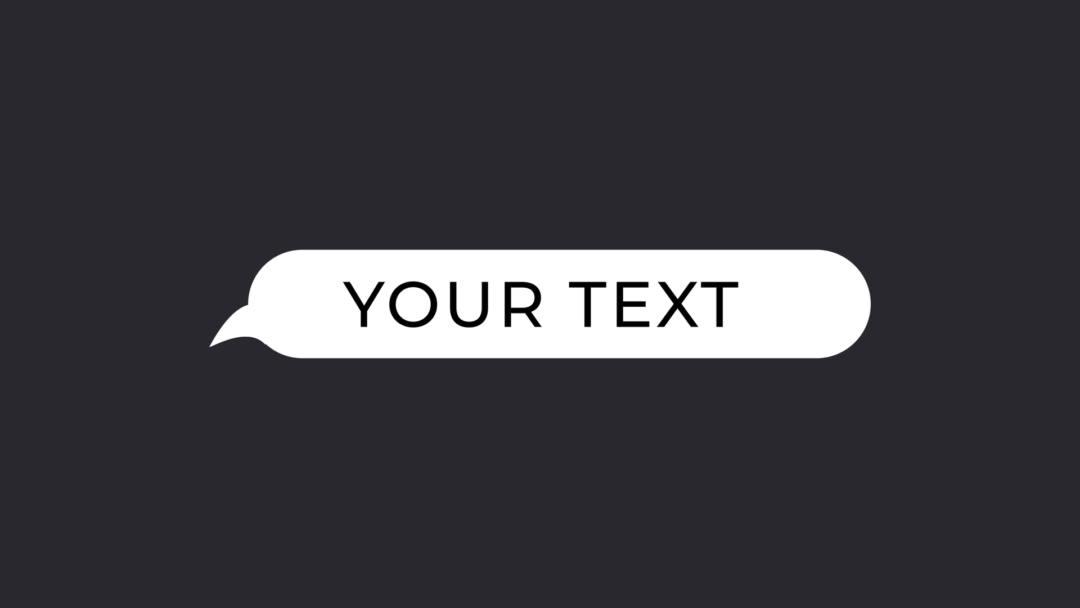
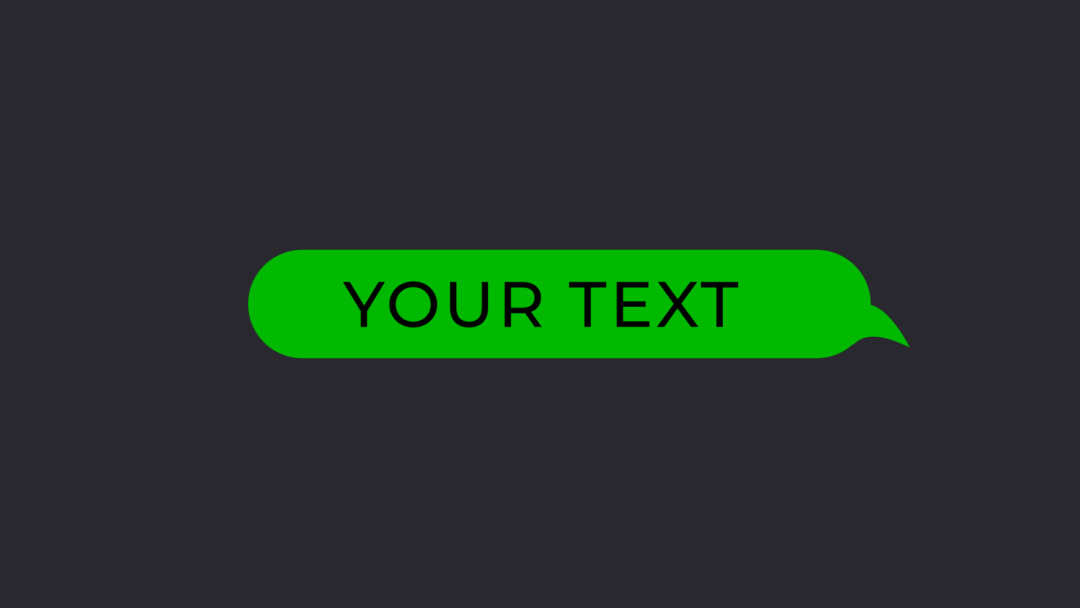
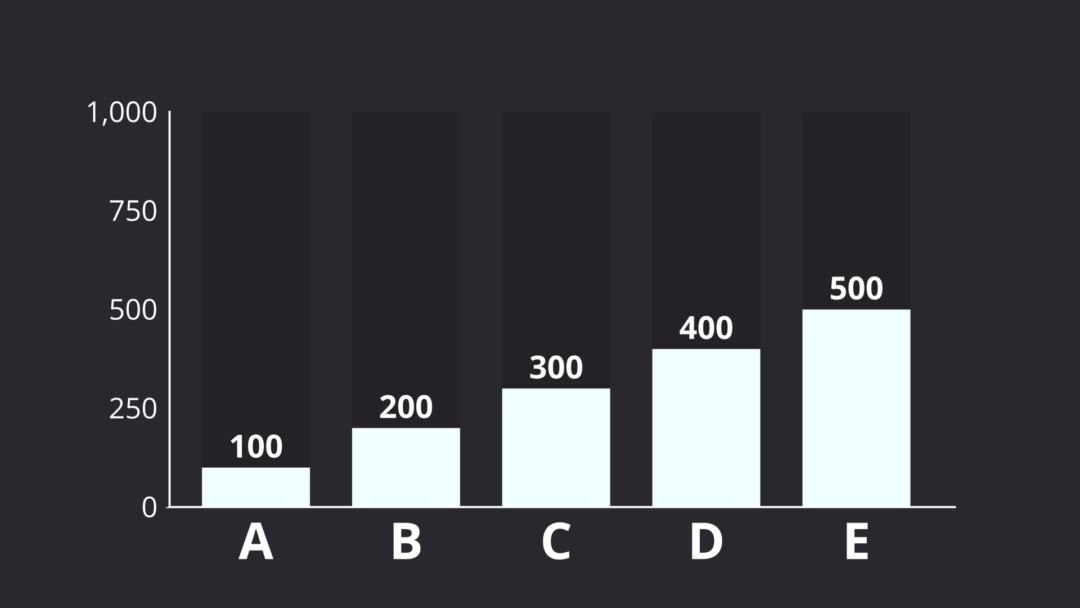
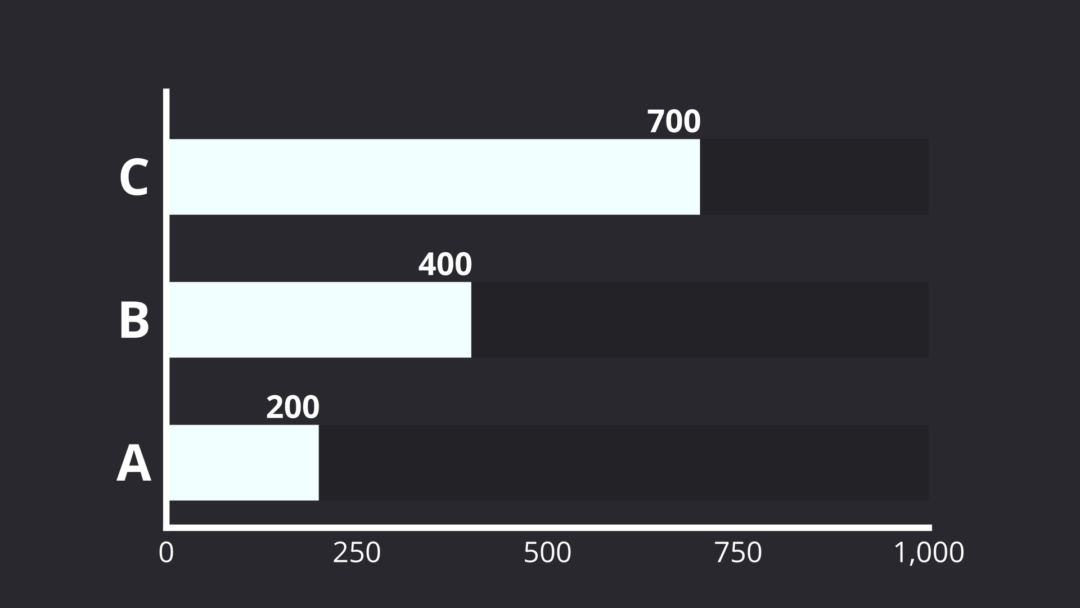
Comments, titles, text, and charts,
all in one pack.