

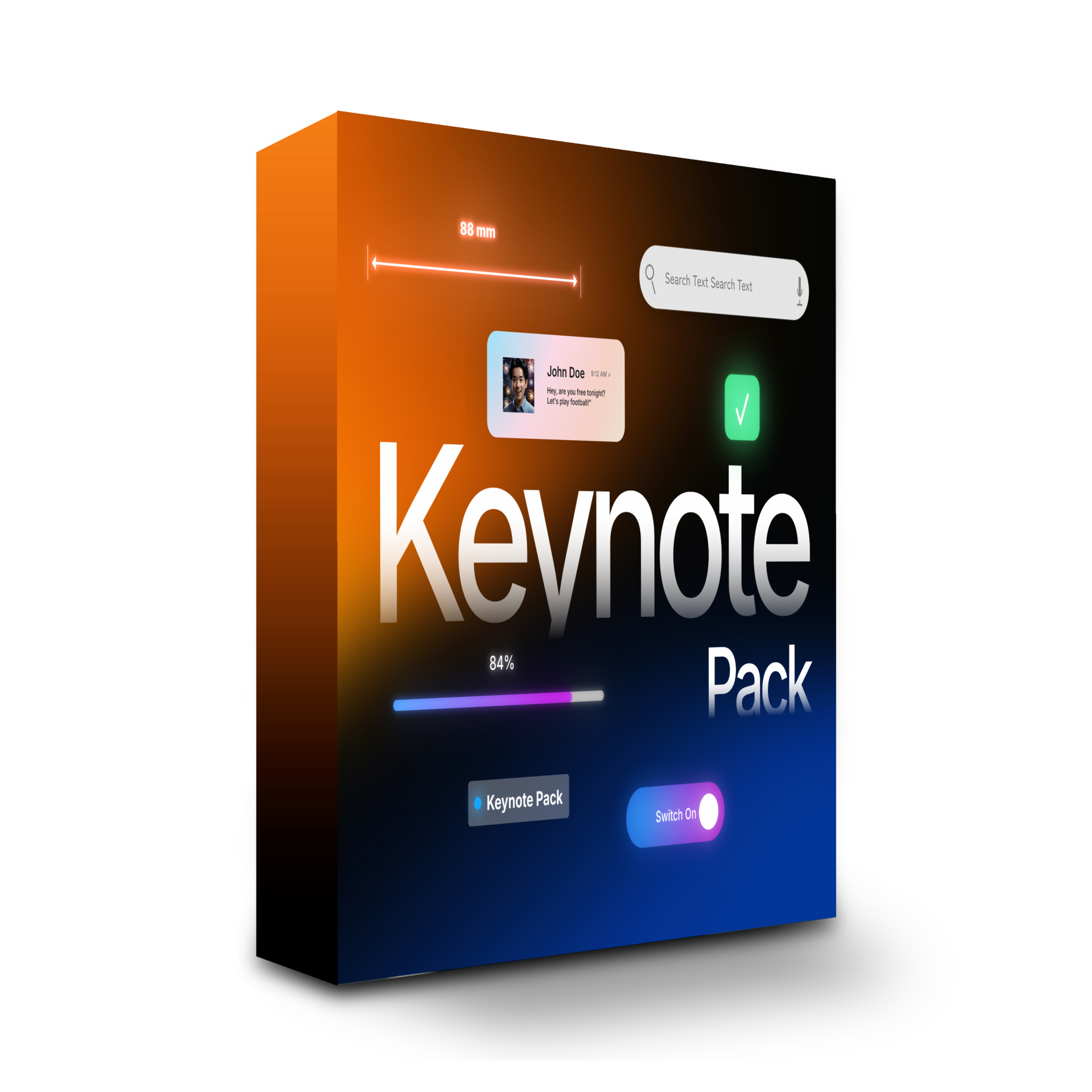
Keynote Pack

 For DaVinci Resolve
Keynote Pack at a glance
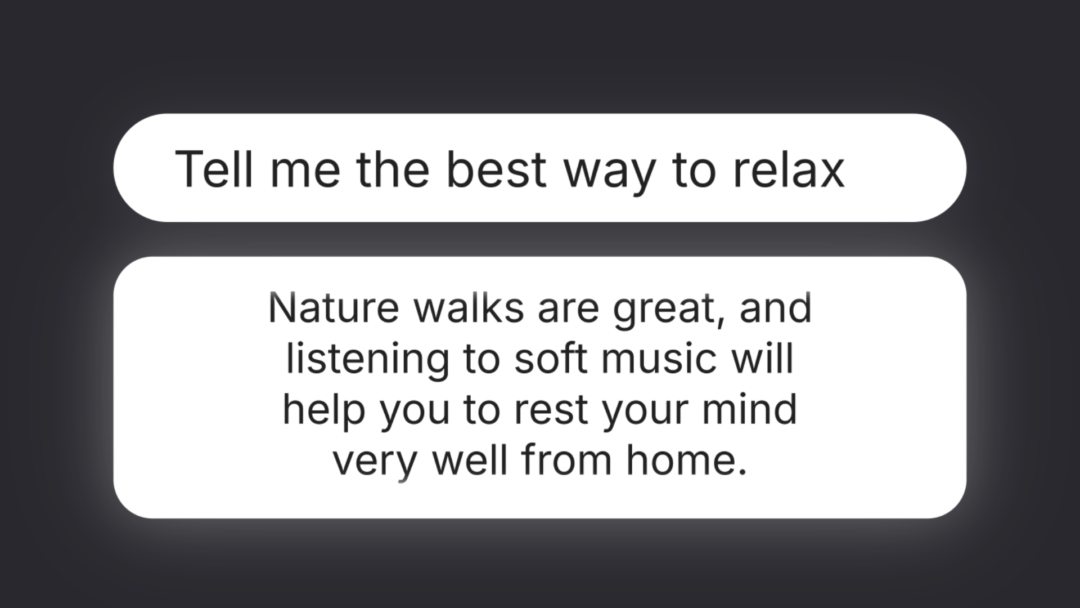
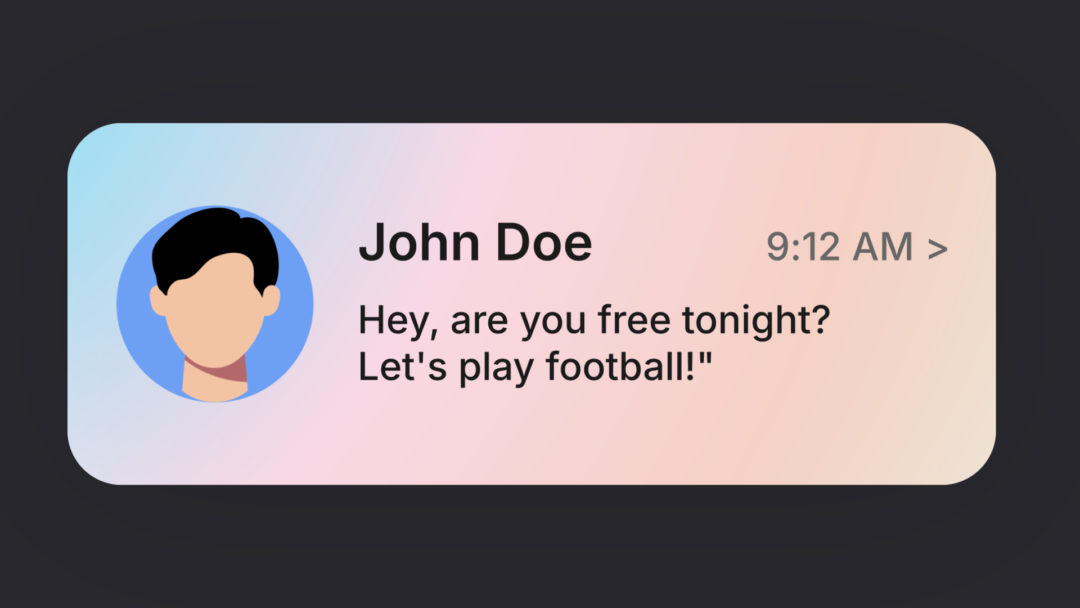
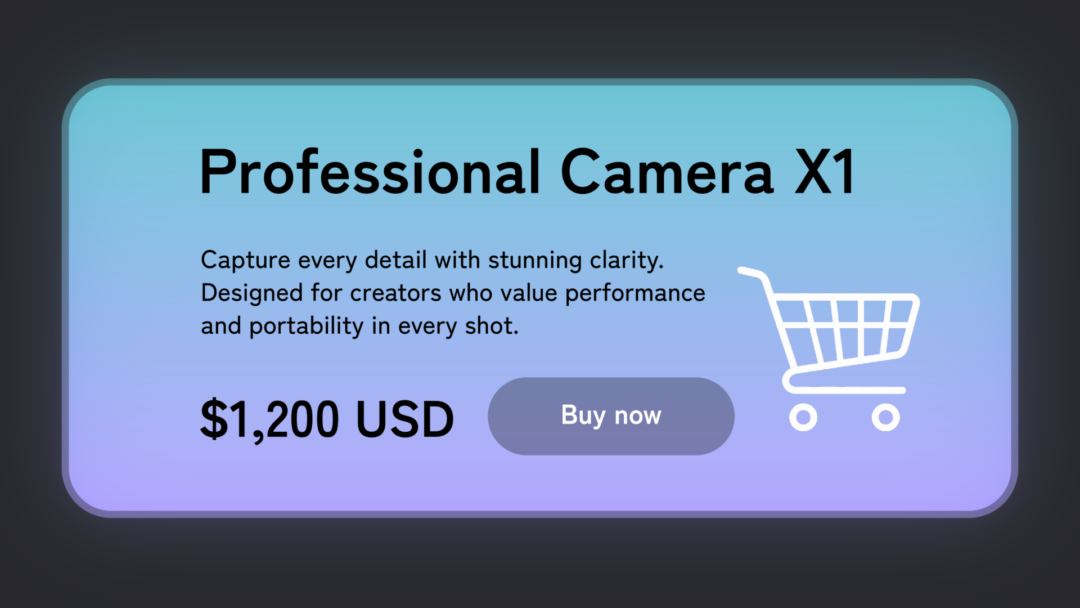
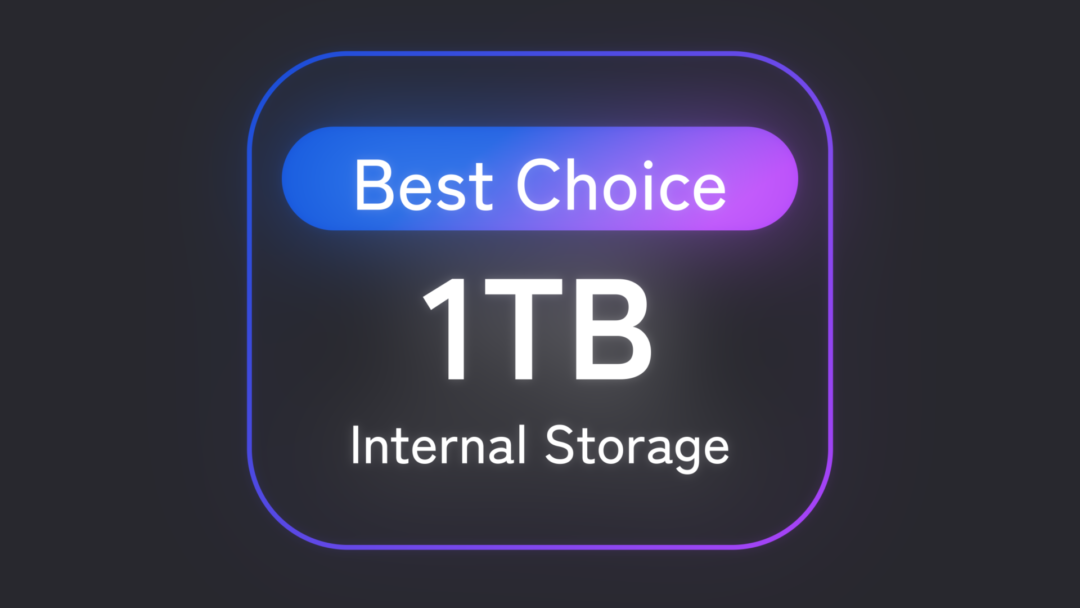
Recreate familiar Apple/iOS-inspired interface components in your footage with this collection of motion presets made specifically for DaVinci Resolve. It covers a broad range of presentation needs, from titles and profiles to visual explanations.
Every presentation tool you need, in one pack.
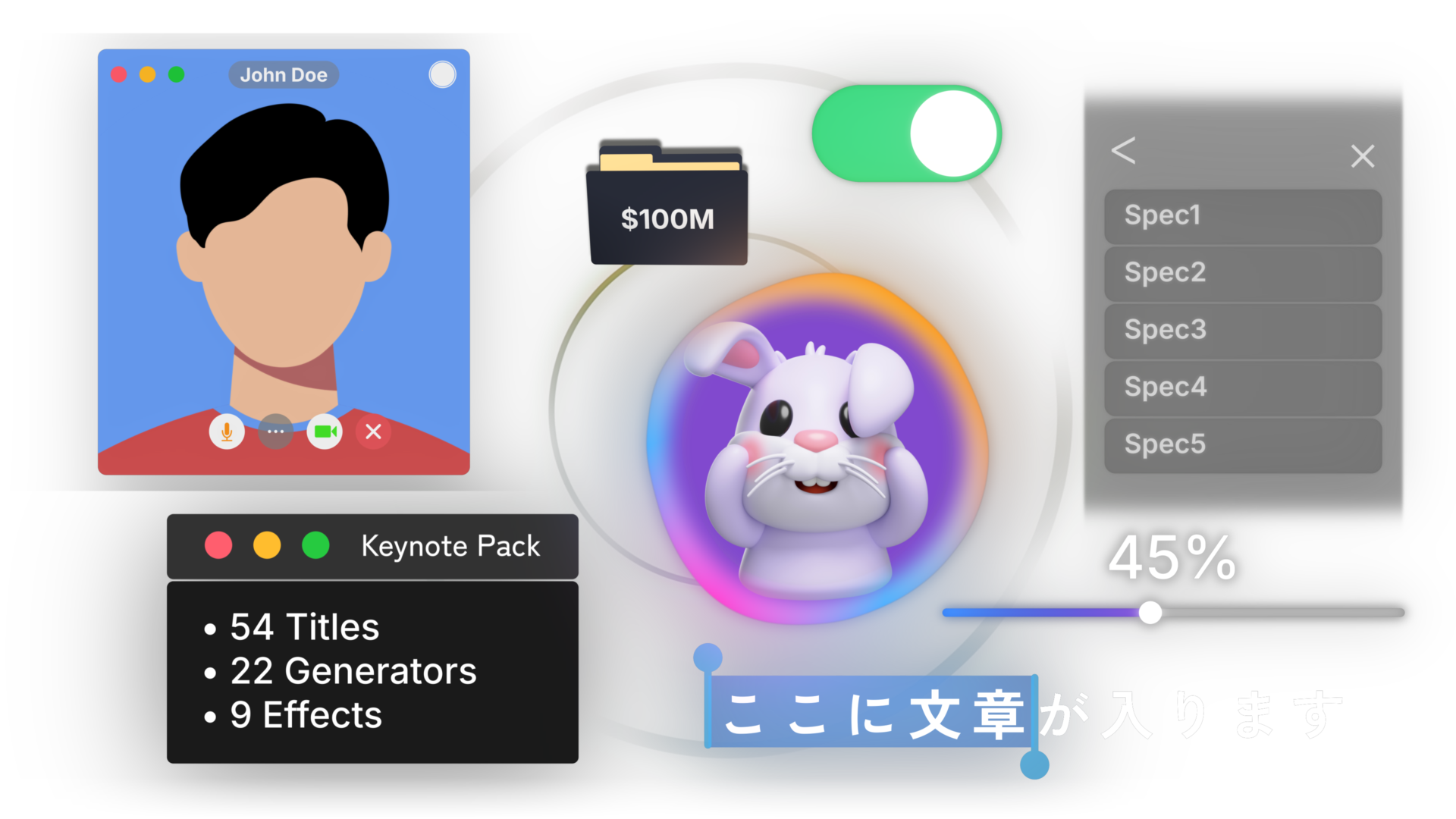
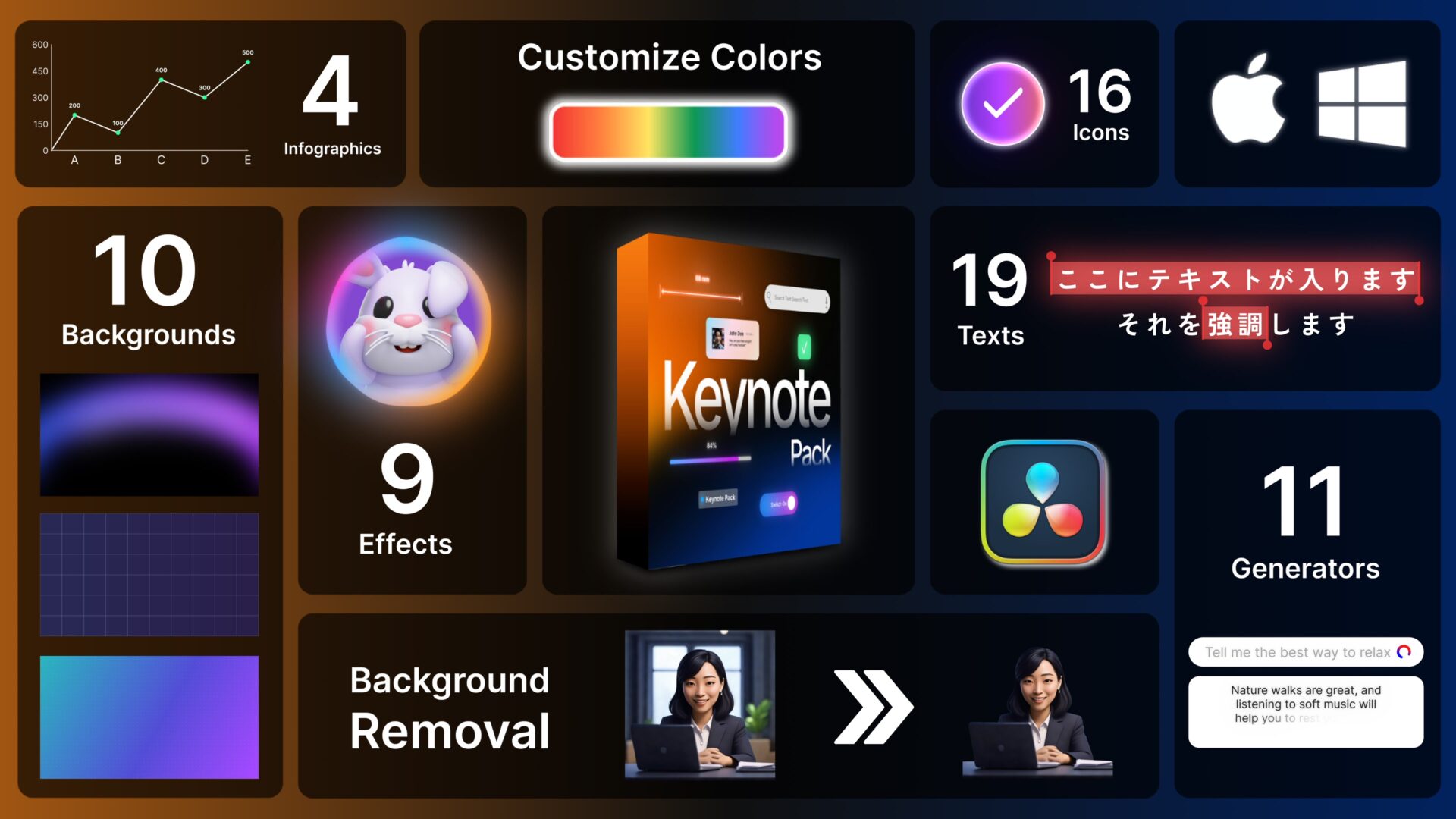
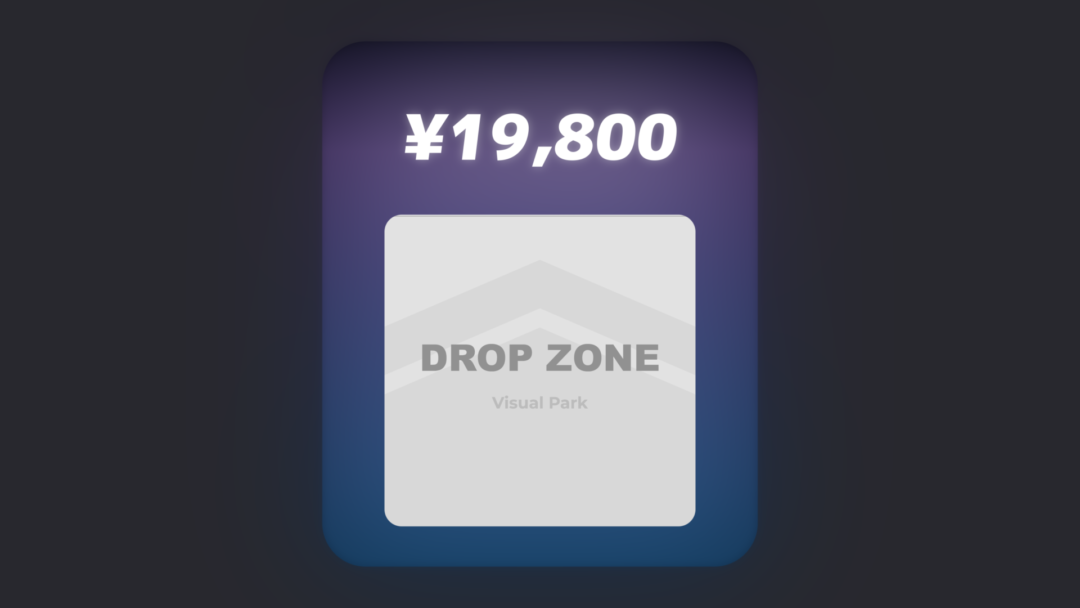
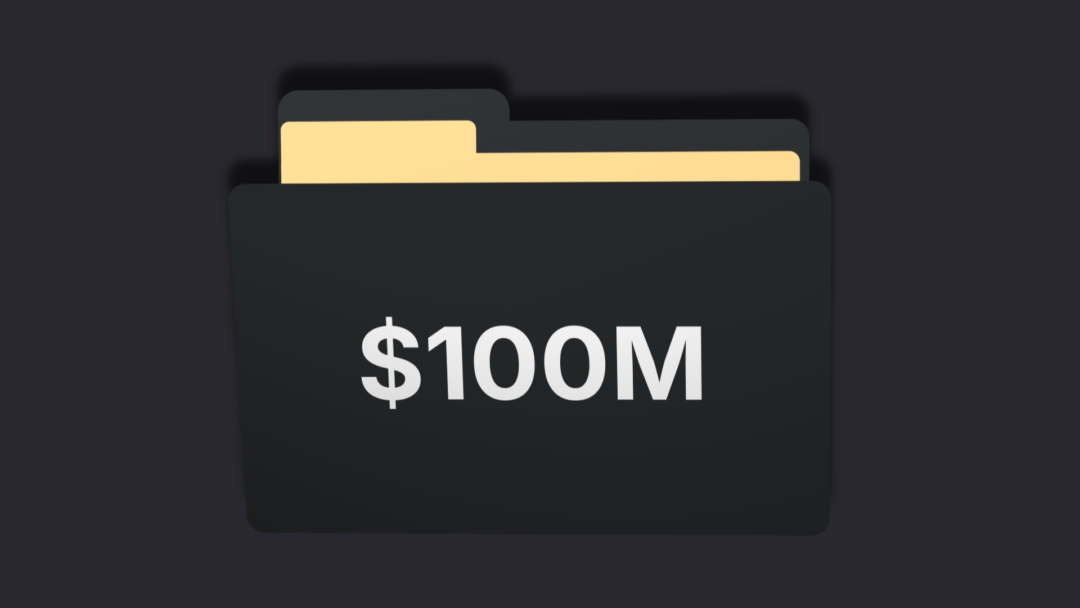
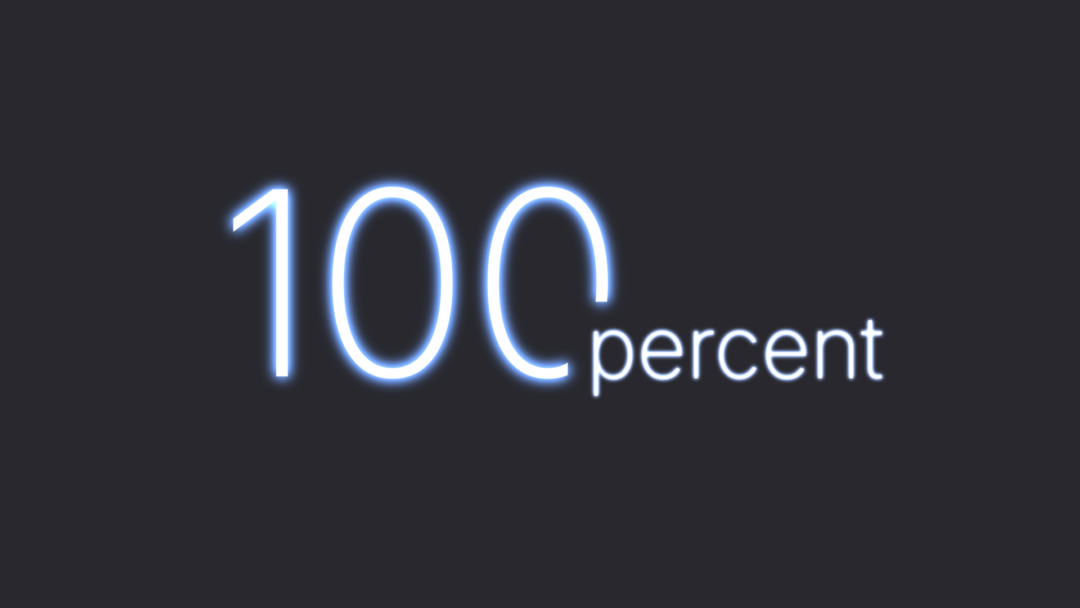
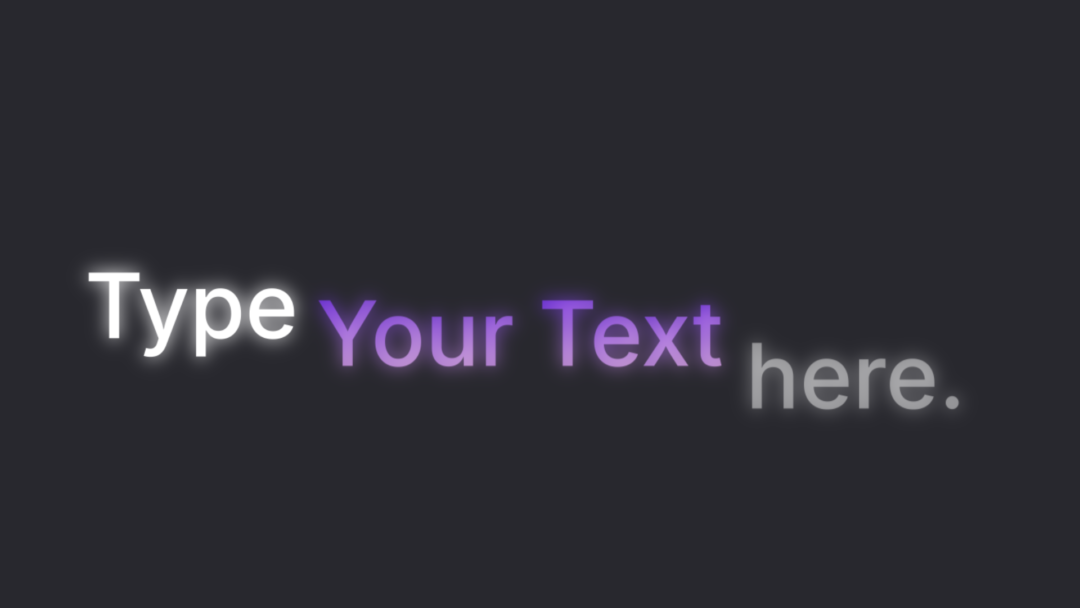
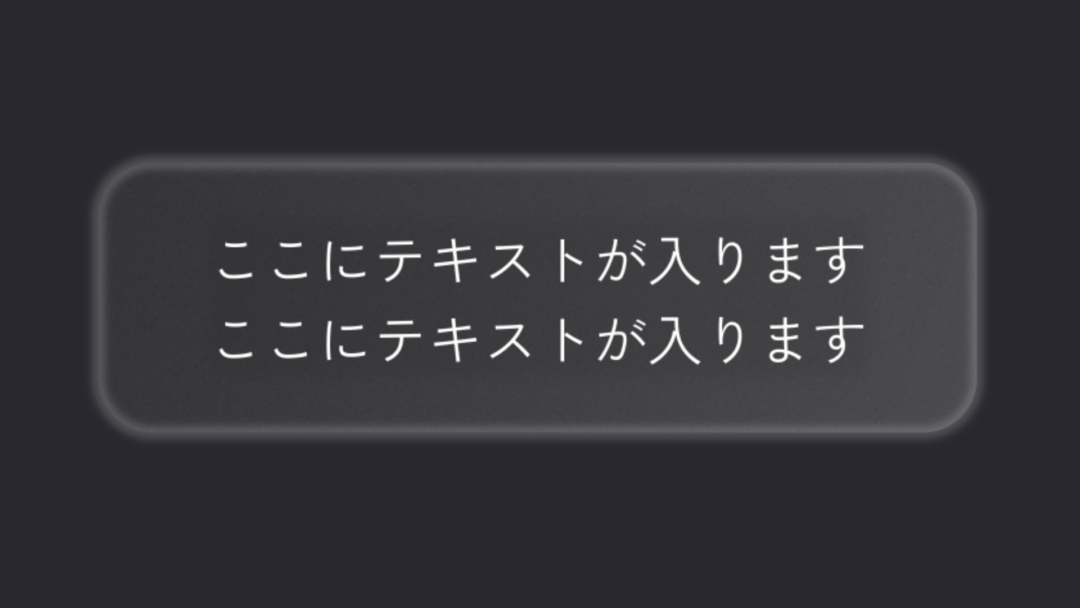
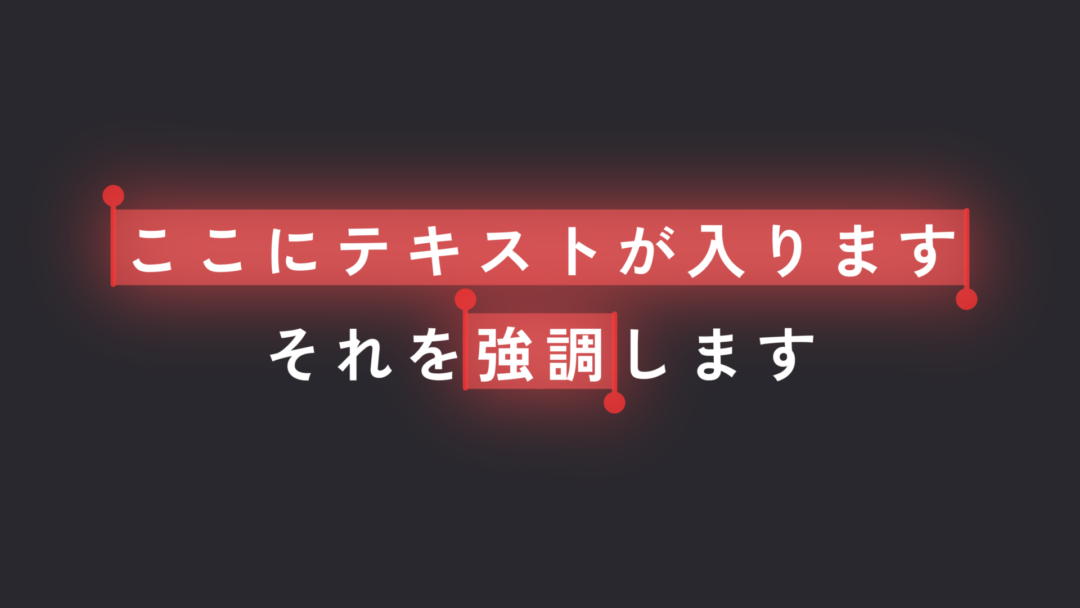
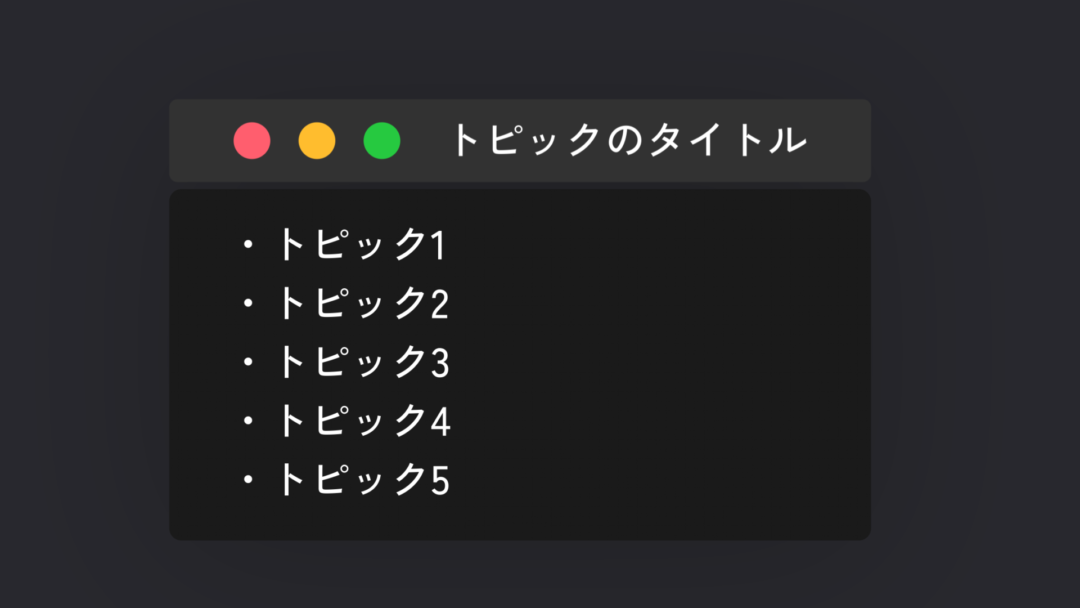
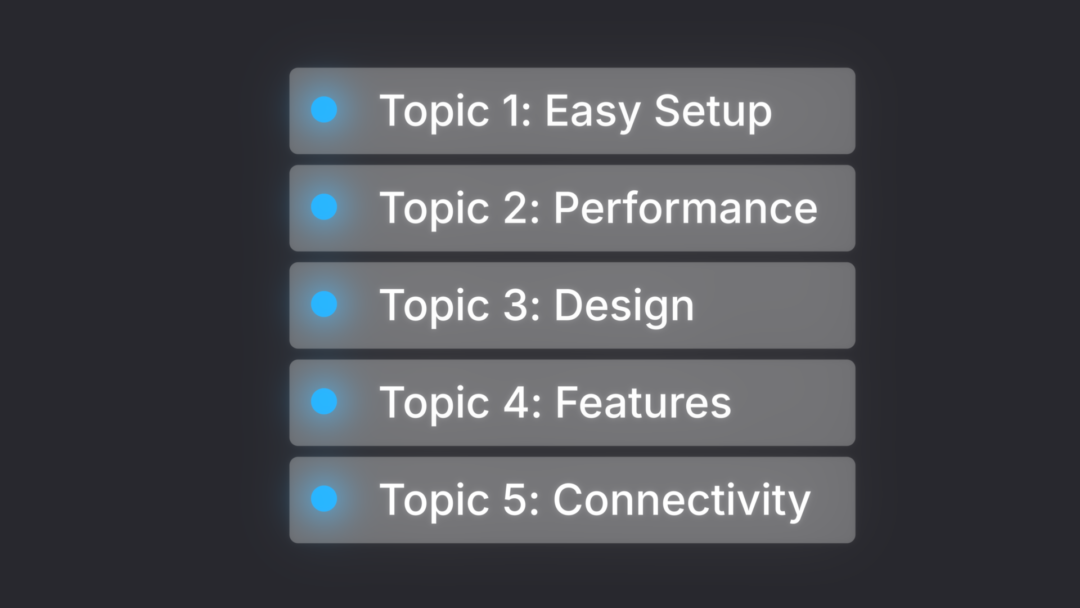
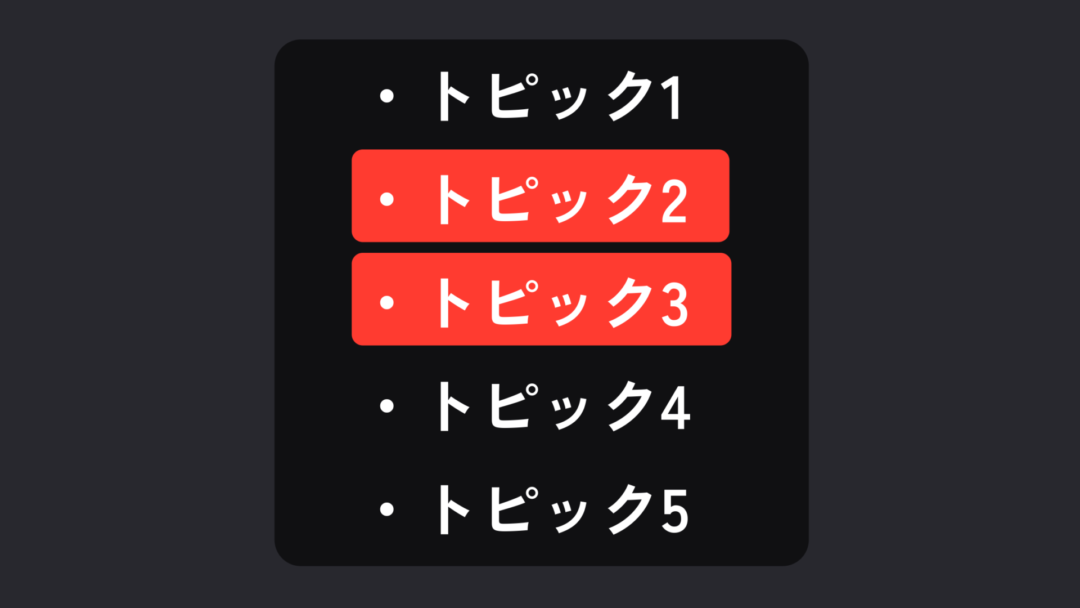
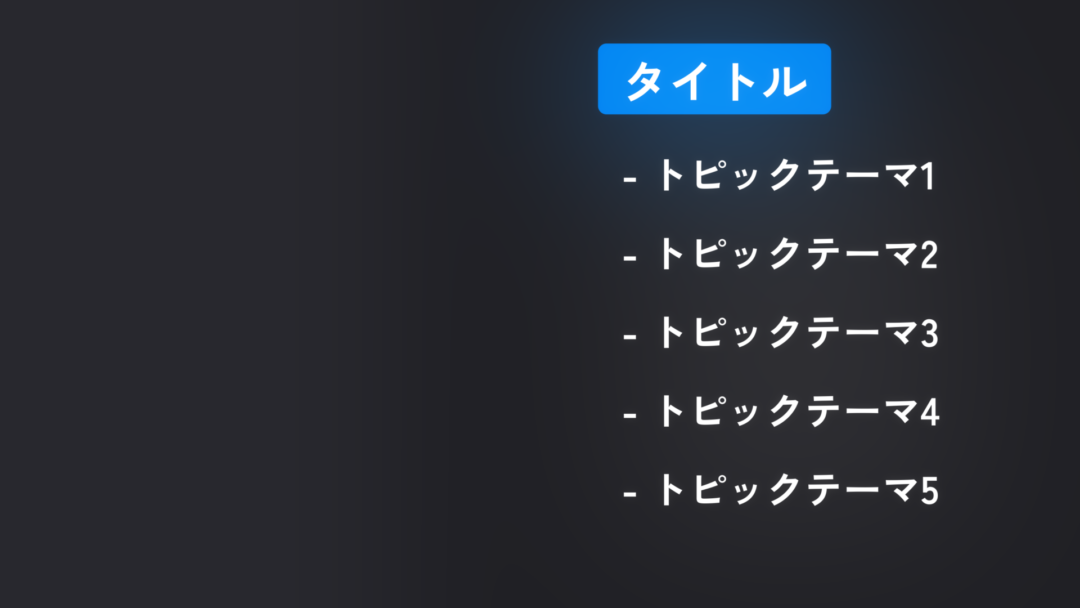
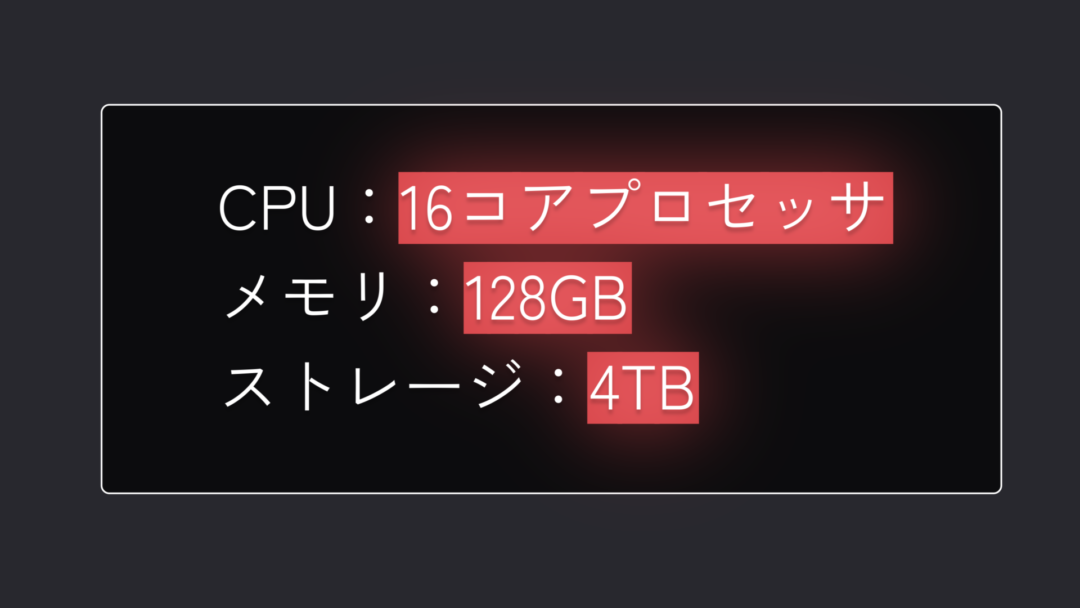
The 85 included presets cover interfaces, profiles, screen comparisons, backgrounds, and more across titles, generators, and effects.
Recreate Apple/iOS-inspired interfaces
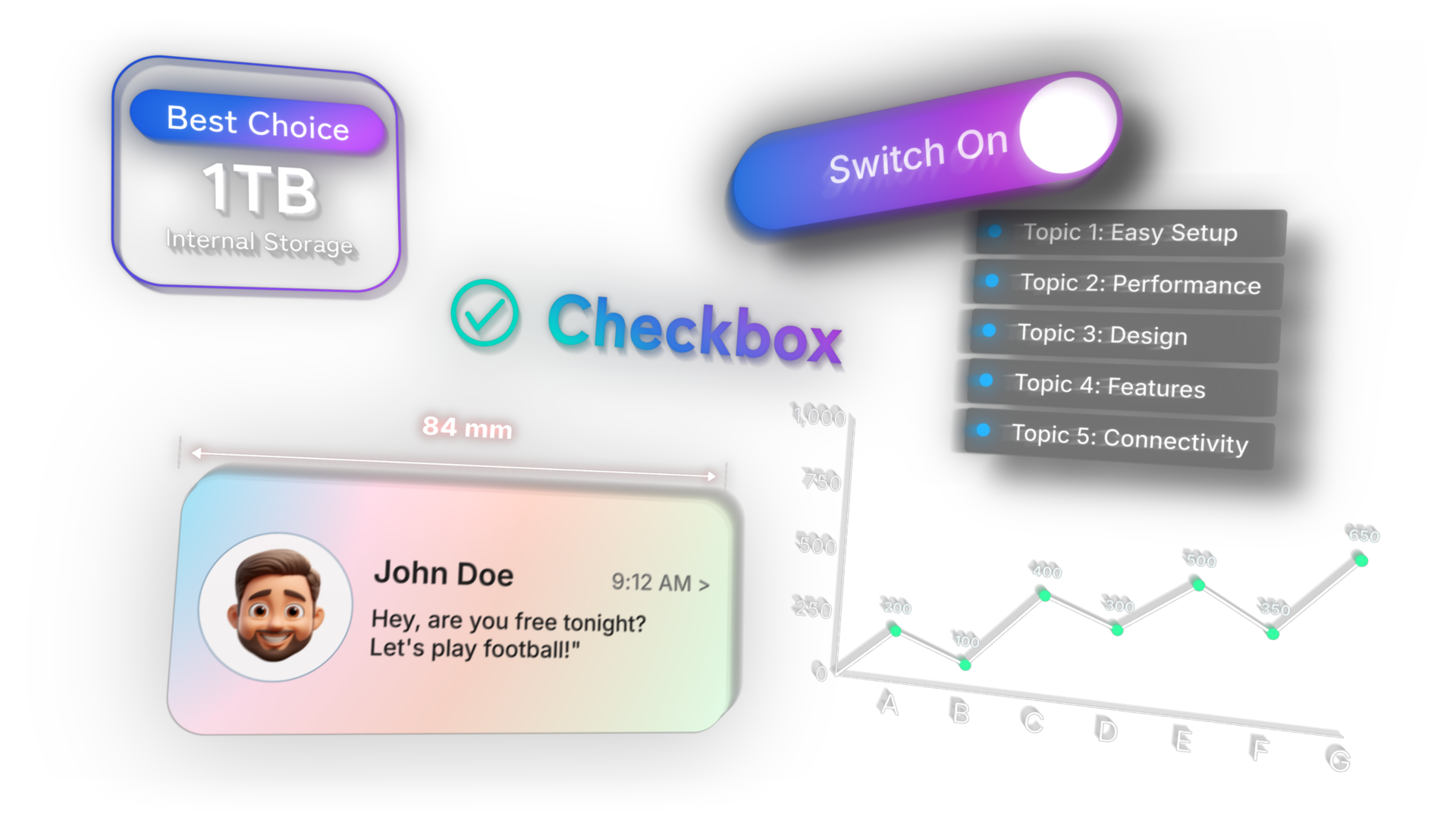
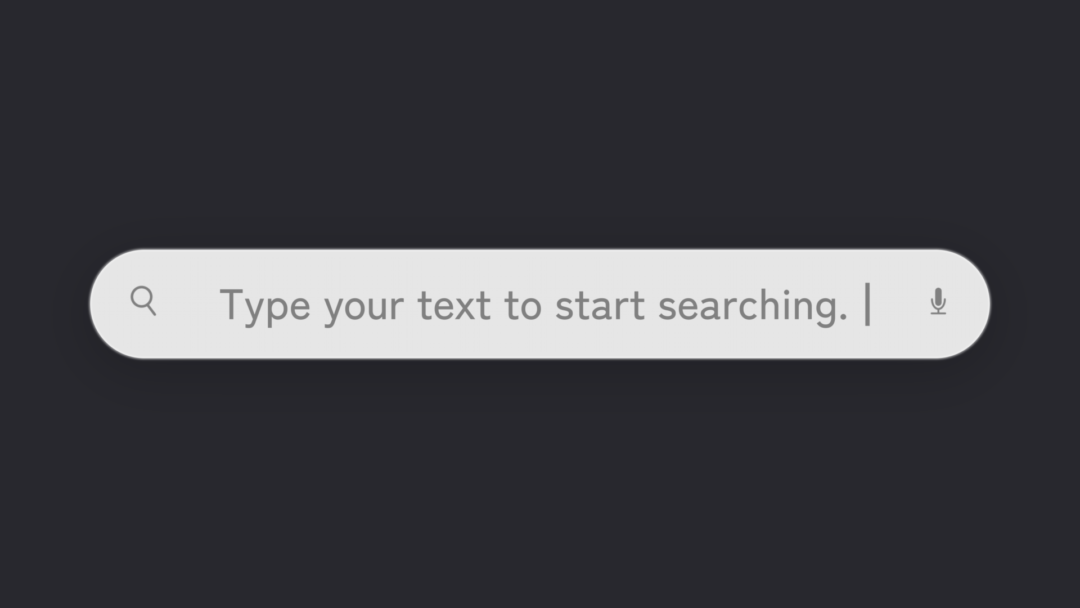
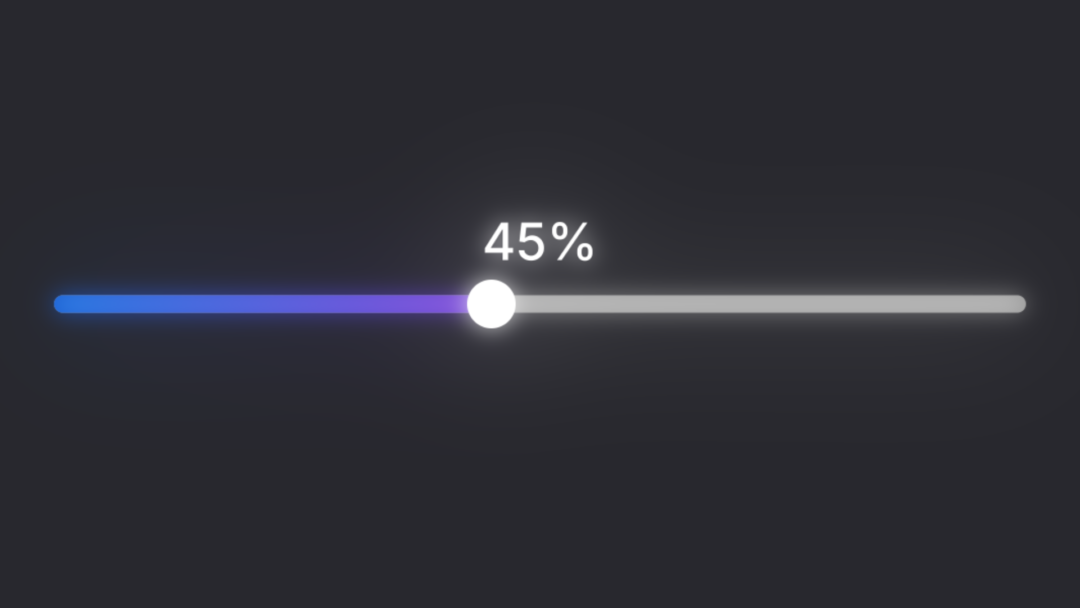
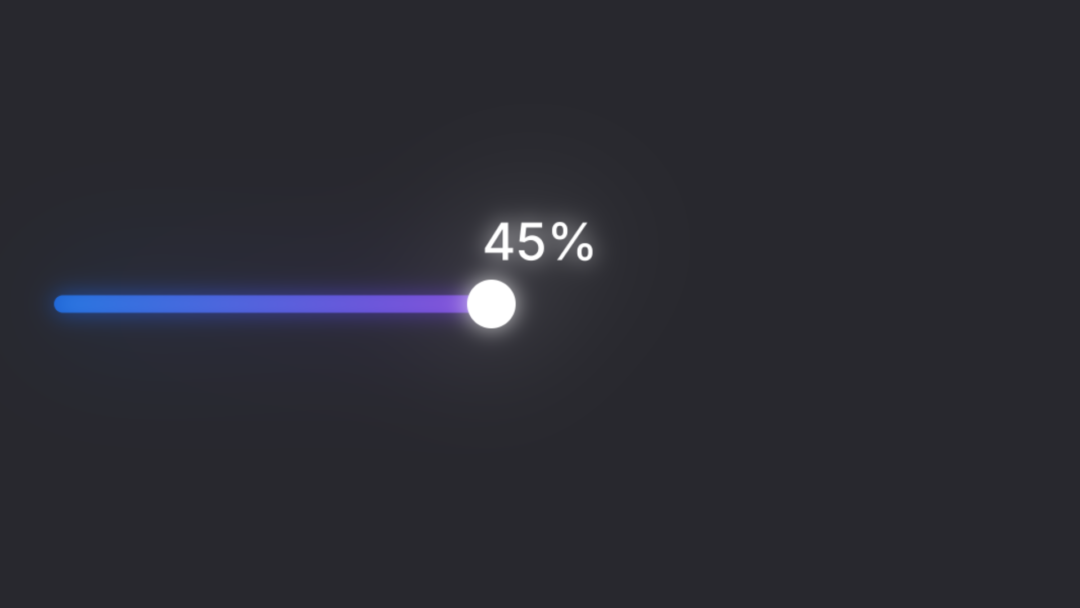
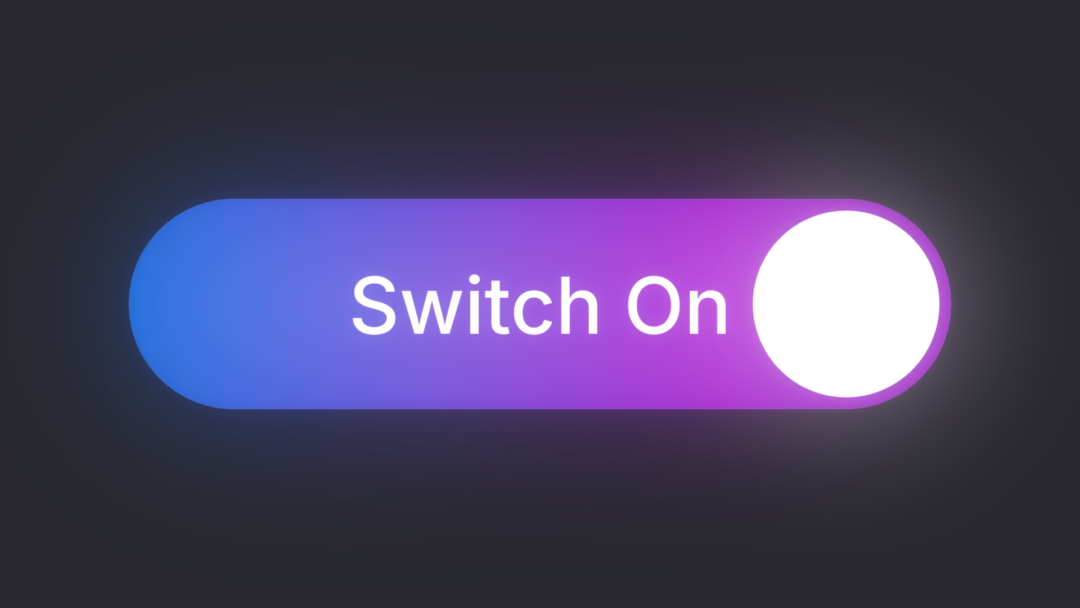
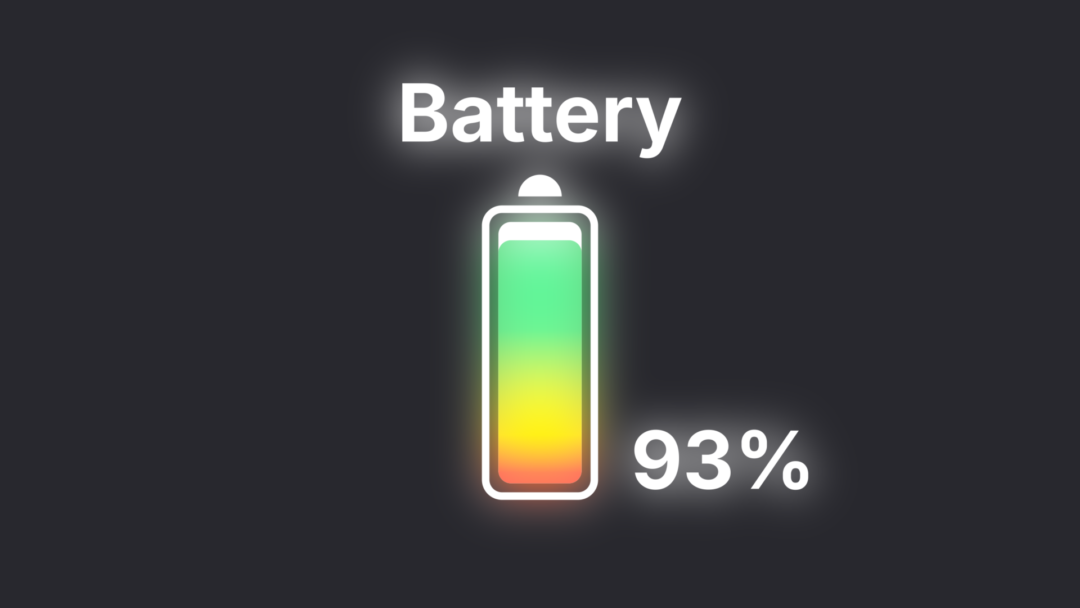
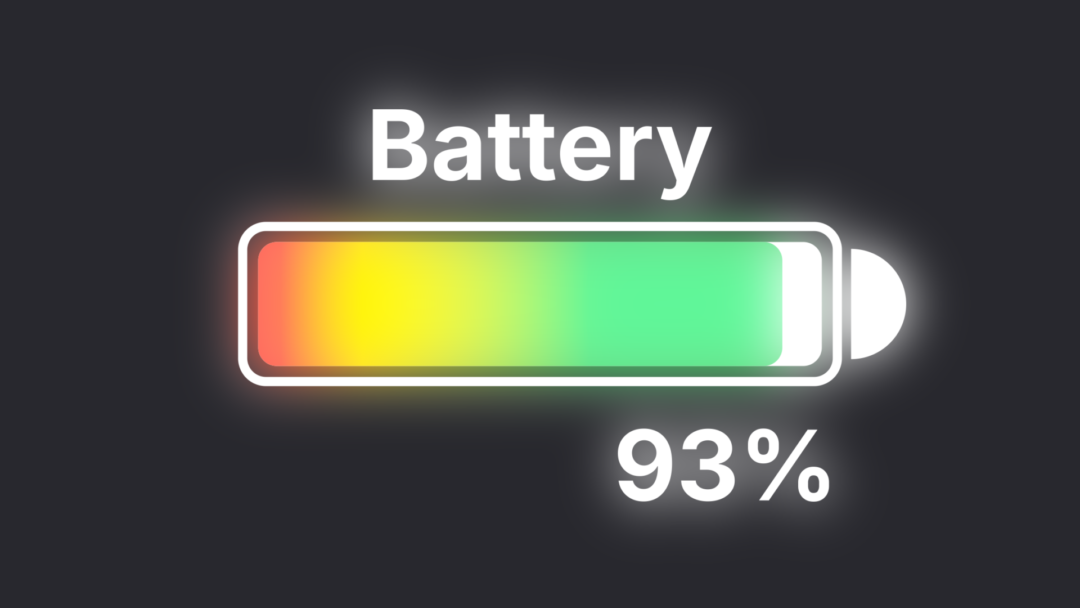
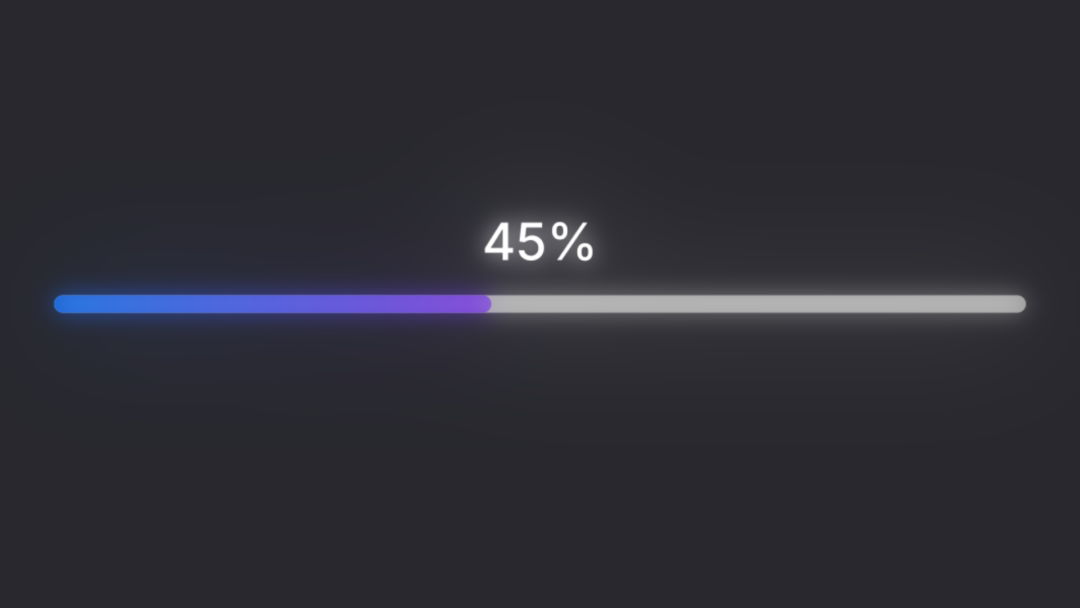
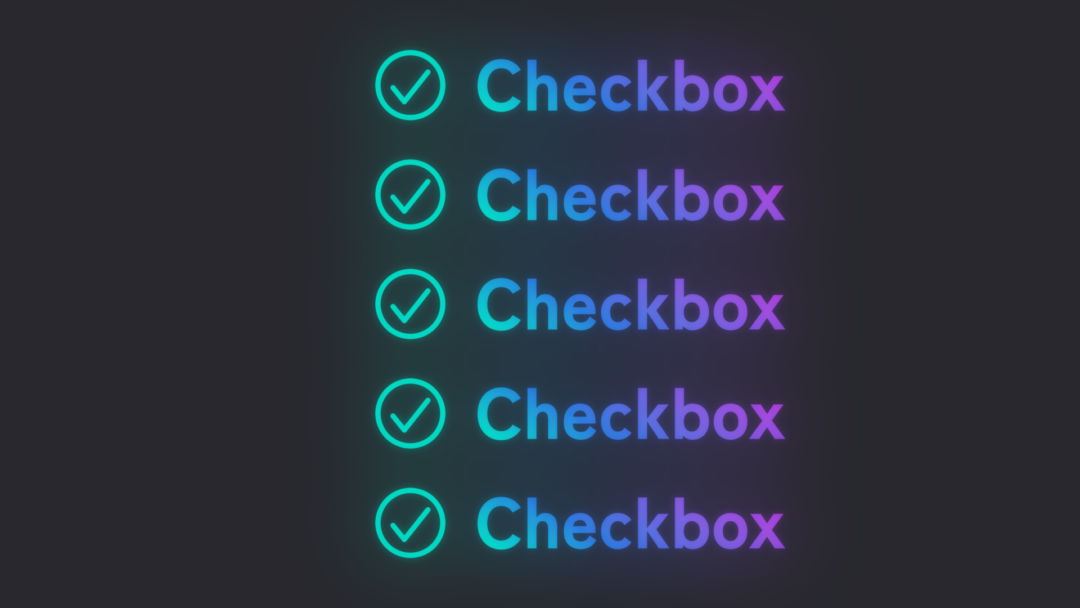
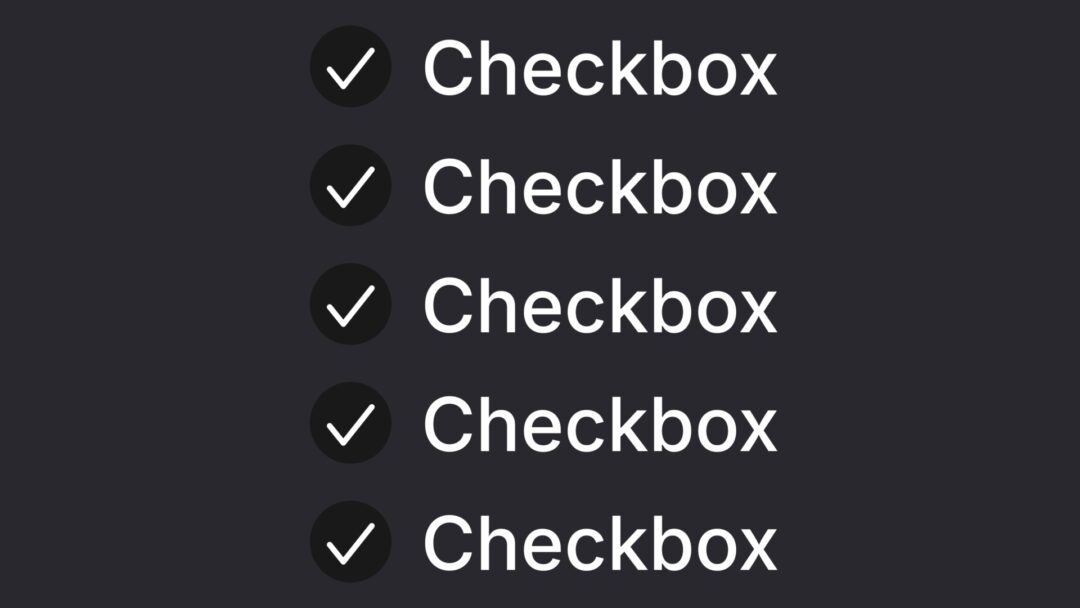
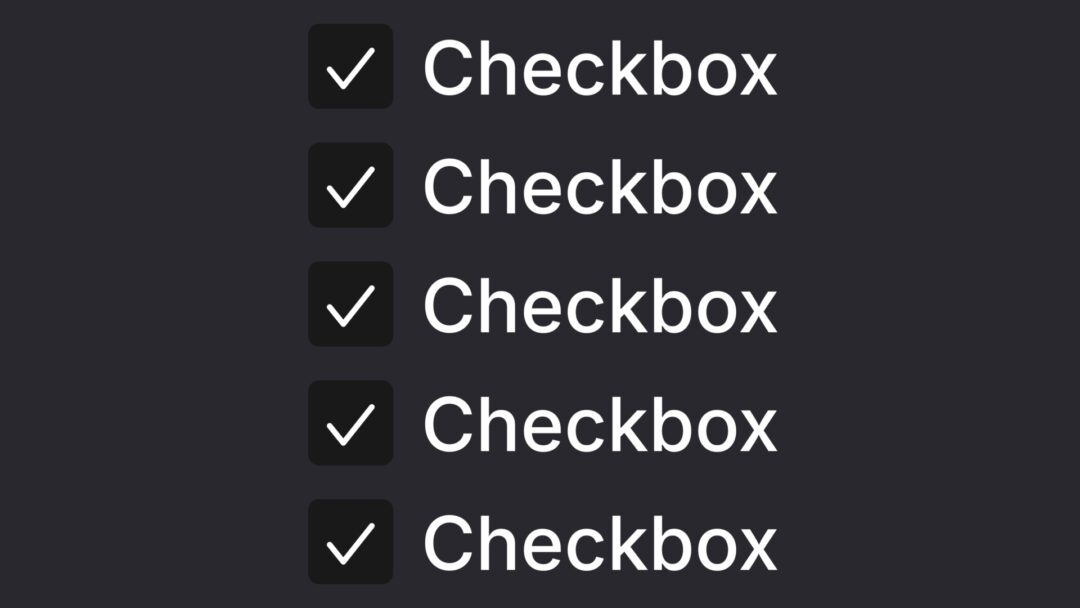
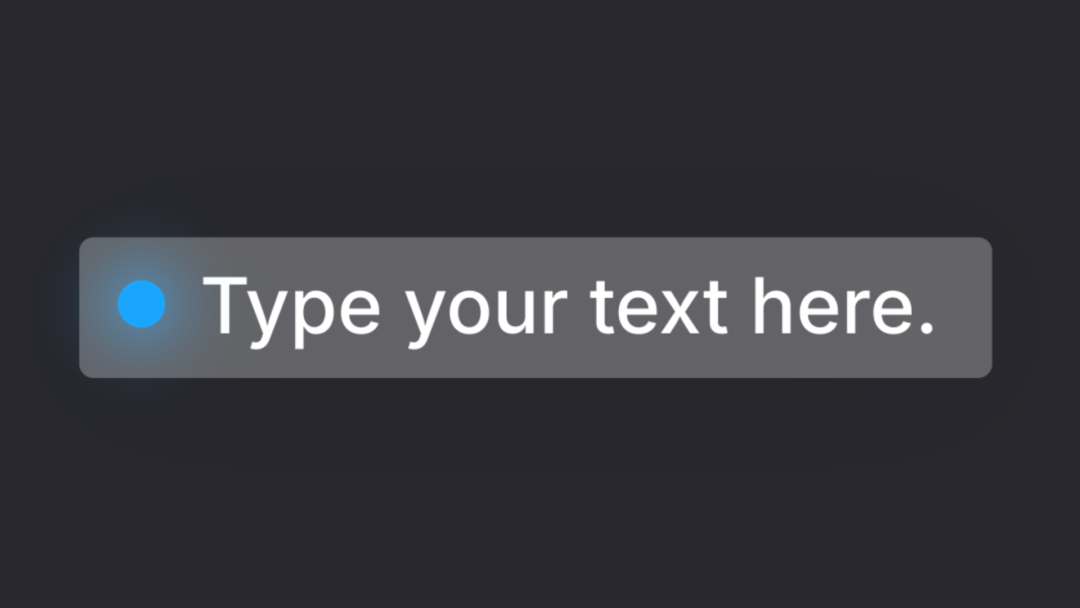
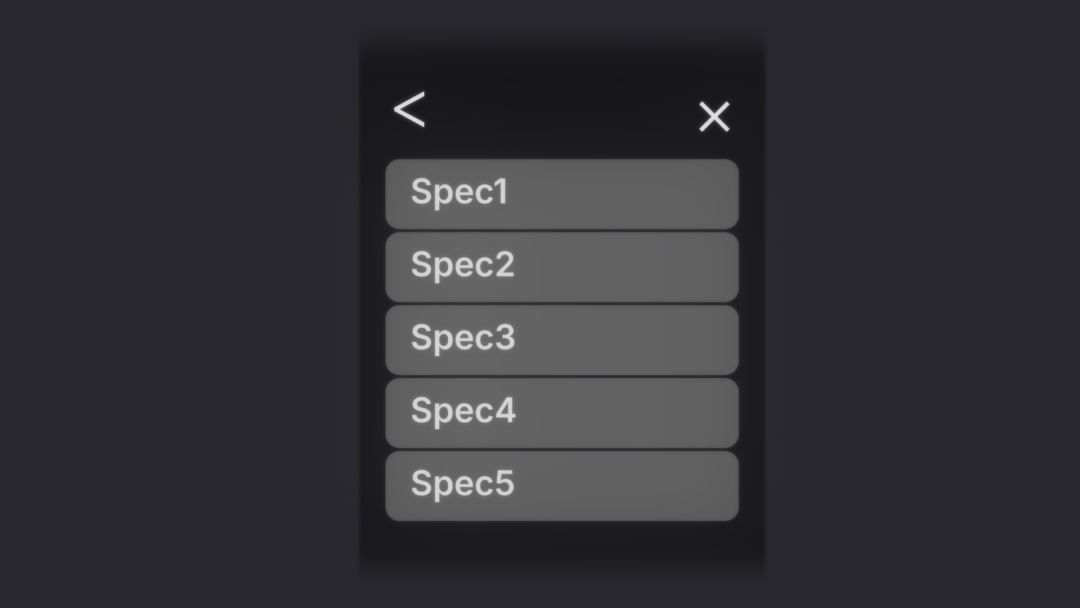
Add familiar interface components—including search bars, switches, seek bars, batteries, and progress bars—directly to your video.
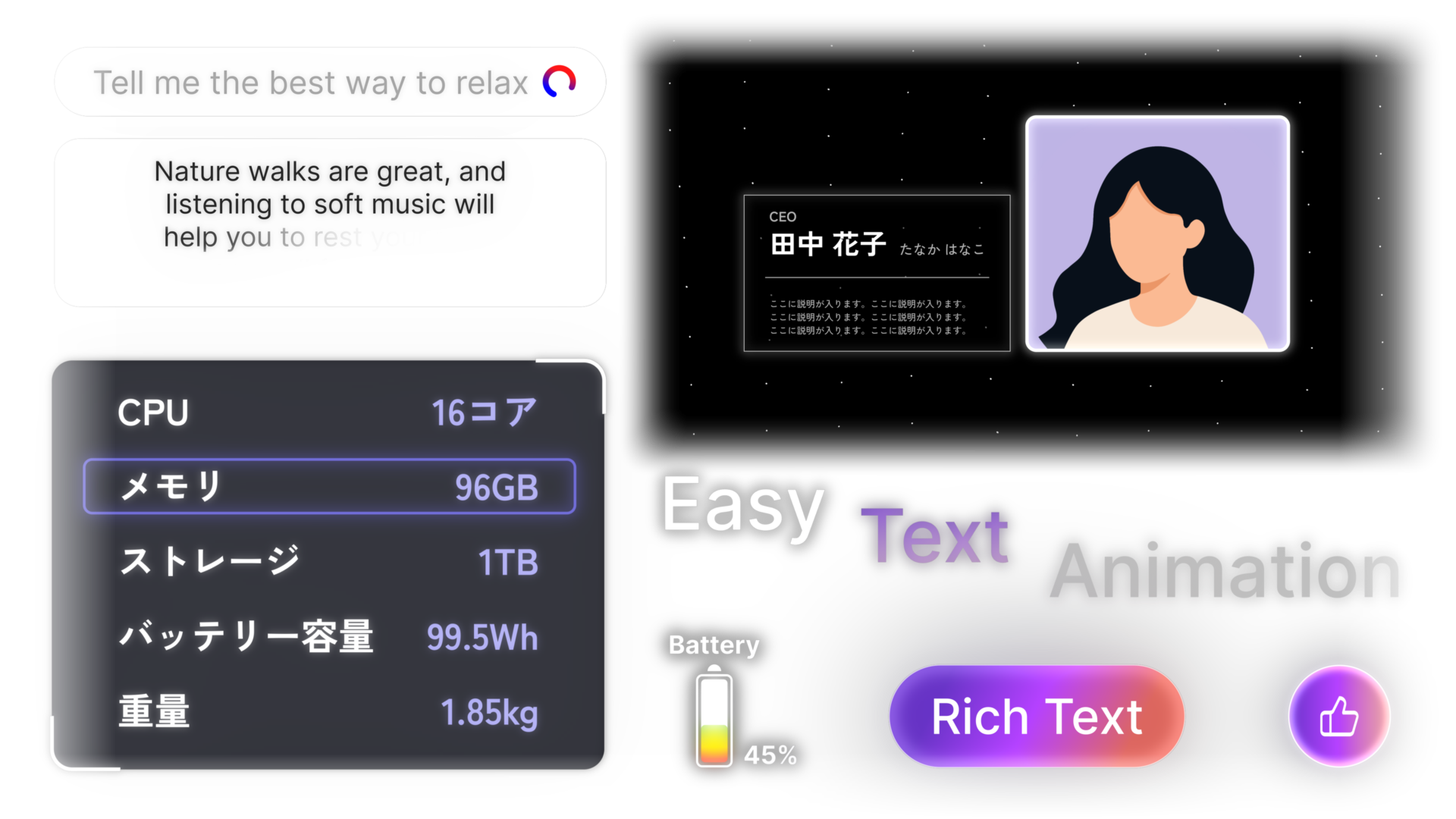
From interfaces to profiles and visual explanations
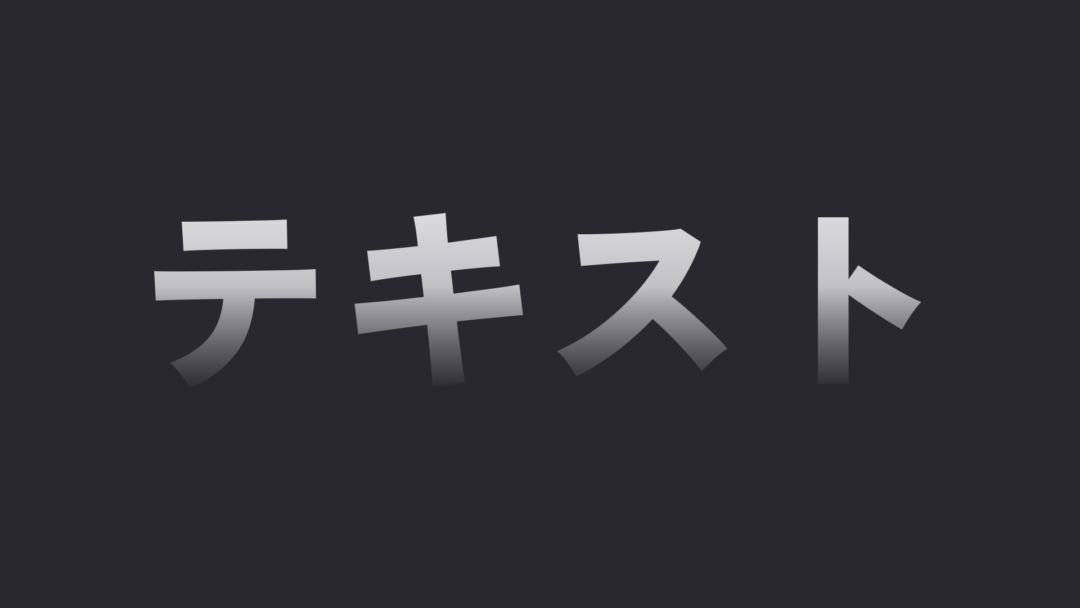
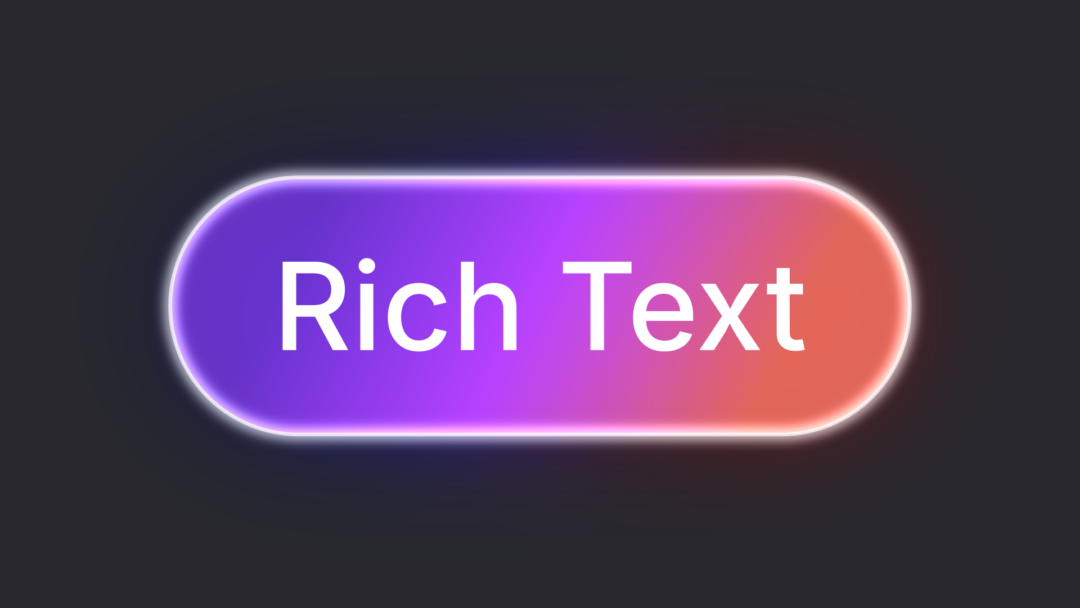
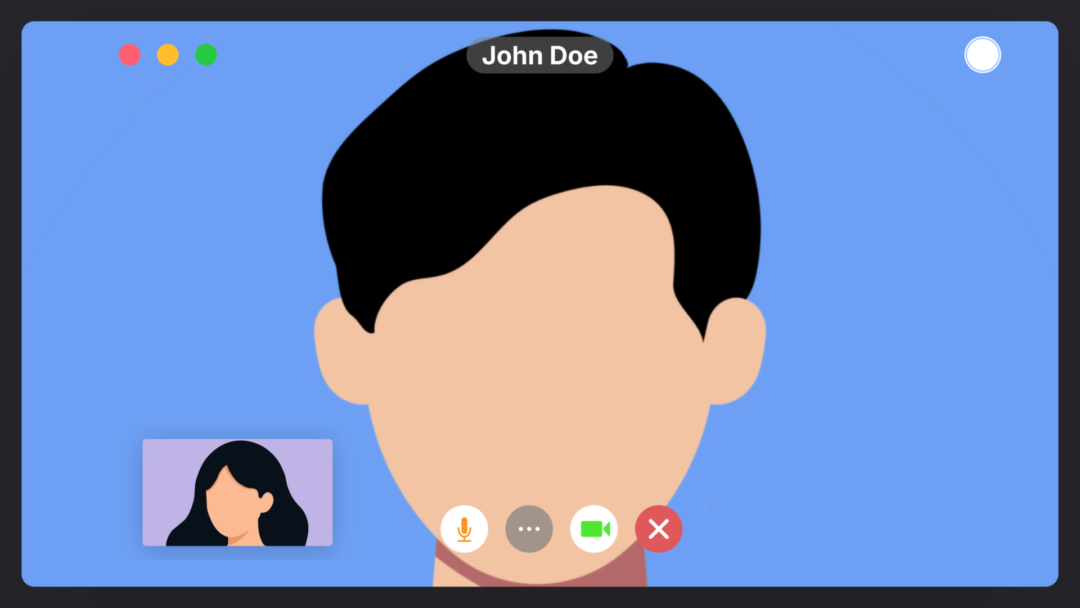
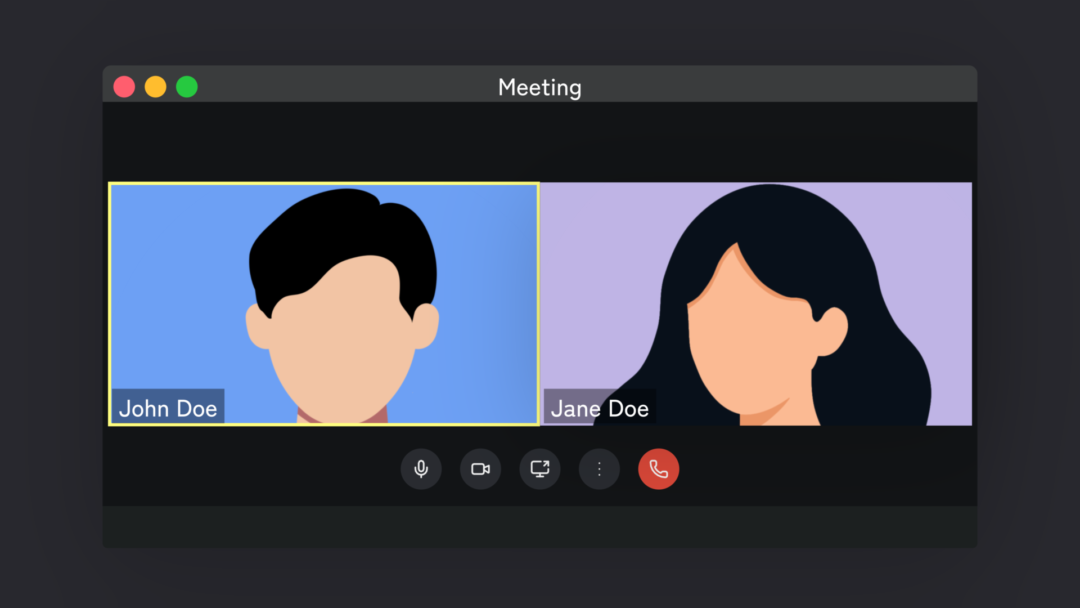
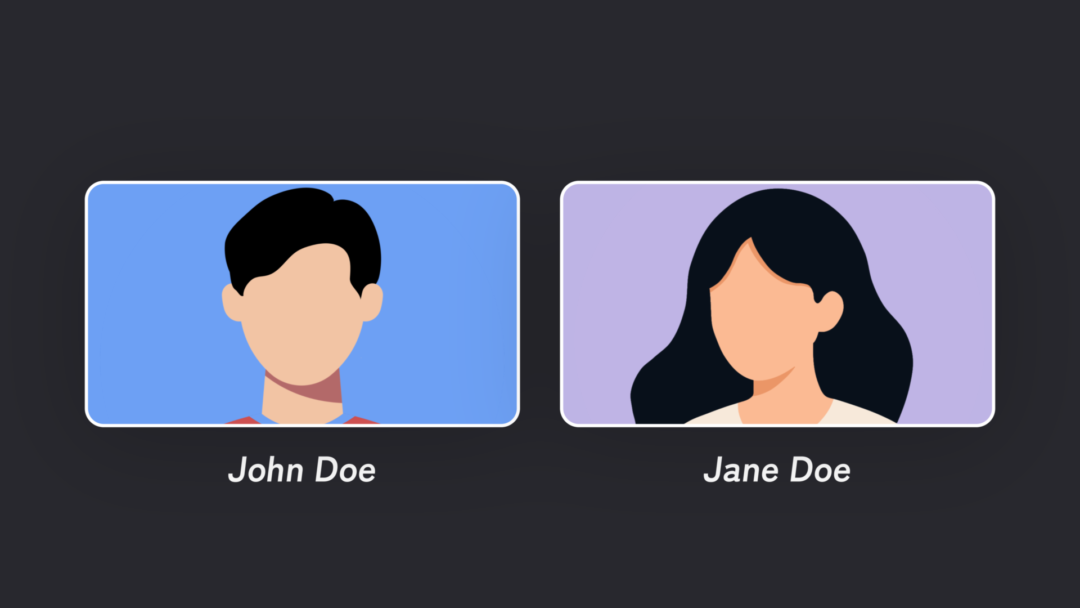
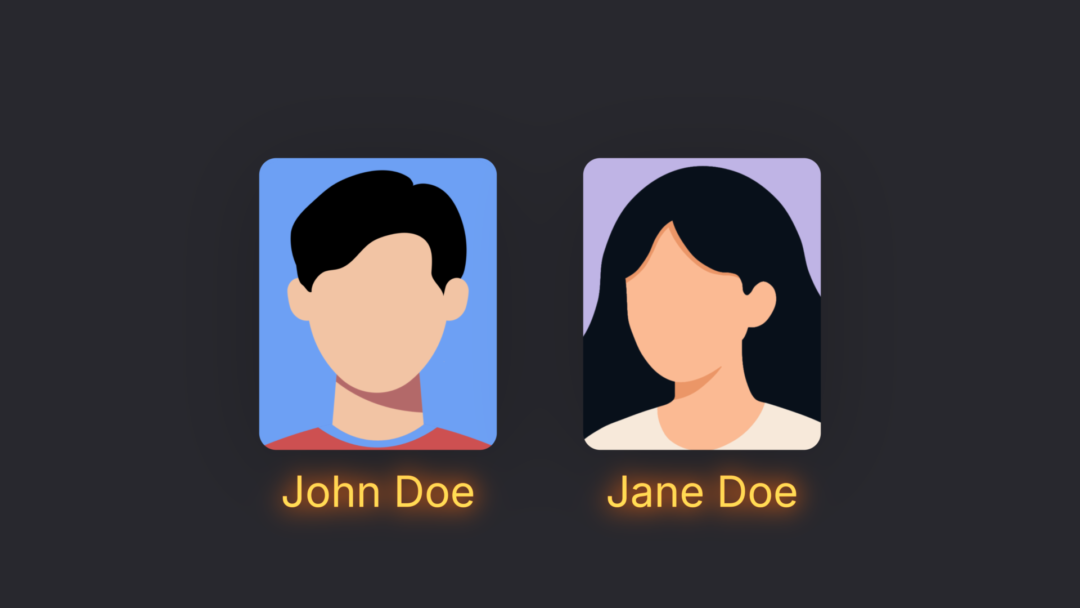
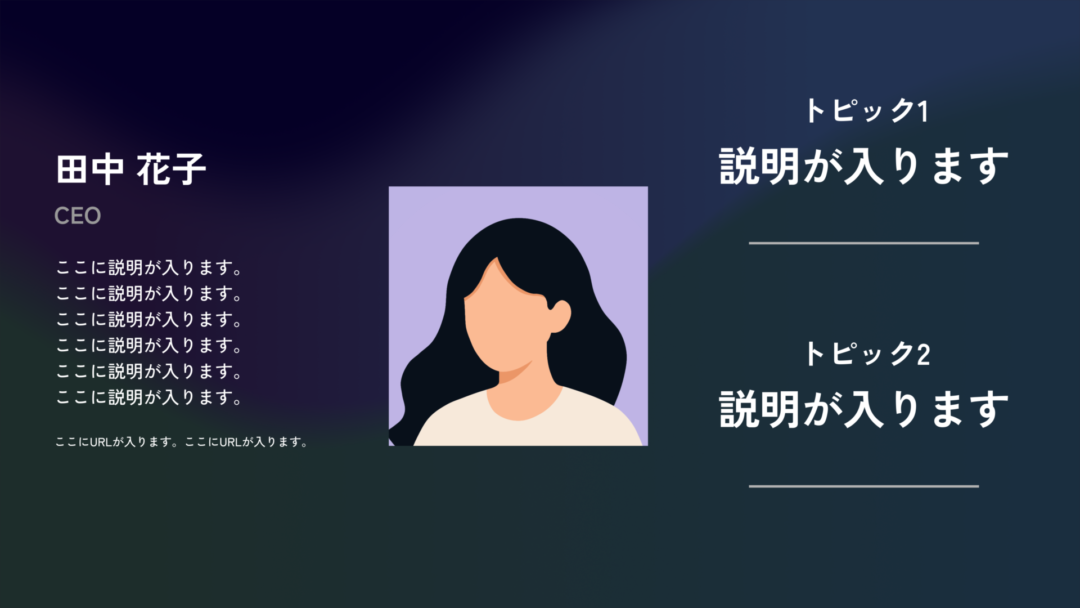
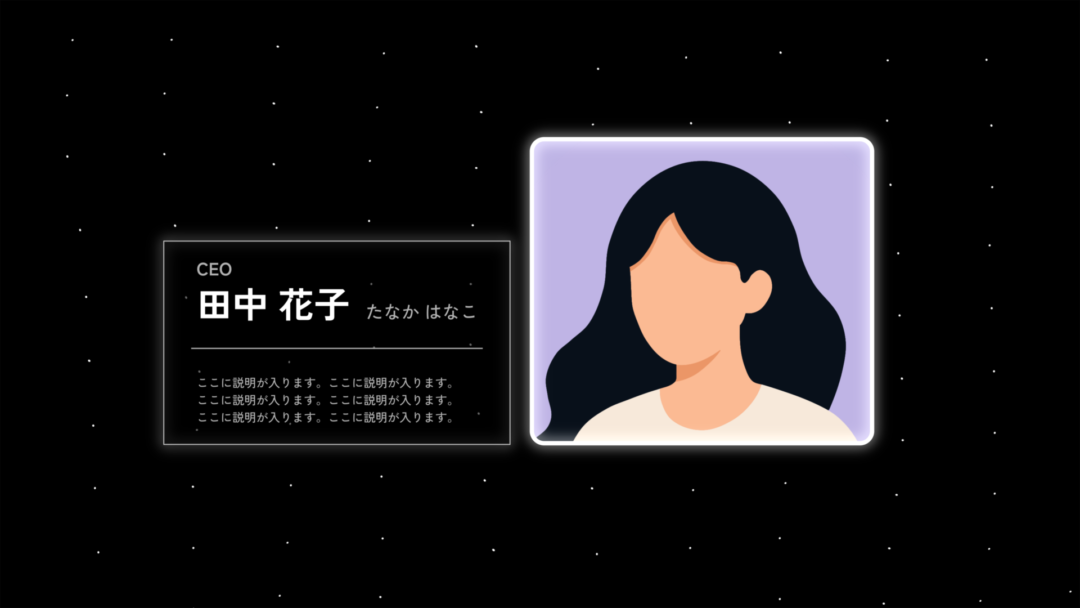
Icons, animated text, lists, visual explanations, profiles, screen comparisons, and backgrounds—all 85 presets in one collection.
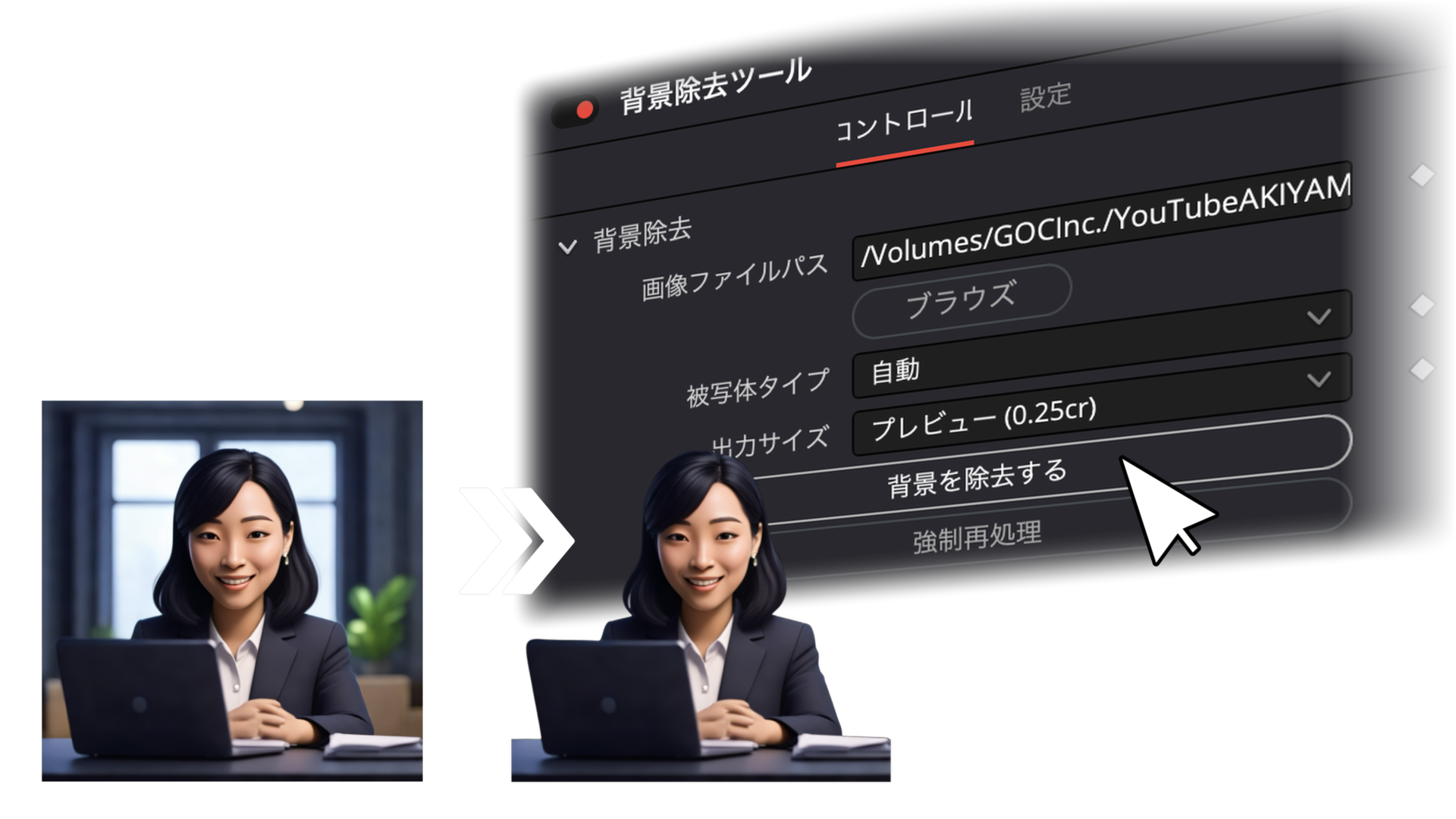
Remove image backgrounds automatically
Select an image and use the API integration to remove its background automatically. Place people or products directly on the timeline with this Keynote Pack tool.
Note: This tool connects to the external remove.bg API. Its free tier allows up to 50 low-resolution previews per month. Full-resolution output requires your own paid remove.bg plan and API key.
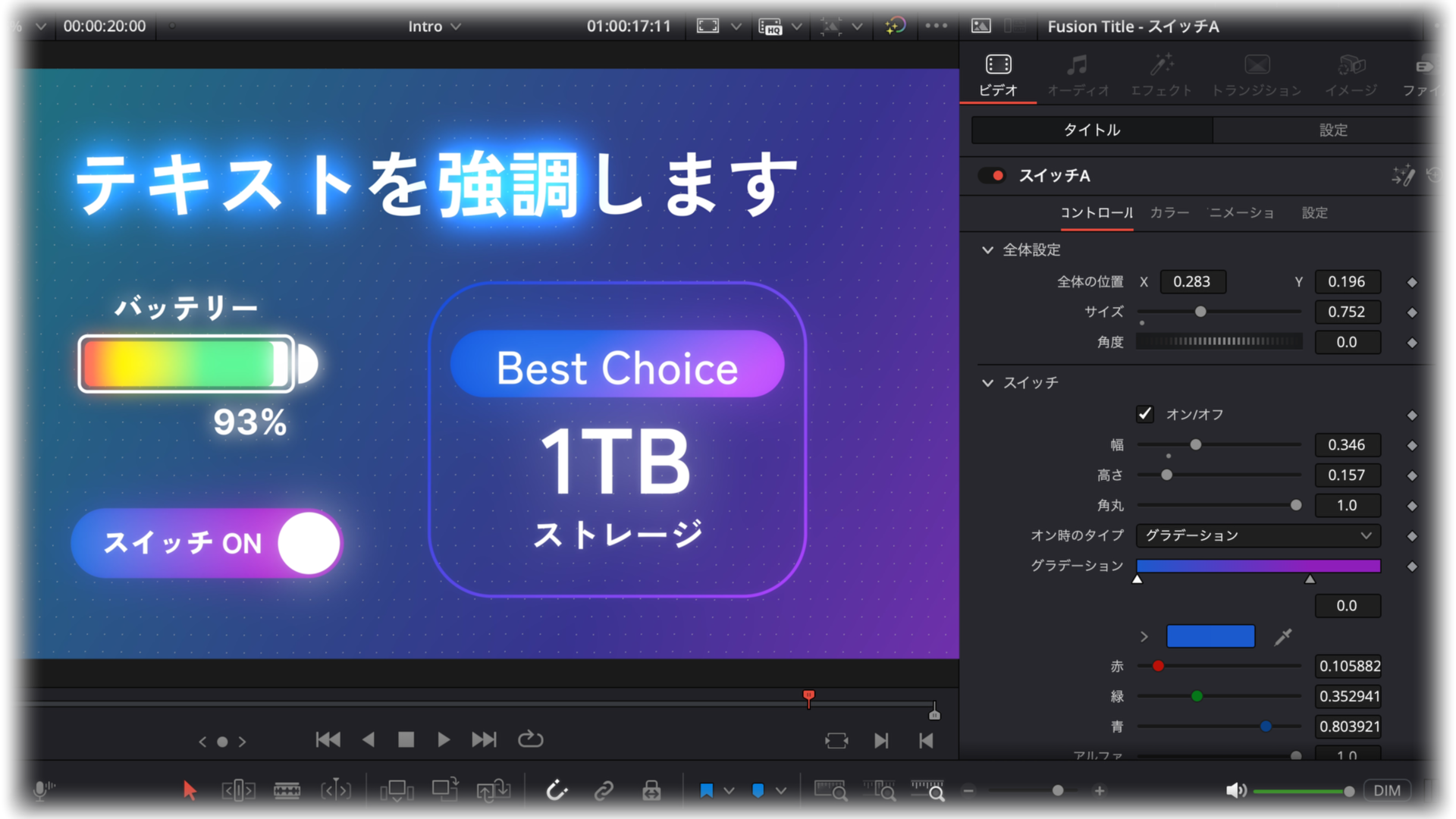
Designed for clear, editable captions
Every caption and label remains fully editable, so the presets fit naturally into English-language projects.
From preset to finished animation in three steps.
Drop in a preset, replace the text, and the animation plays automatically.
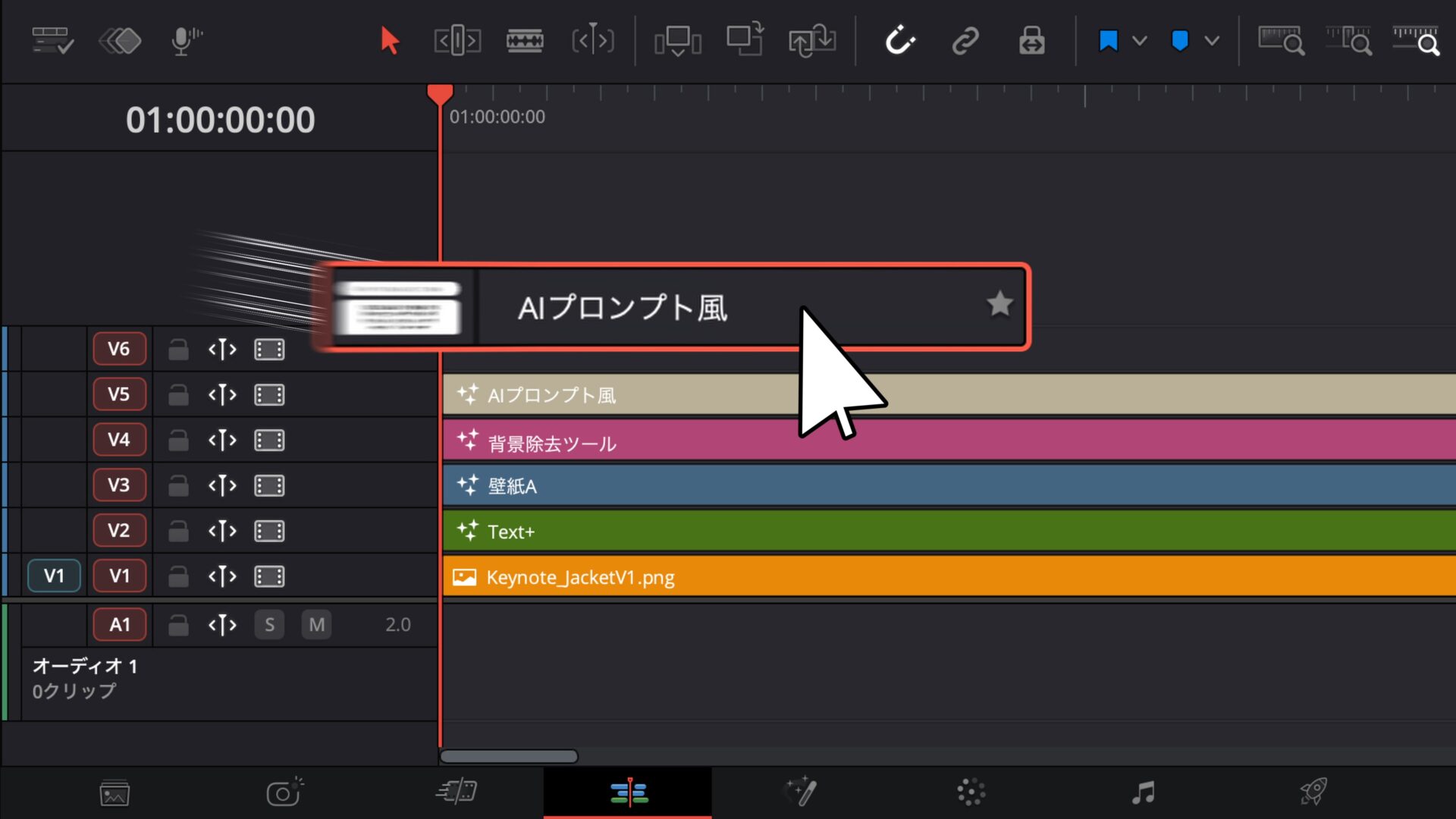
Drag in a preset
Drag the preset you want onto the timeline. That is all the setup required.
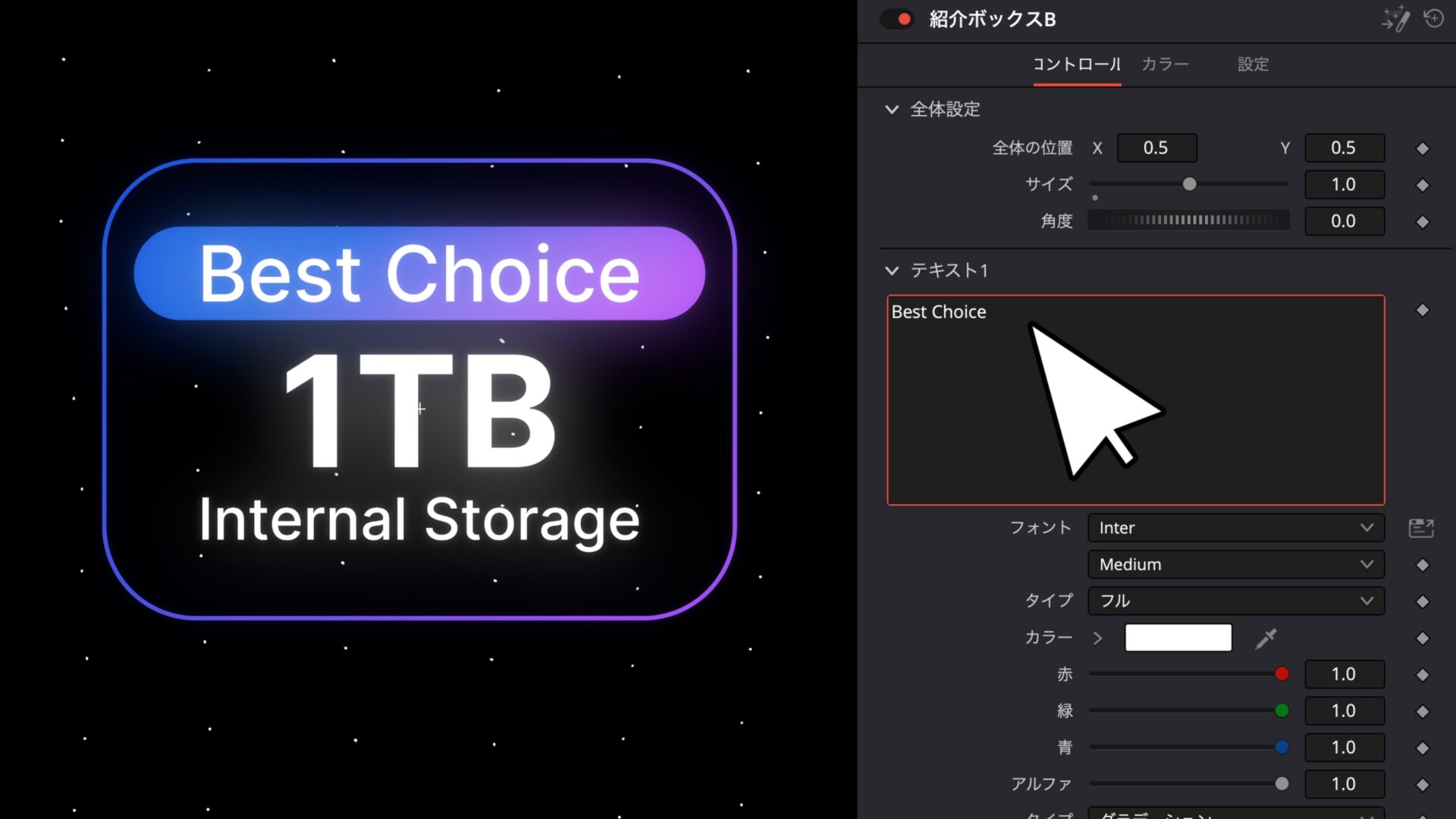
Replace the text
Edit text in the Inspector, then adjust the font, size, and position as needed.
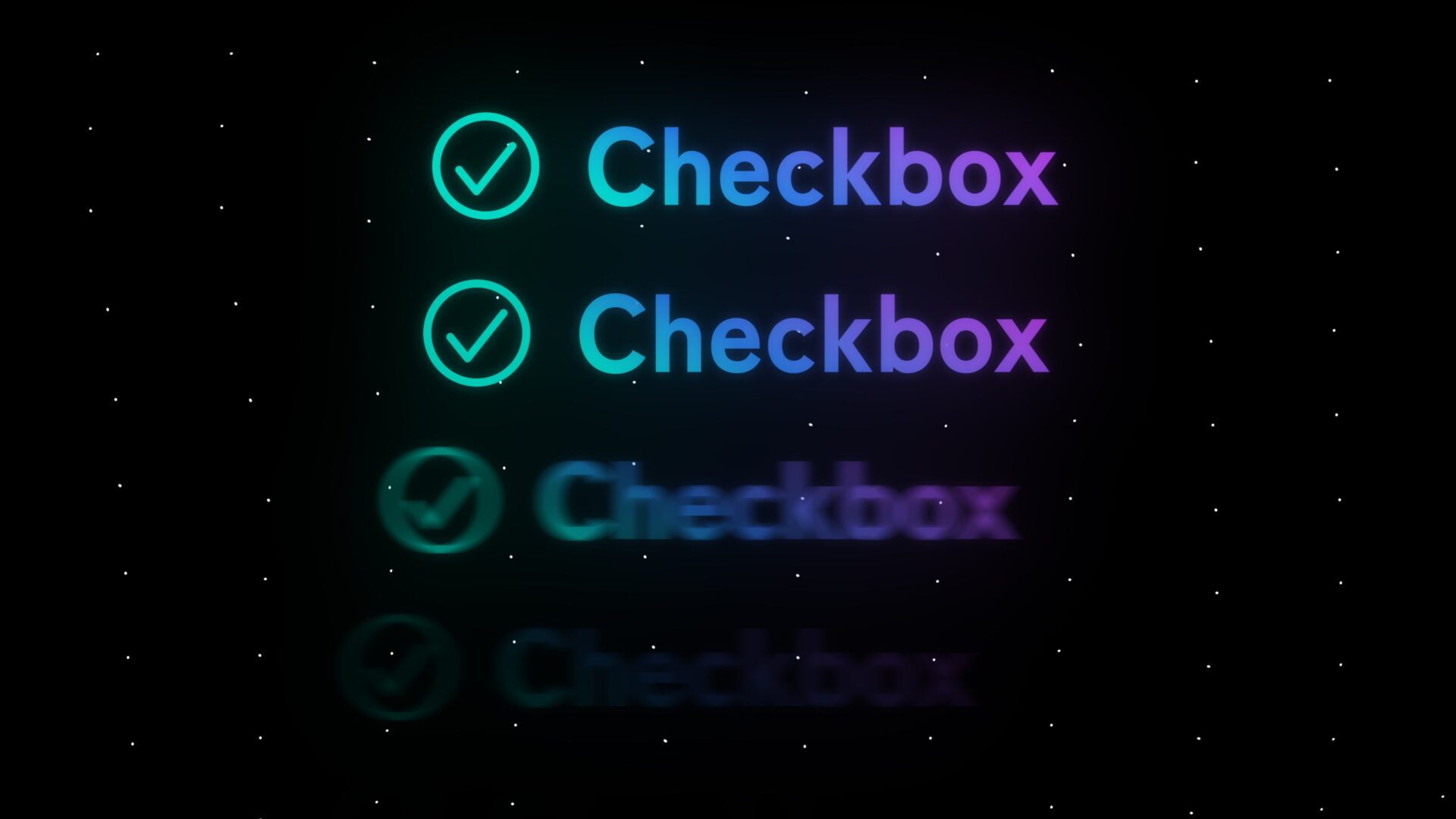
Let the animation play
Built-in intro and outro animations give you a polished result as soon as the preset is placed.
 For DaVinci Resolve
Make video editing smarter and more refined.
Before you use the pack
- These presets are made for DaVinci Resolve and work with the free version.
- Text length and layout may require minor size or position adjustments.
- Playback or export performance may vary with your computer specifications.
Supervised by a DaVinci Resolve
Certified Trainer
Learn techniques for Apple/iOS-inspired interface graphics and how to use the presets on our YouTube channel with
over 270,000 subscribers.
54 Titles




















9 Effects



22 Generators













Q&A
Purchase Questions
You May Also Like




 Keynote Pack
¥17,800 VAT
Keynote Pack
¥17,800 VAT