

VLOG Pack
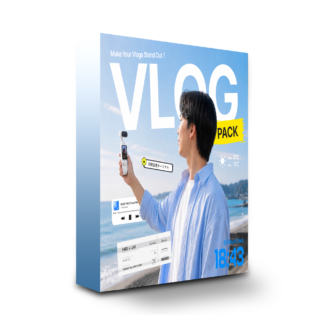

VLOG Pack — what it is
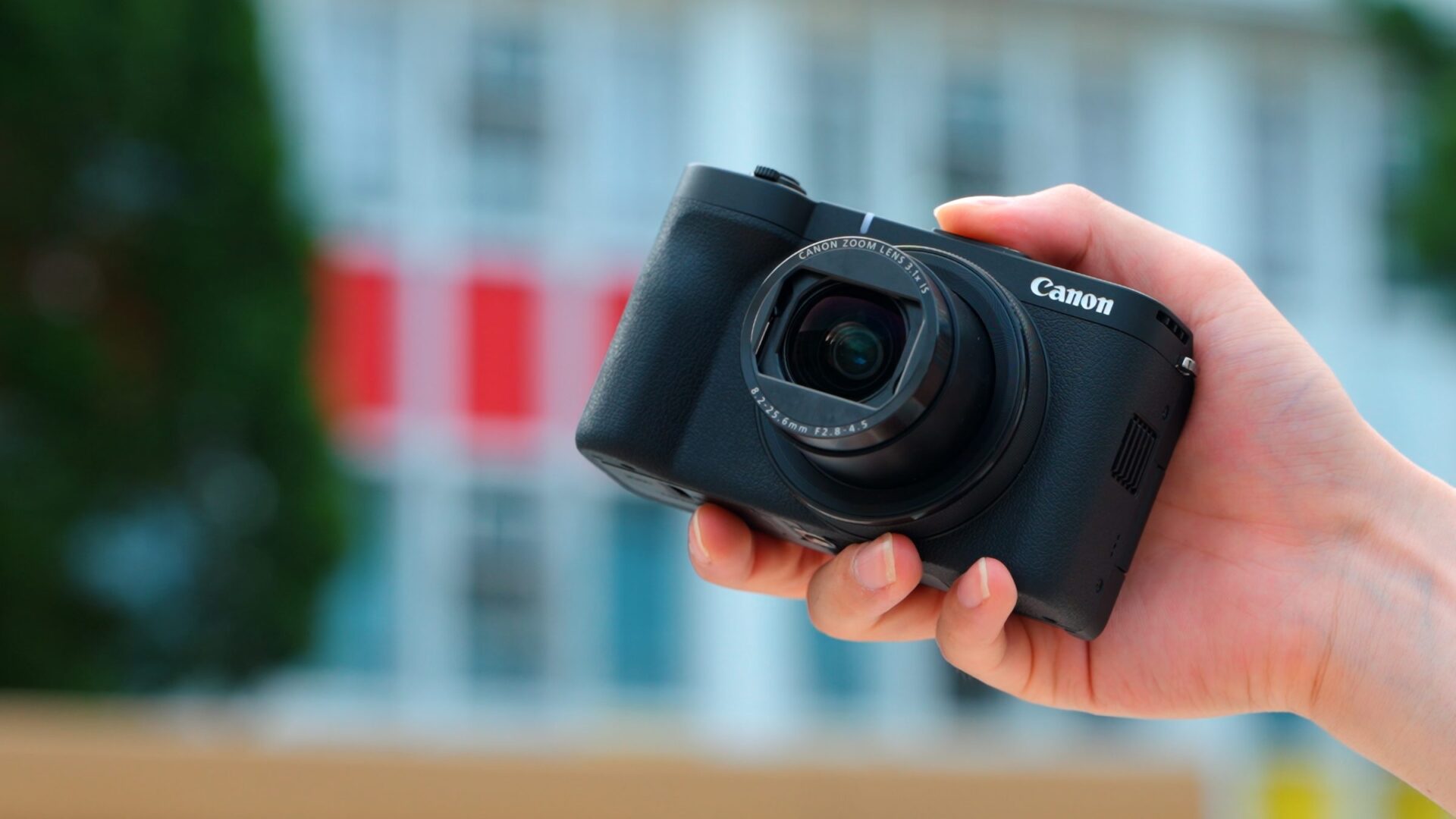
Captions, titles, icons, and everything else you need for vlog production—all 71 tools included.
Compatible with the free version of DaVinci Resolve — just drag and drop.


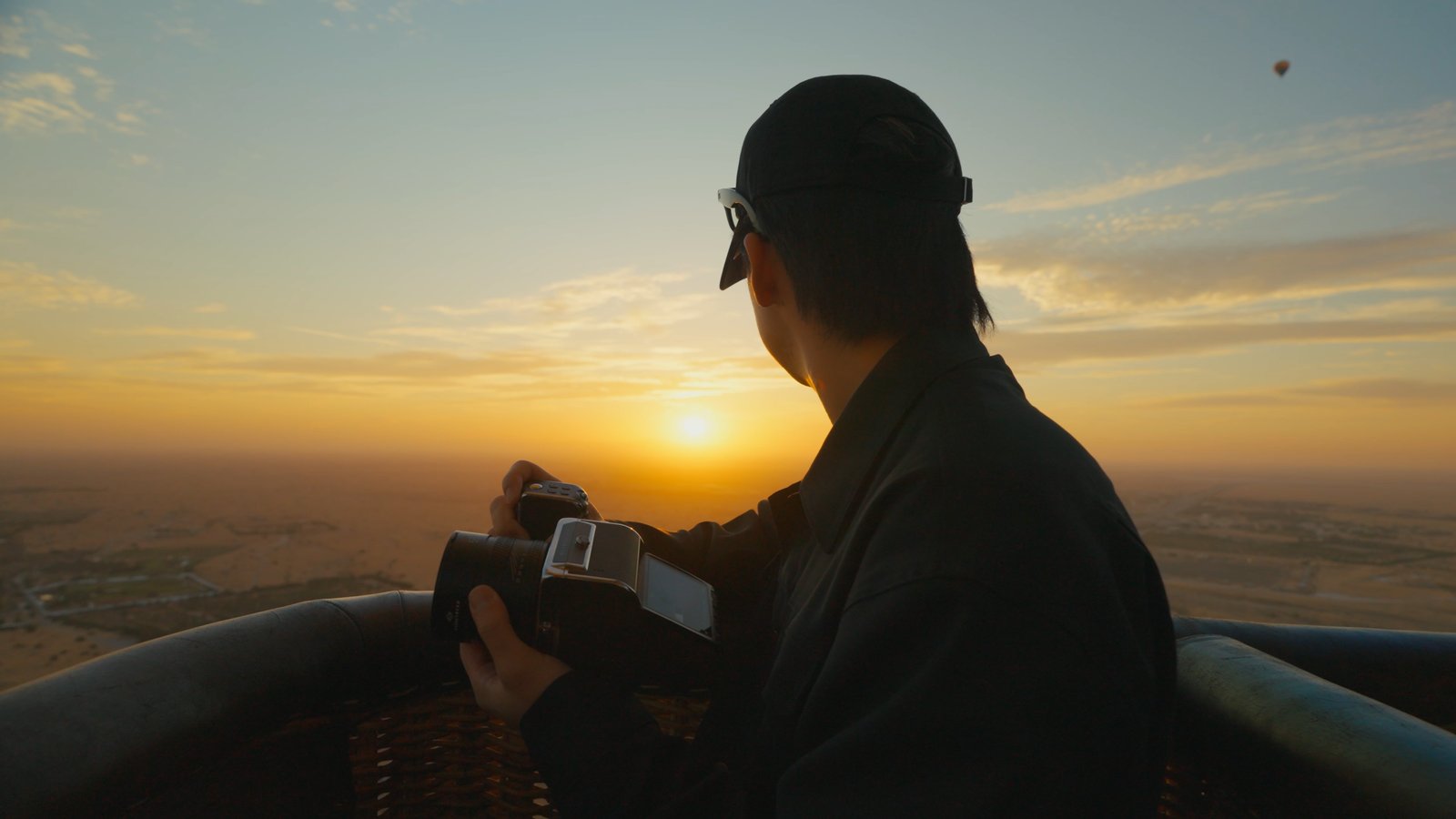
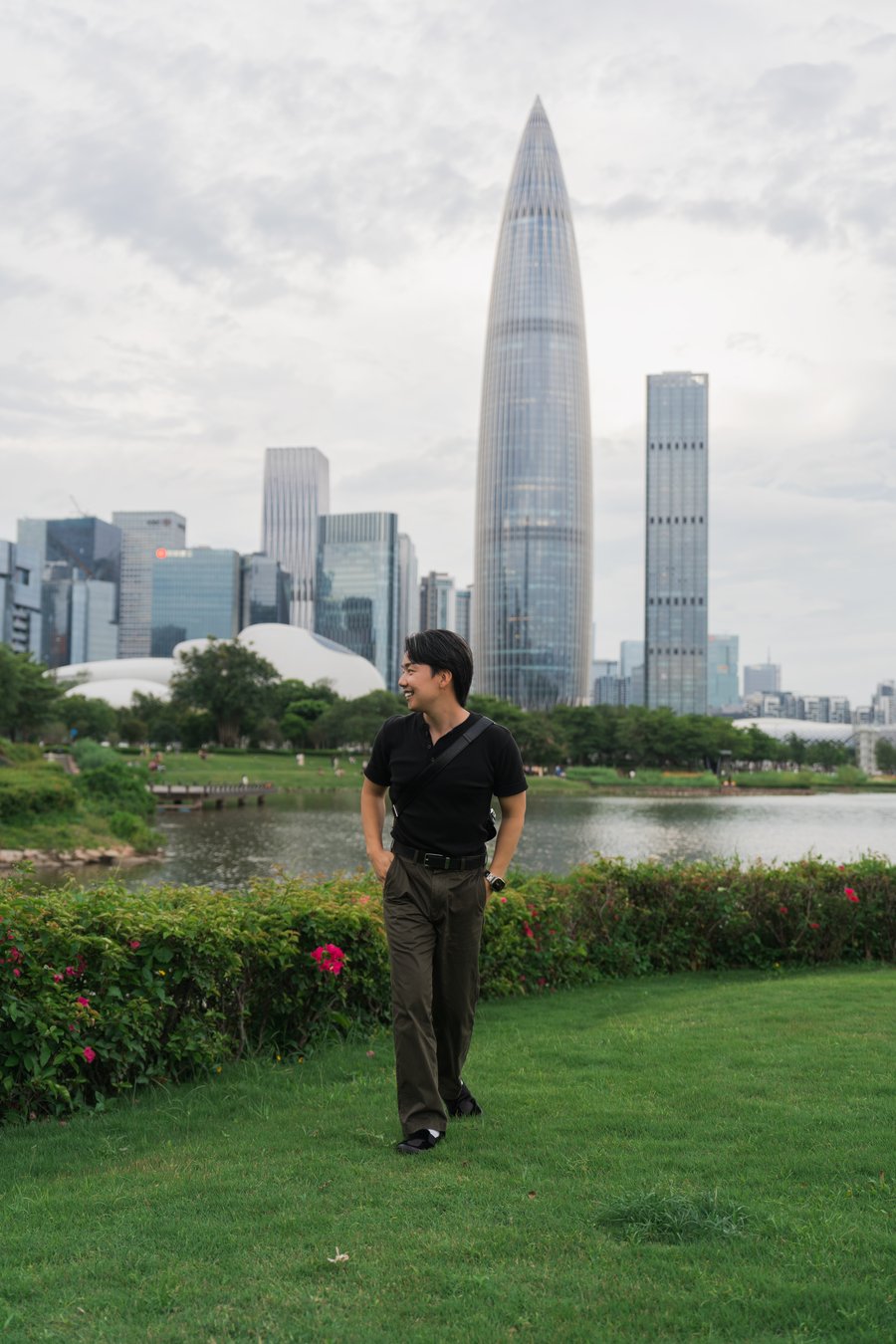
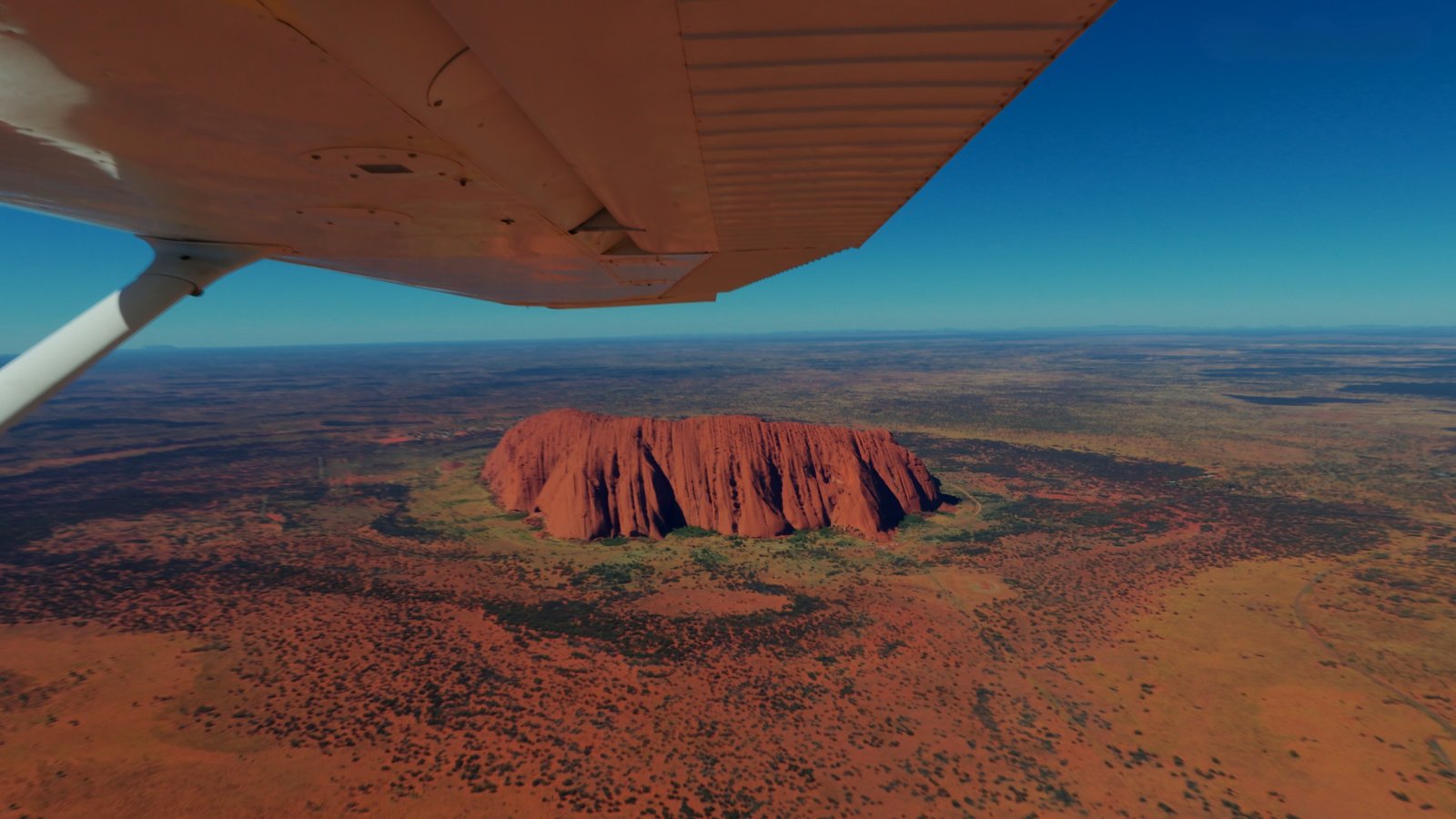
So many ways to use it.
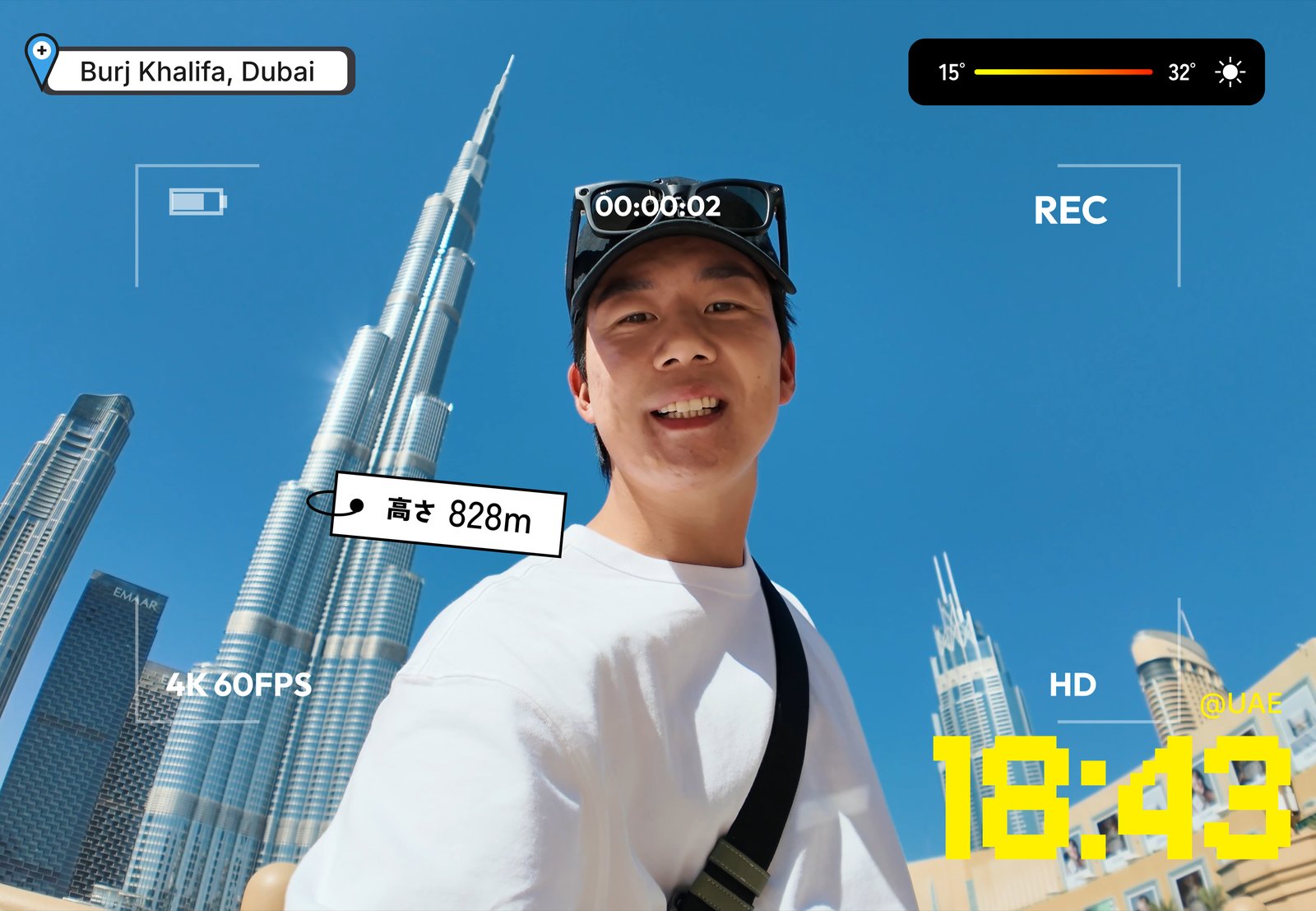
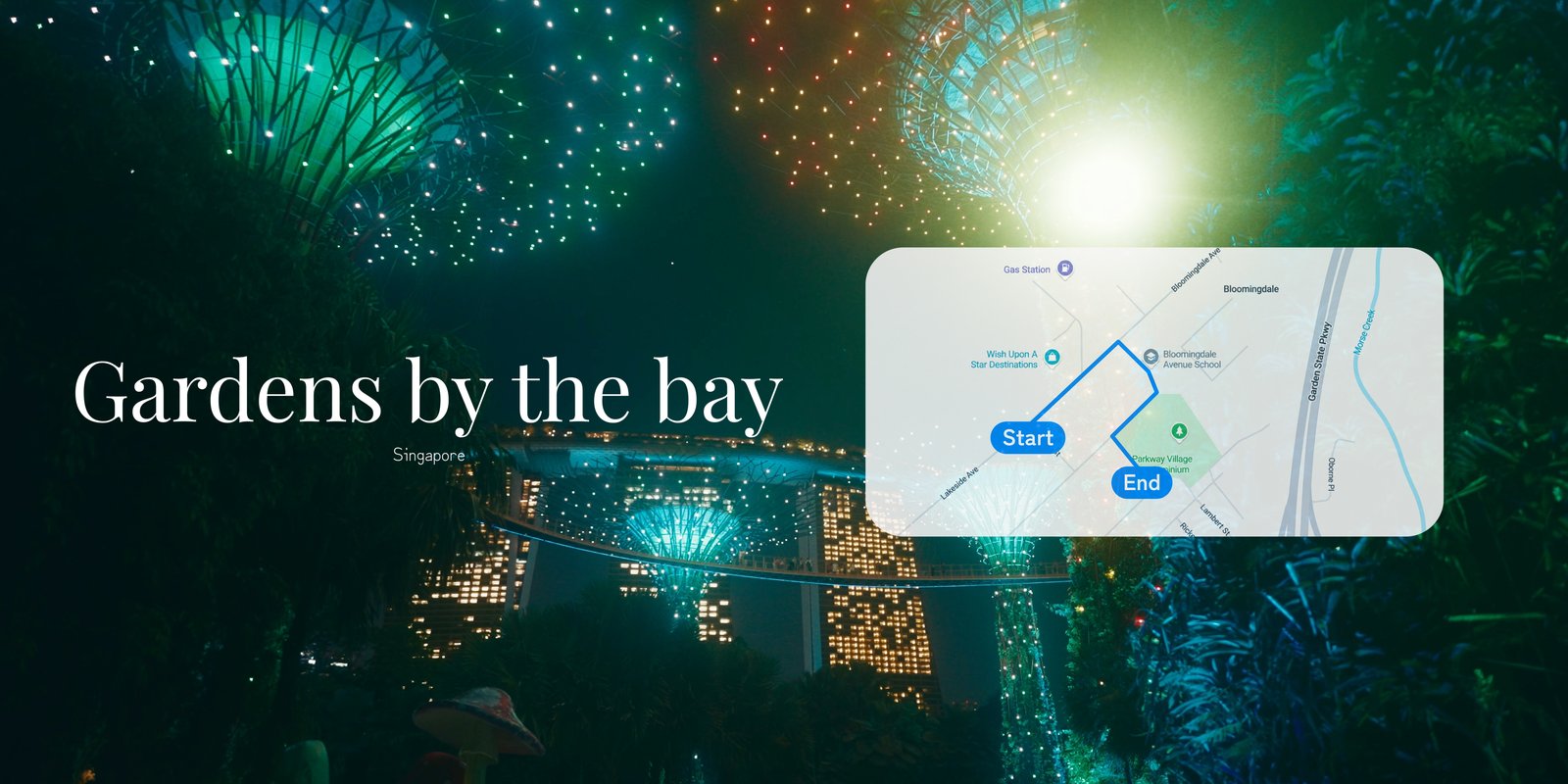
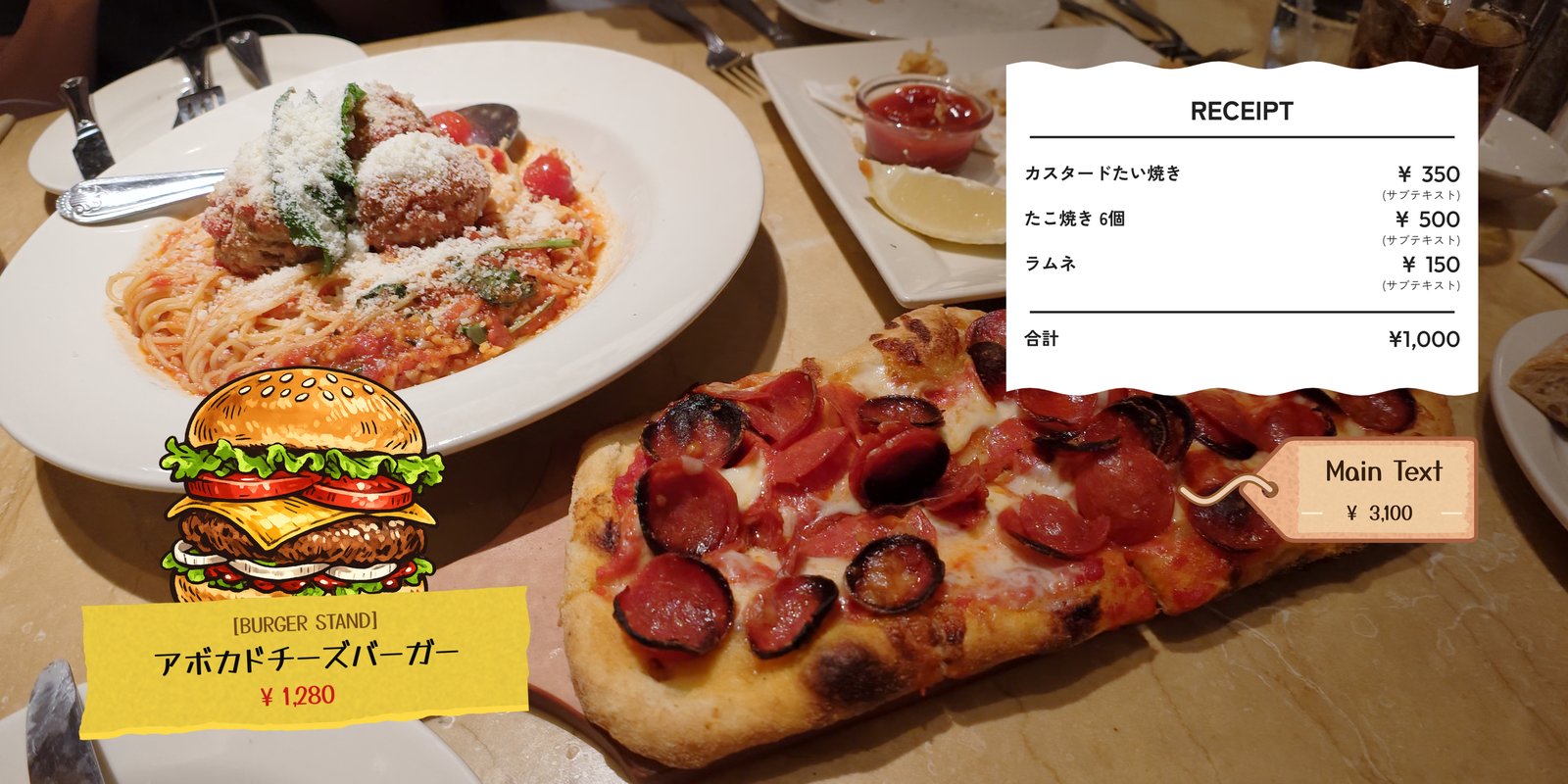

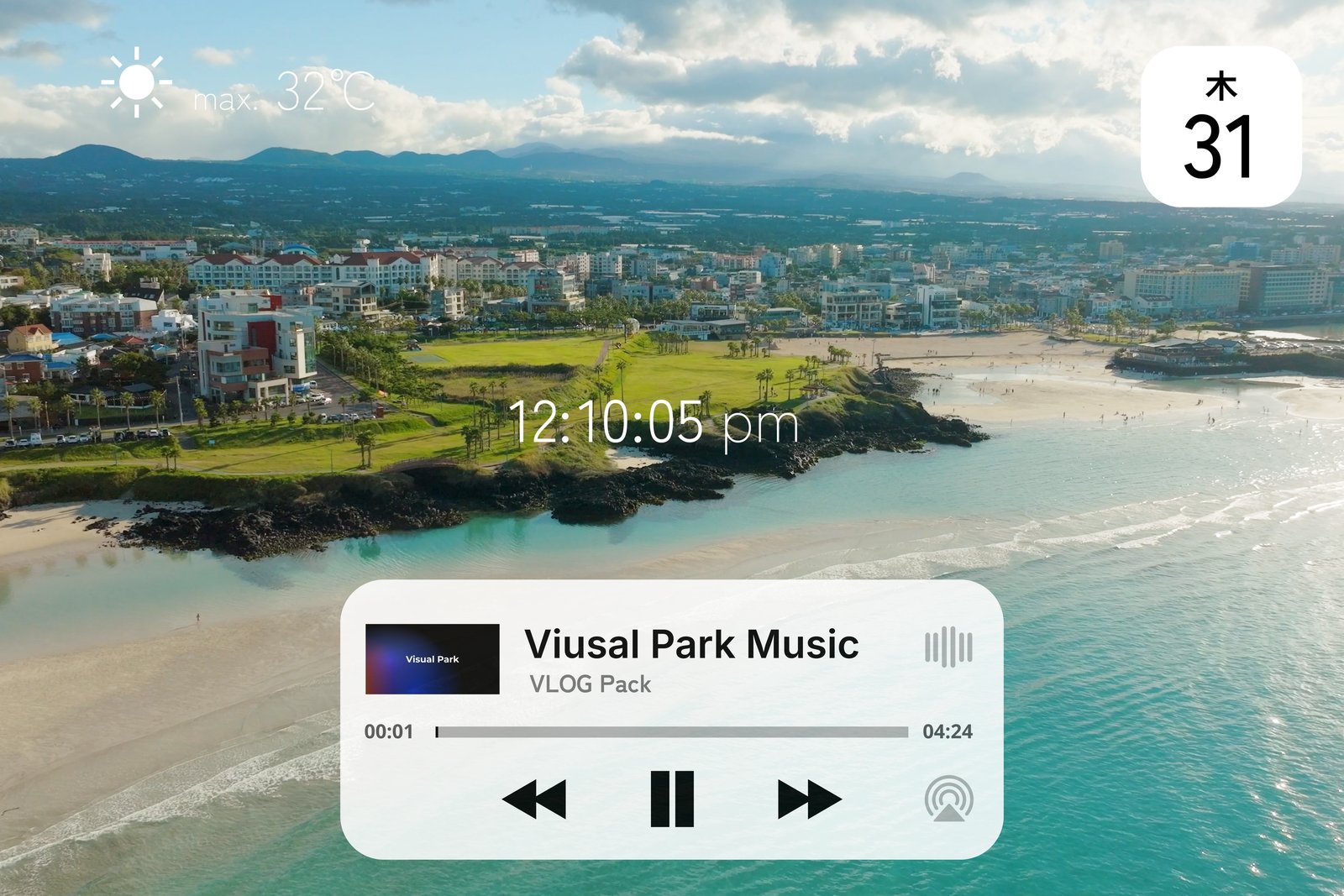
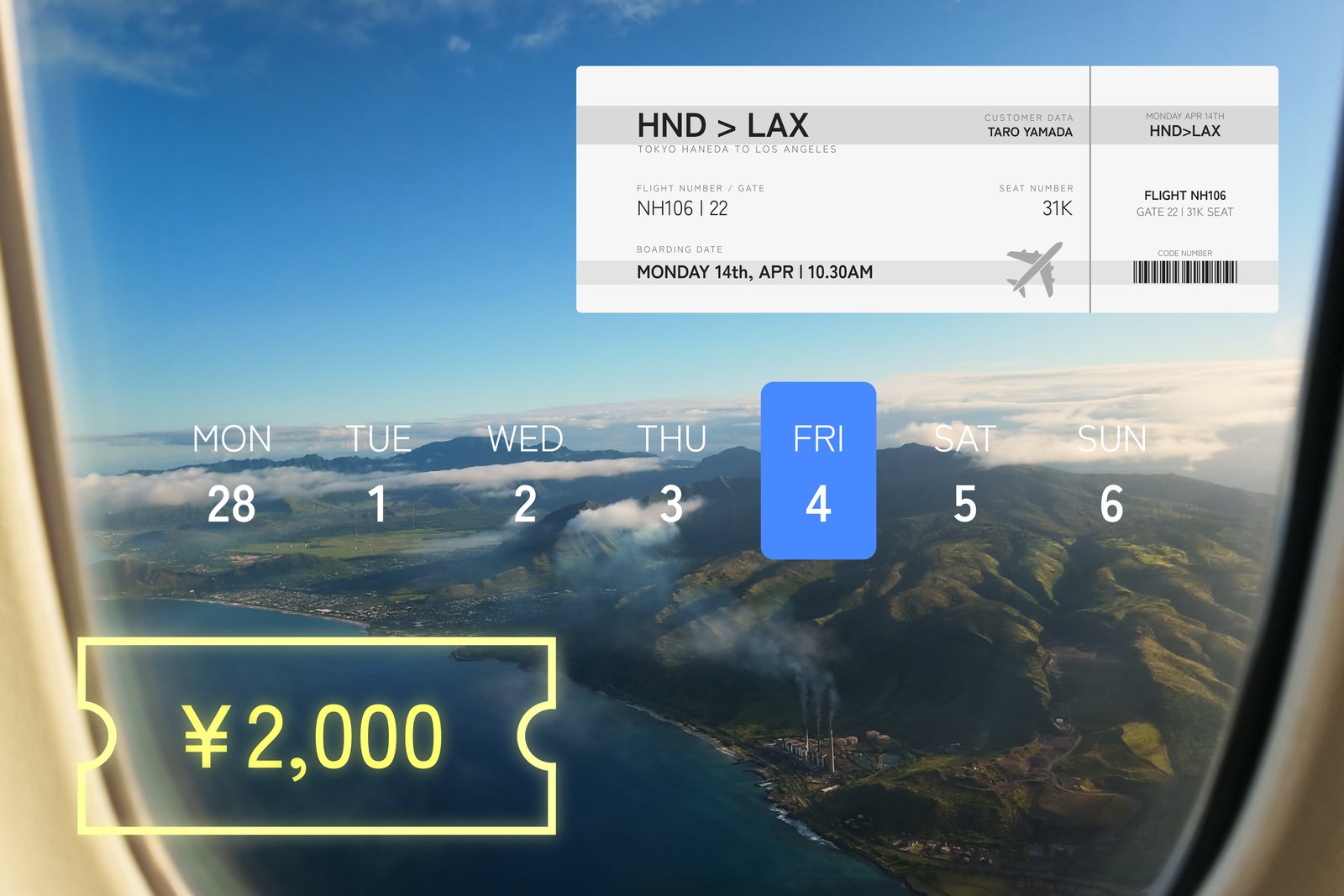
Every vlog effect, in one pack.
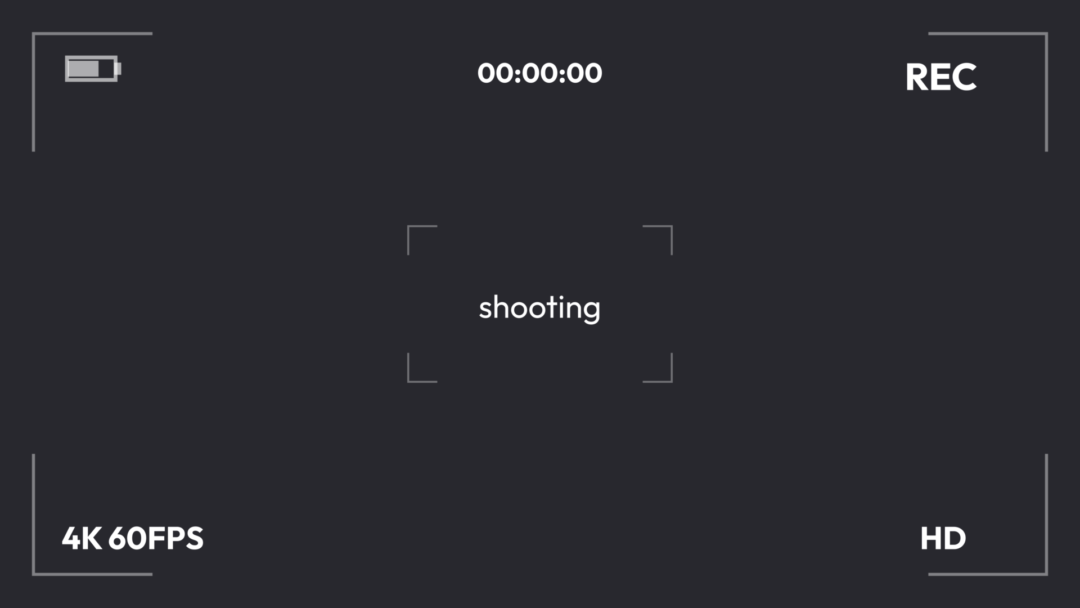
From captions and titles to maps, social-style UI, and music players—71 tools for vlogging, ready to use with a simple drag and drop.

Captions and titles, in depth
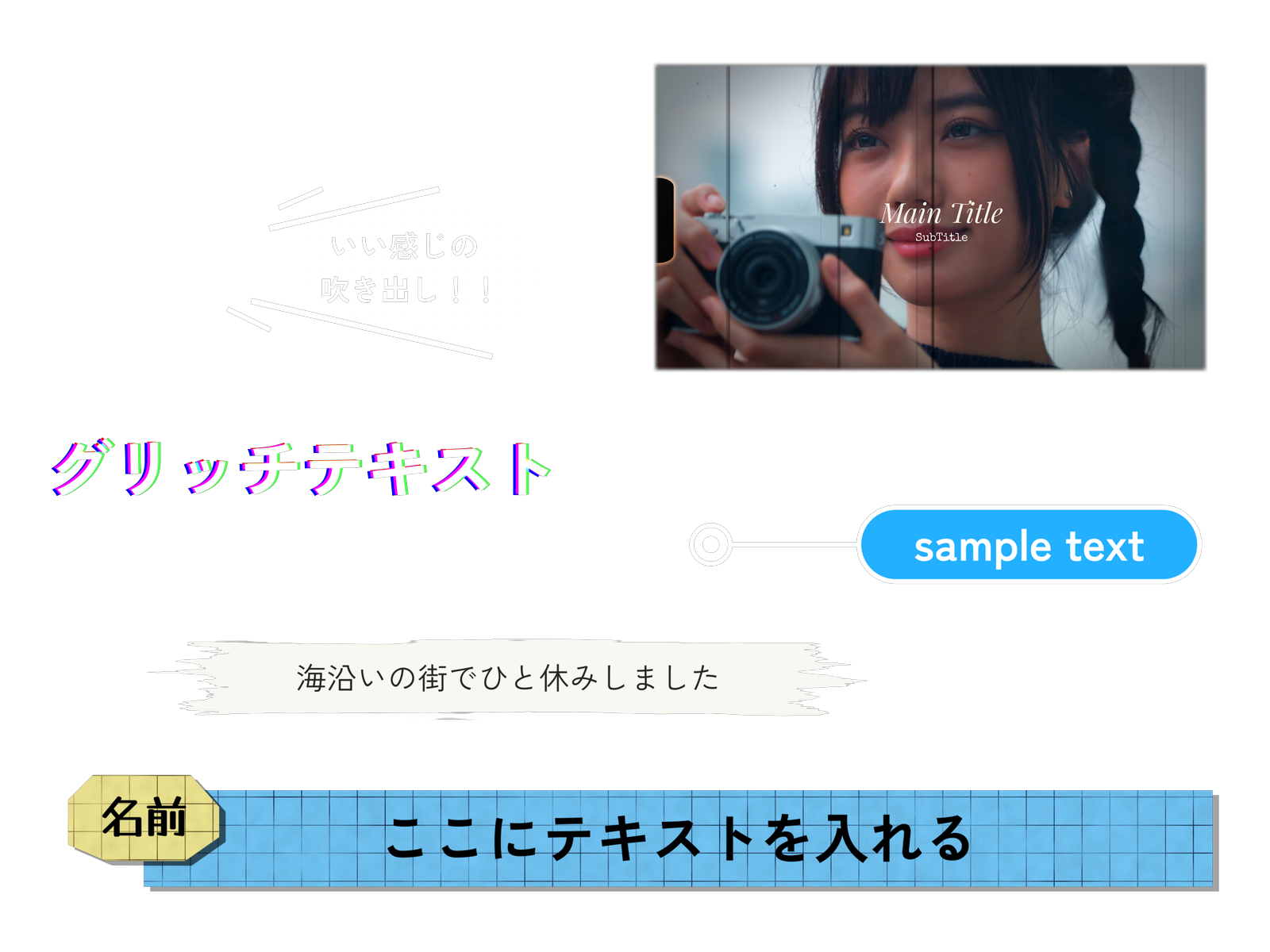
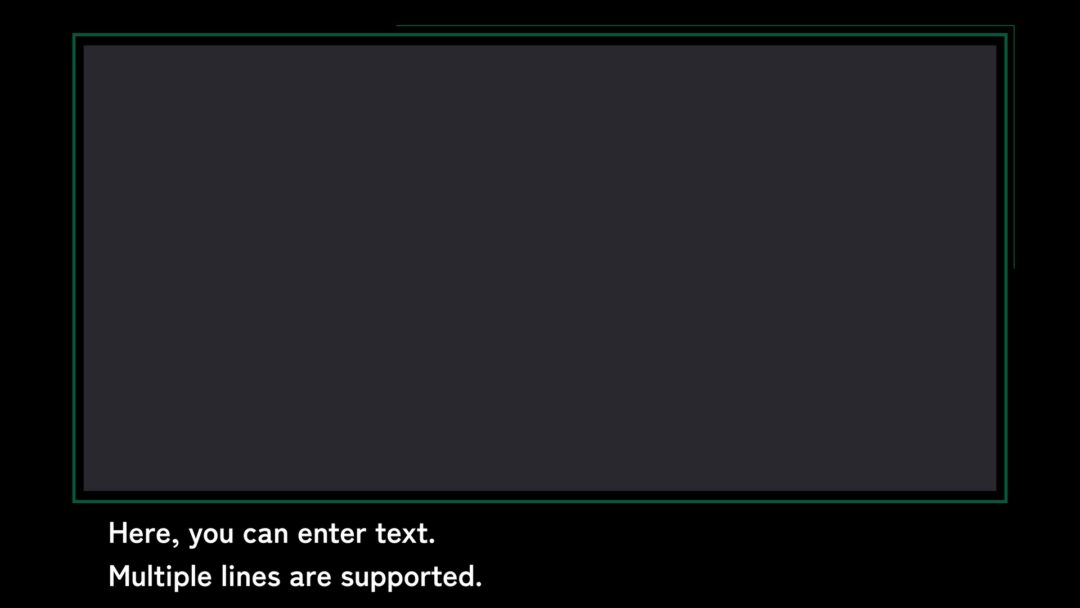
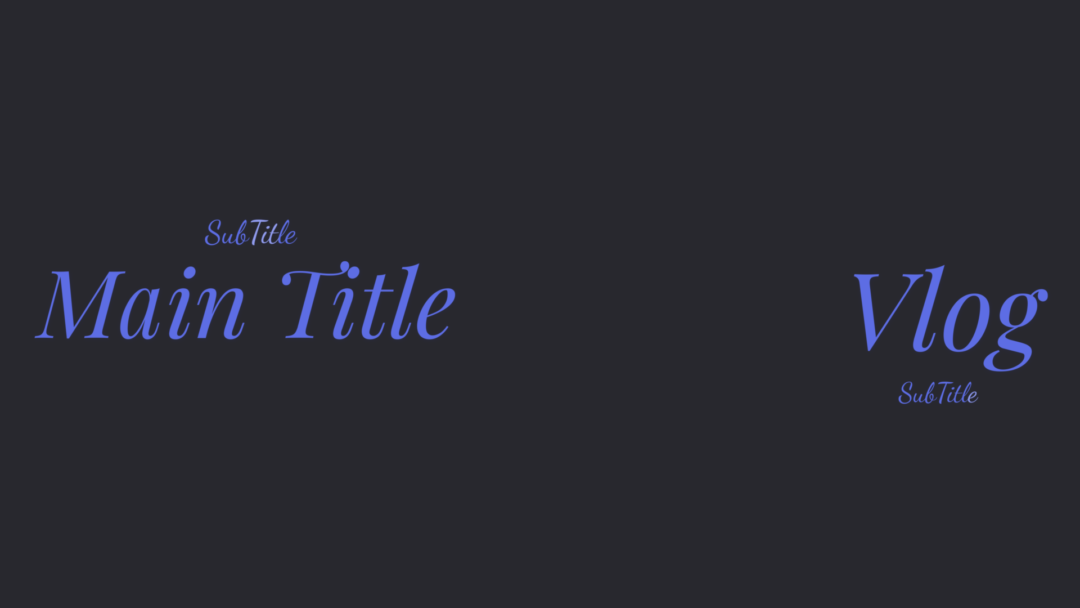
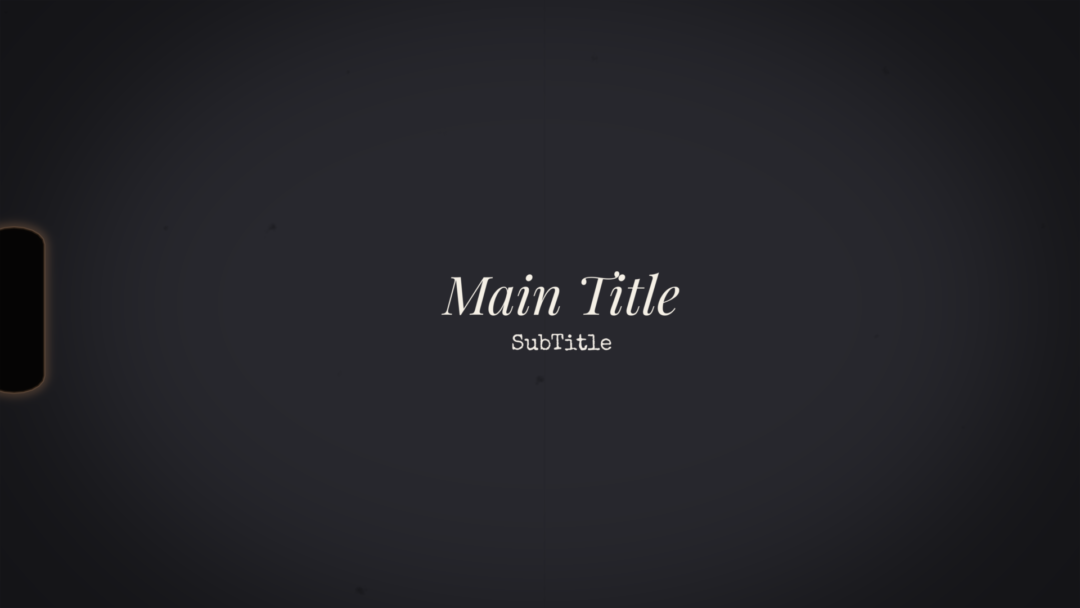
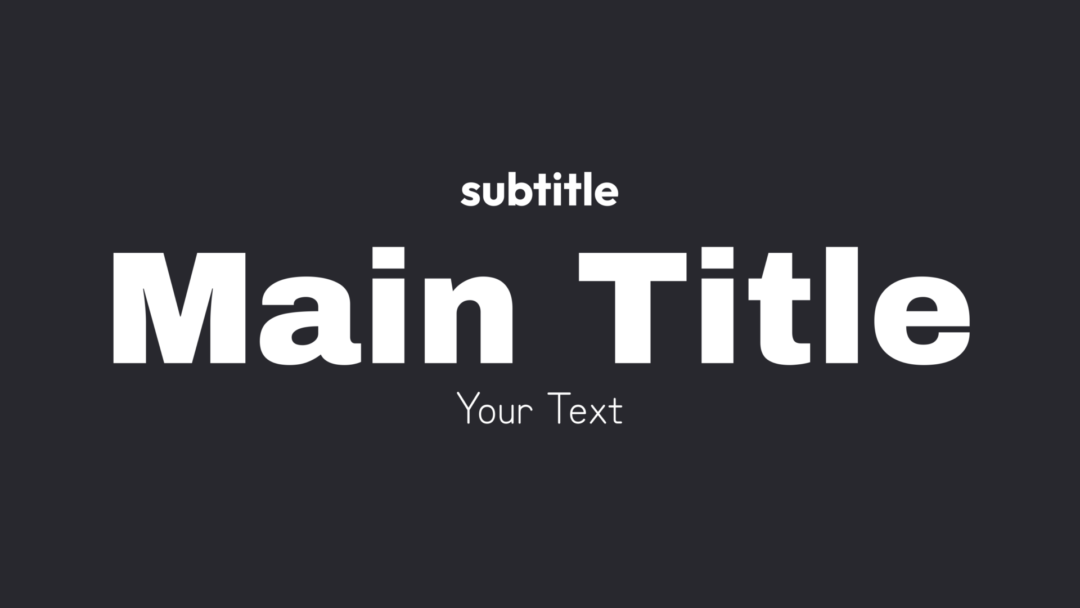
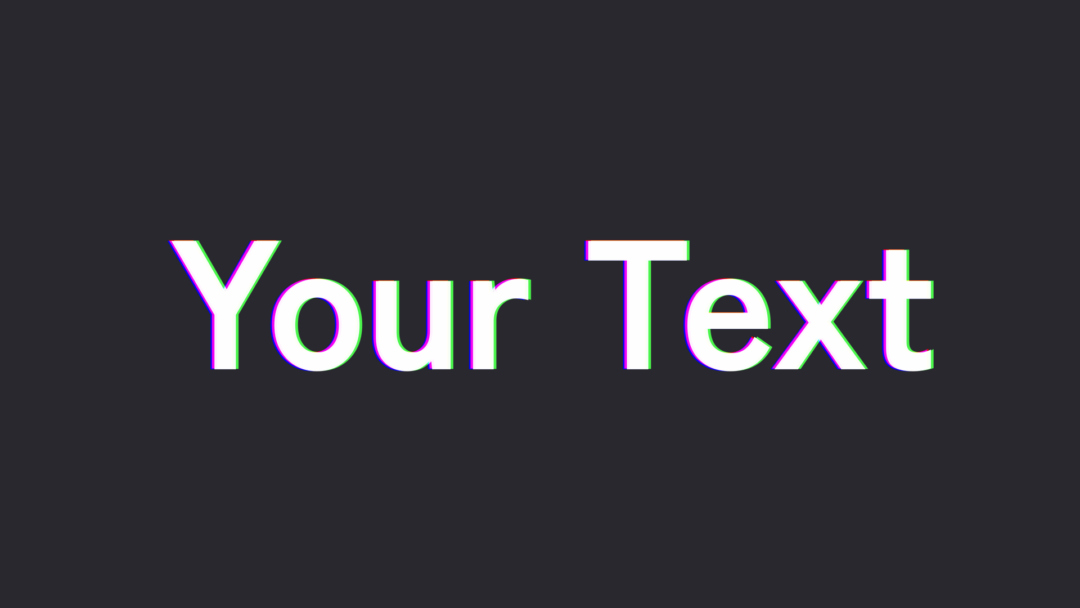
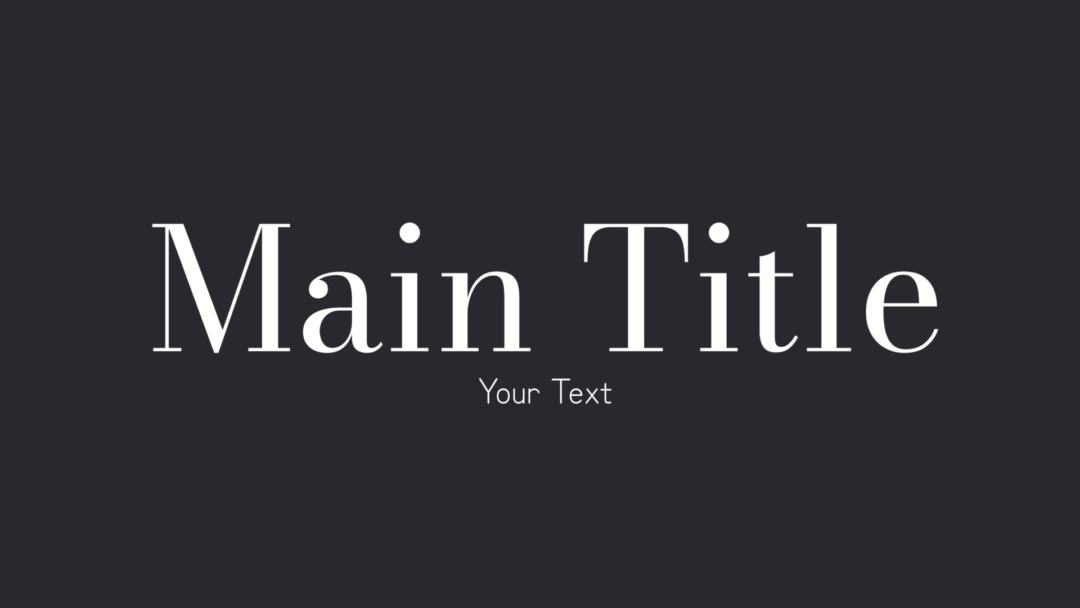
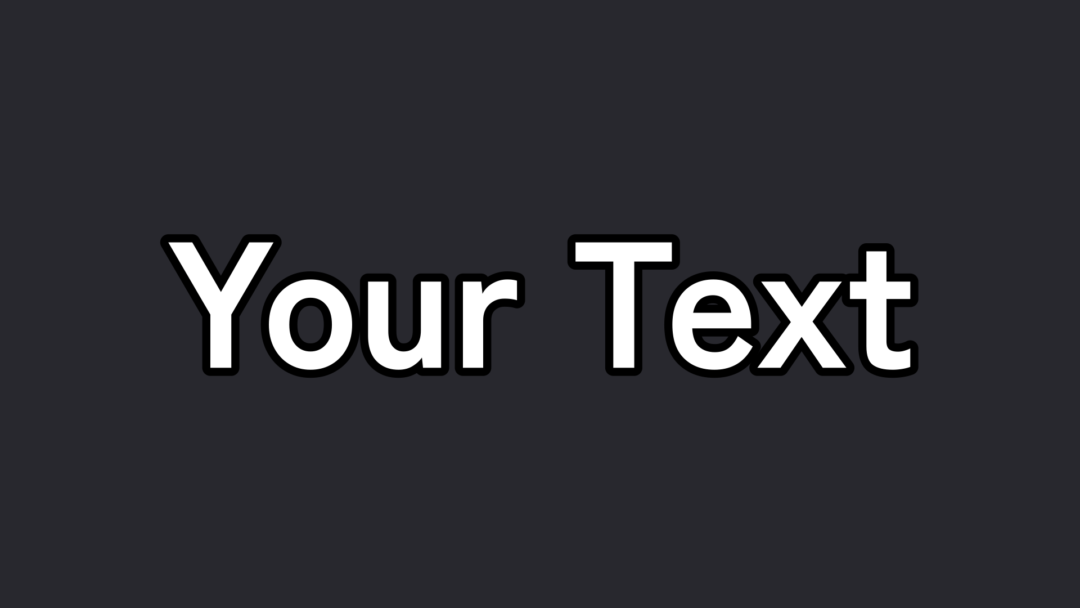
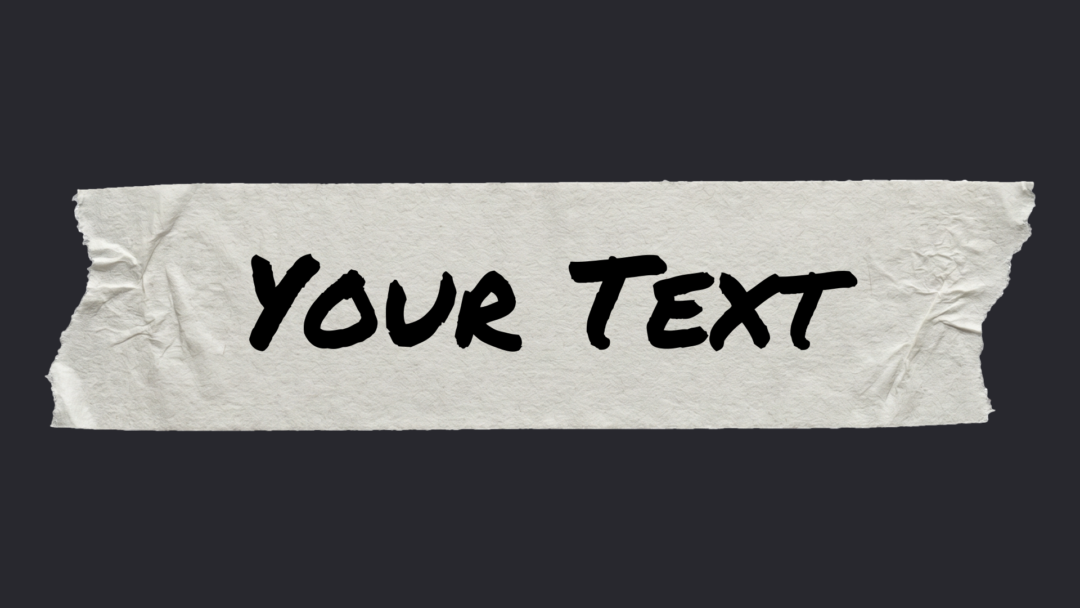
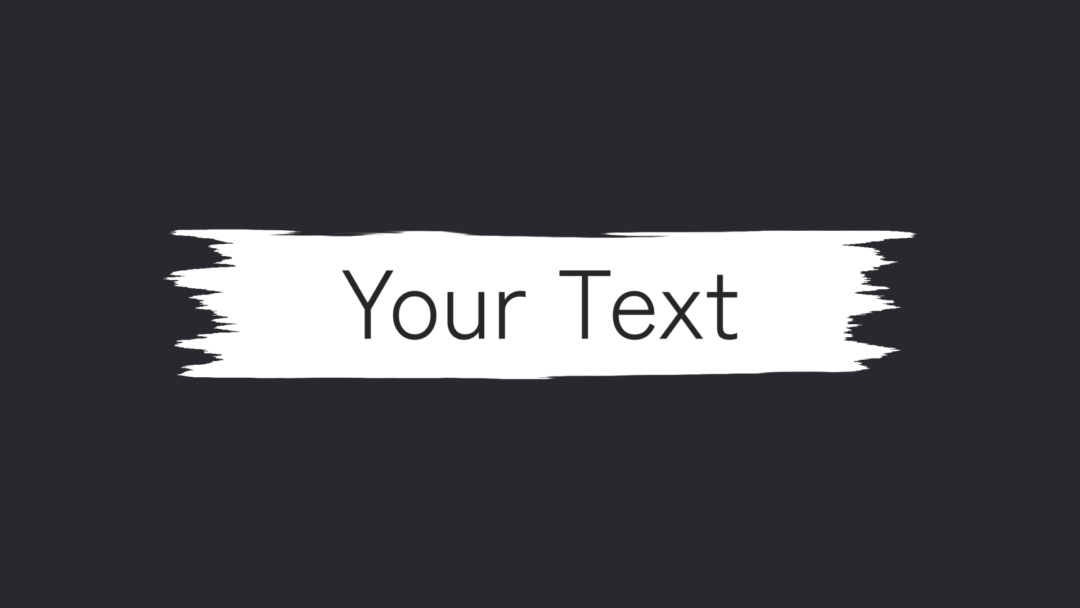
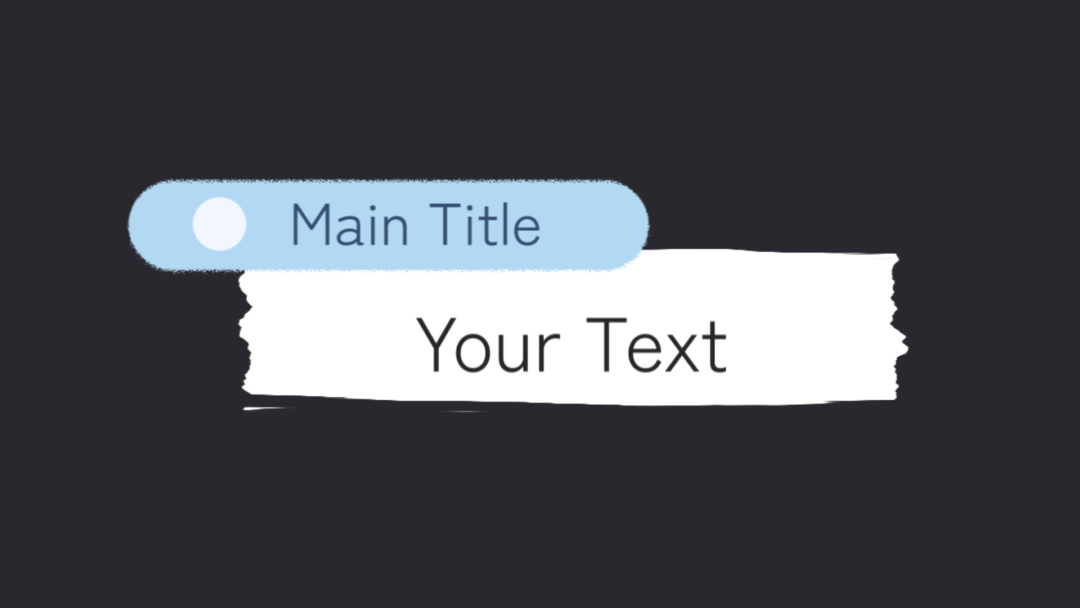
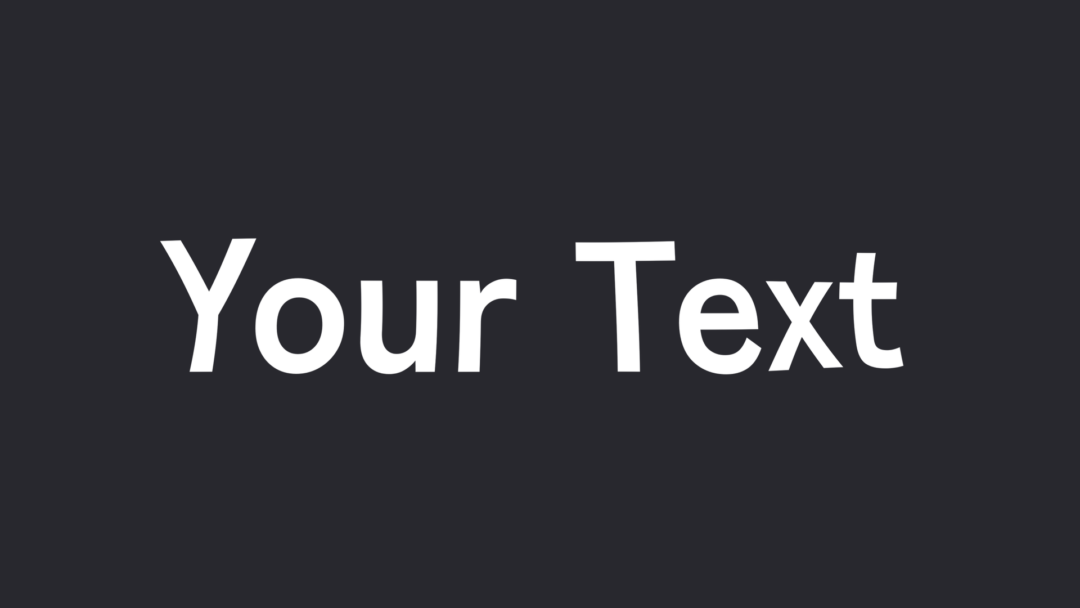
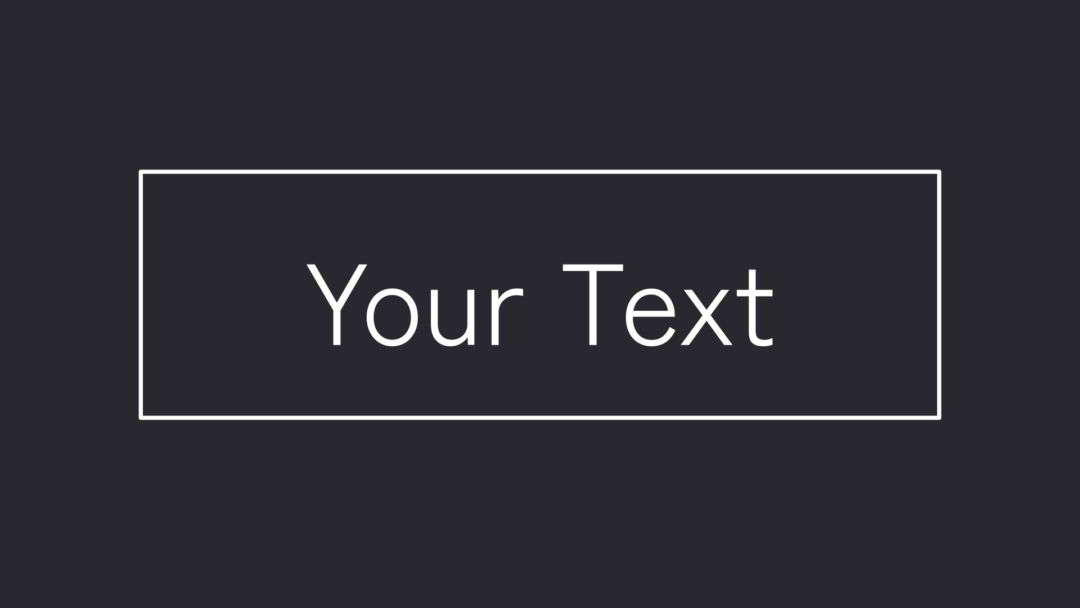
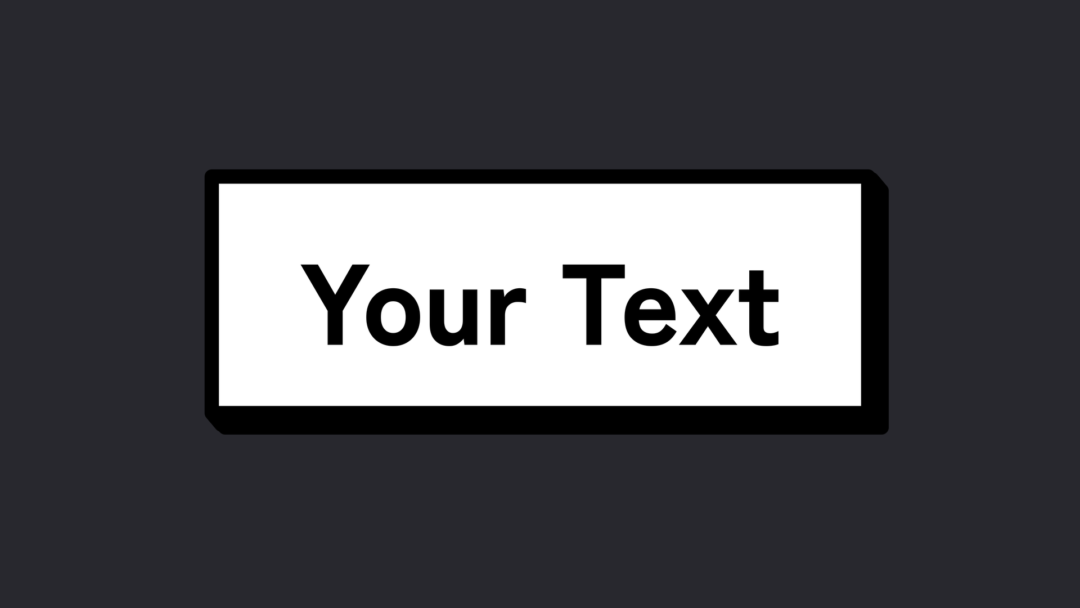
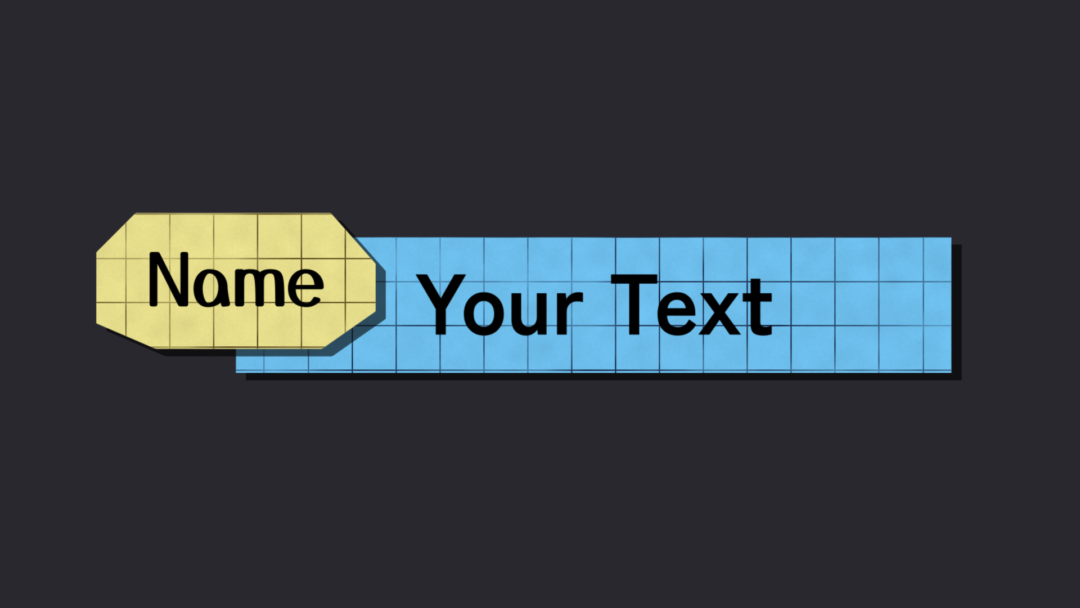
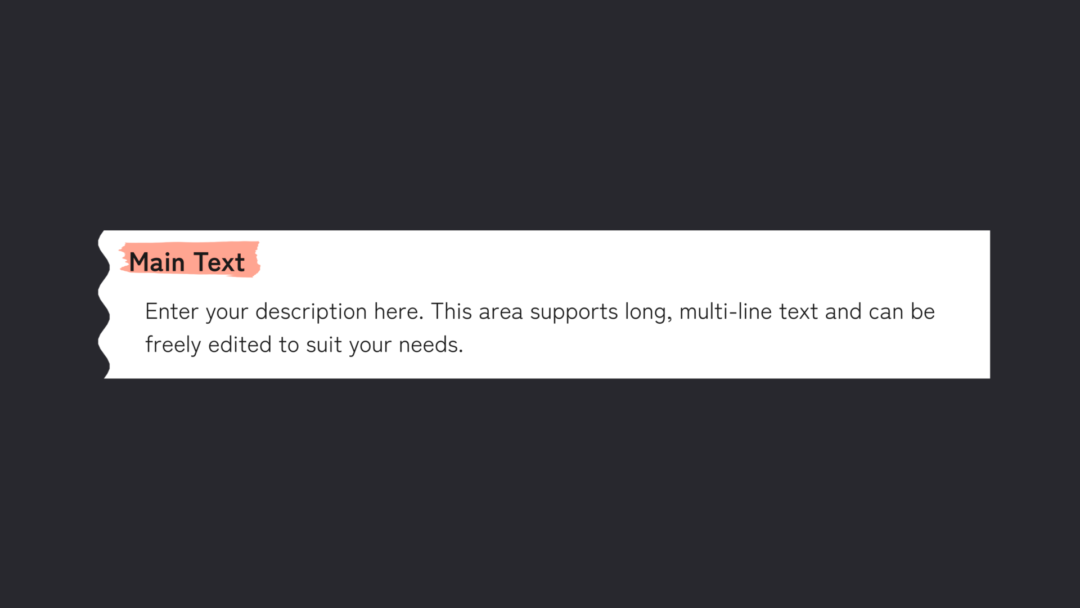
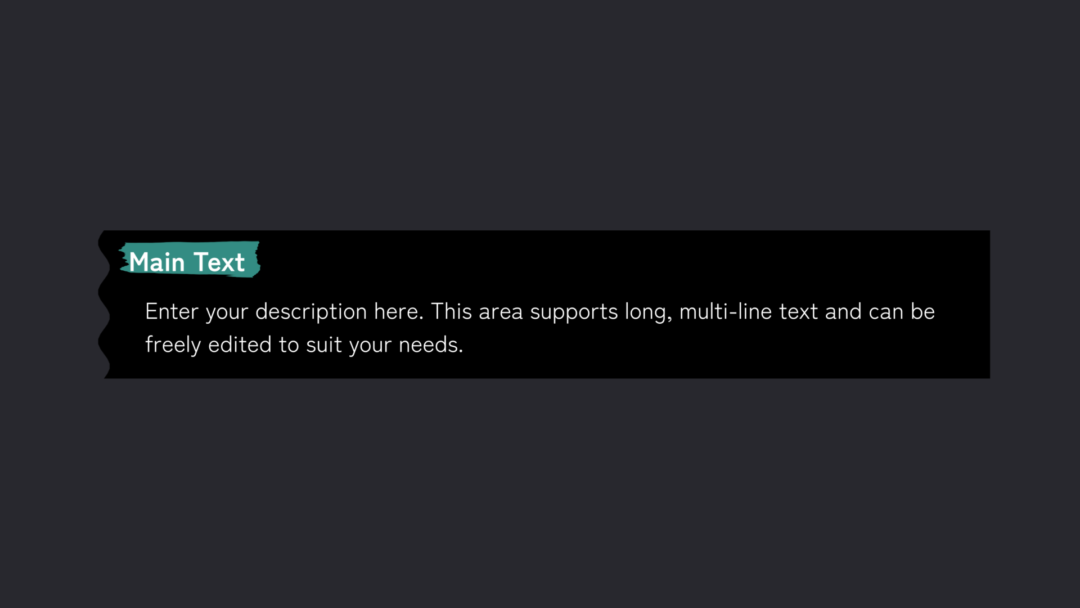
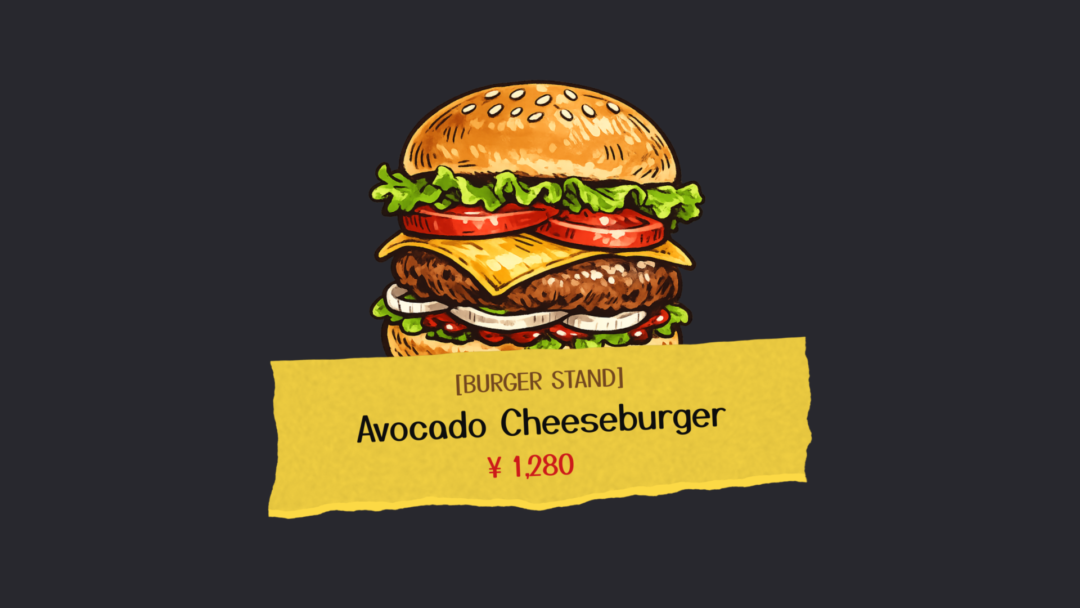
A deep set of text effects you can drop straight into a vlog: basic captions, rounded subtitles, tape style, three-tier titles, glitch, handwriting and full opening/ending sequences.
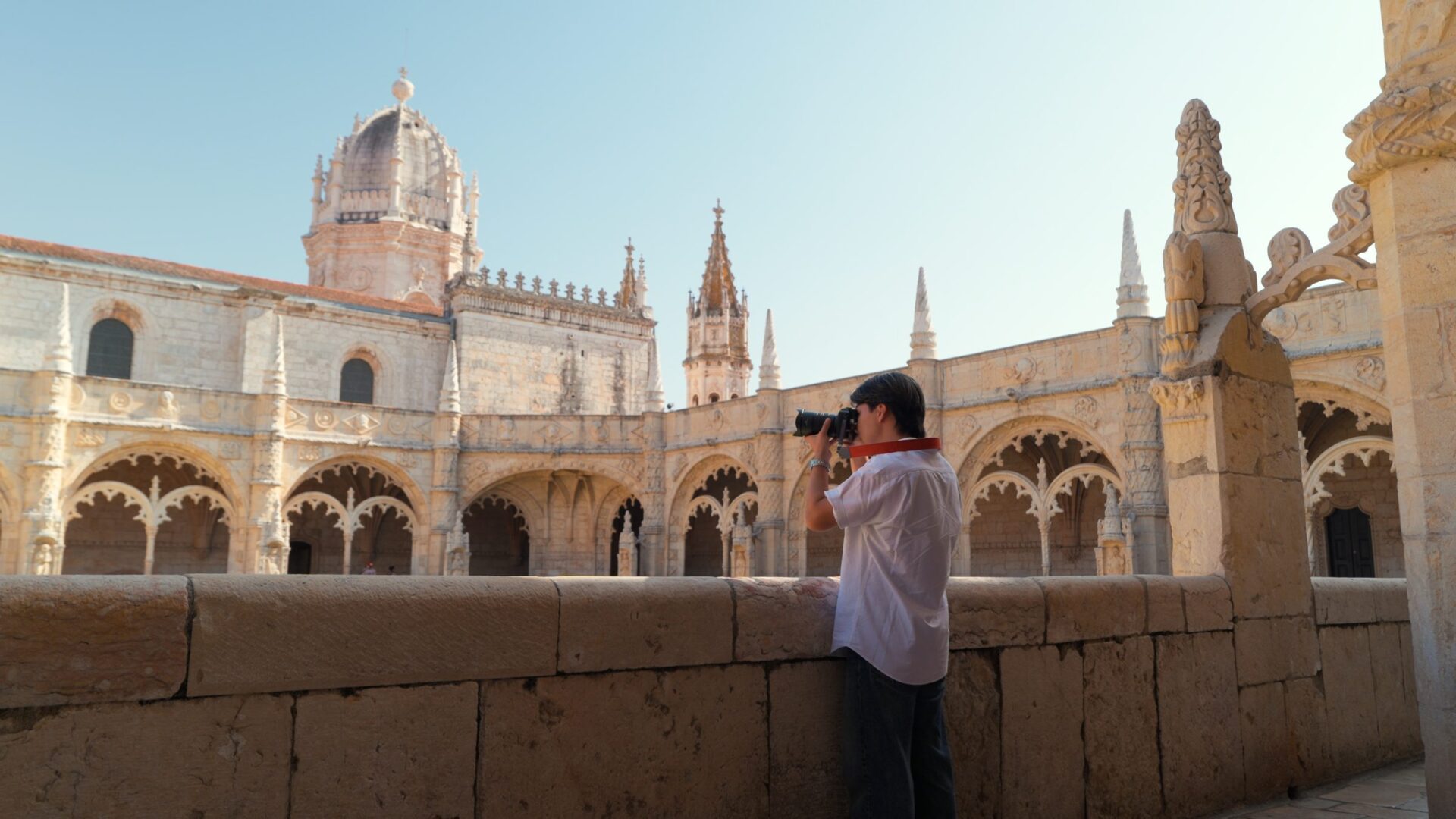
Made for travel and days out
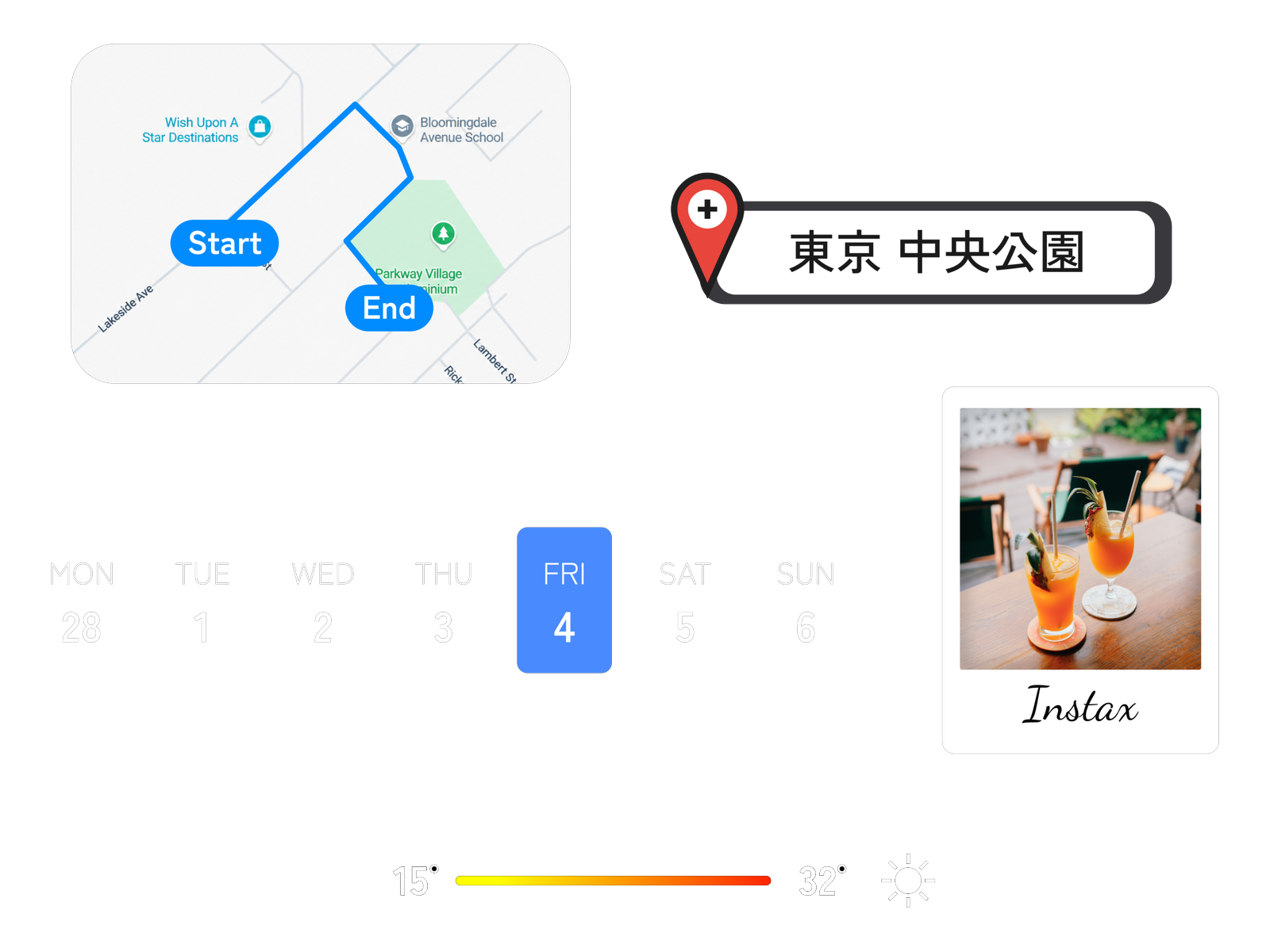
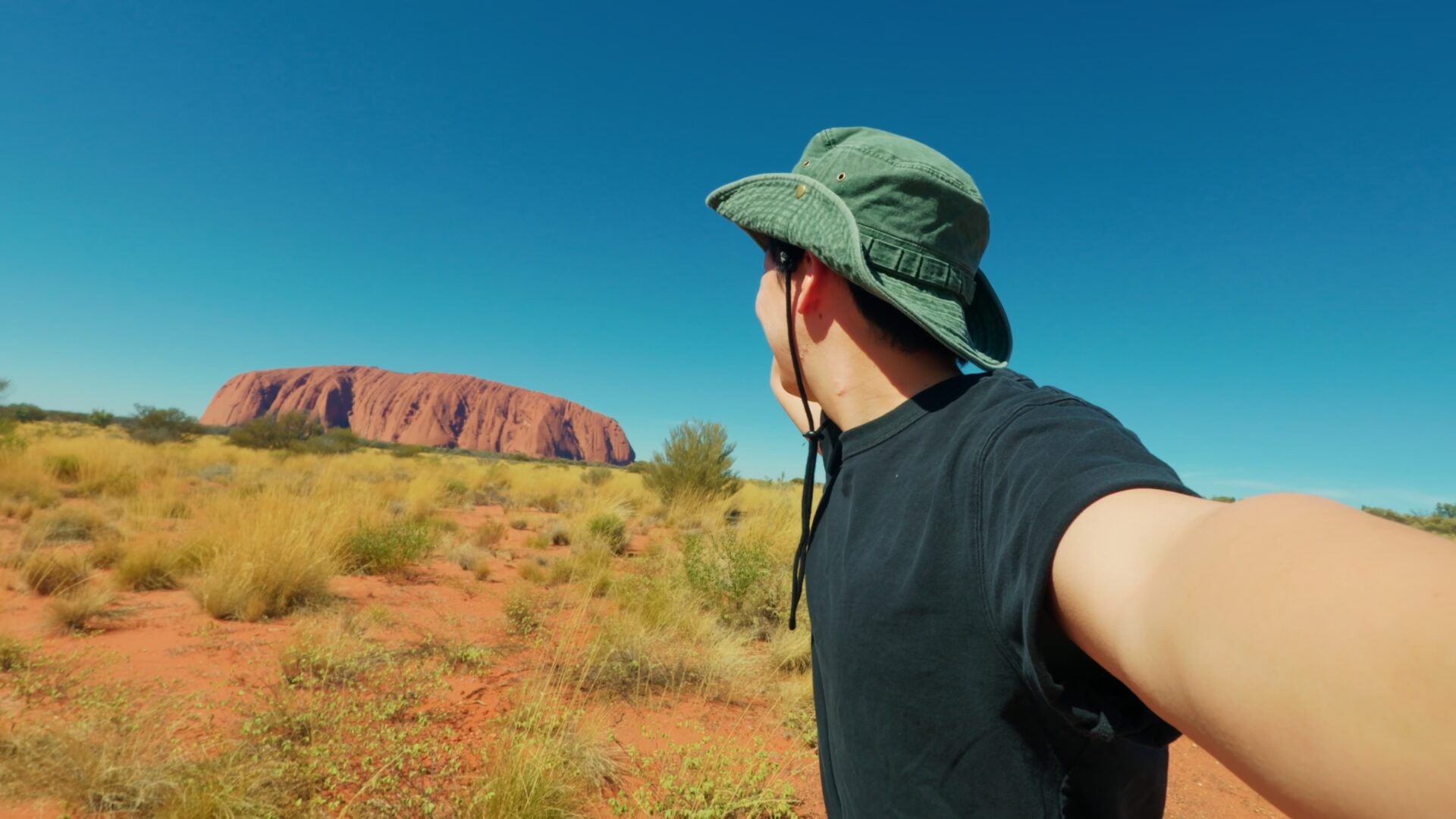
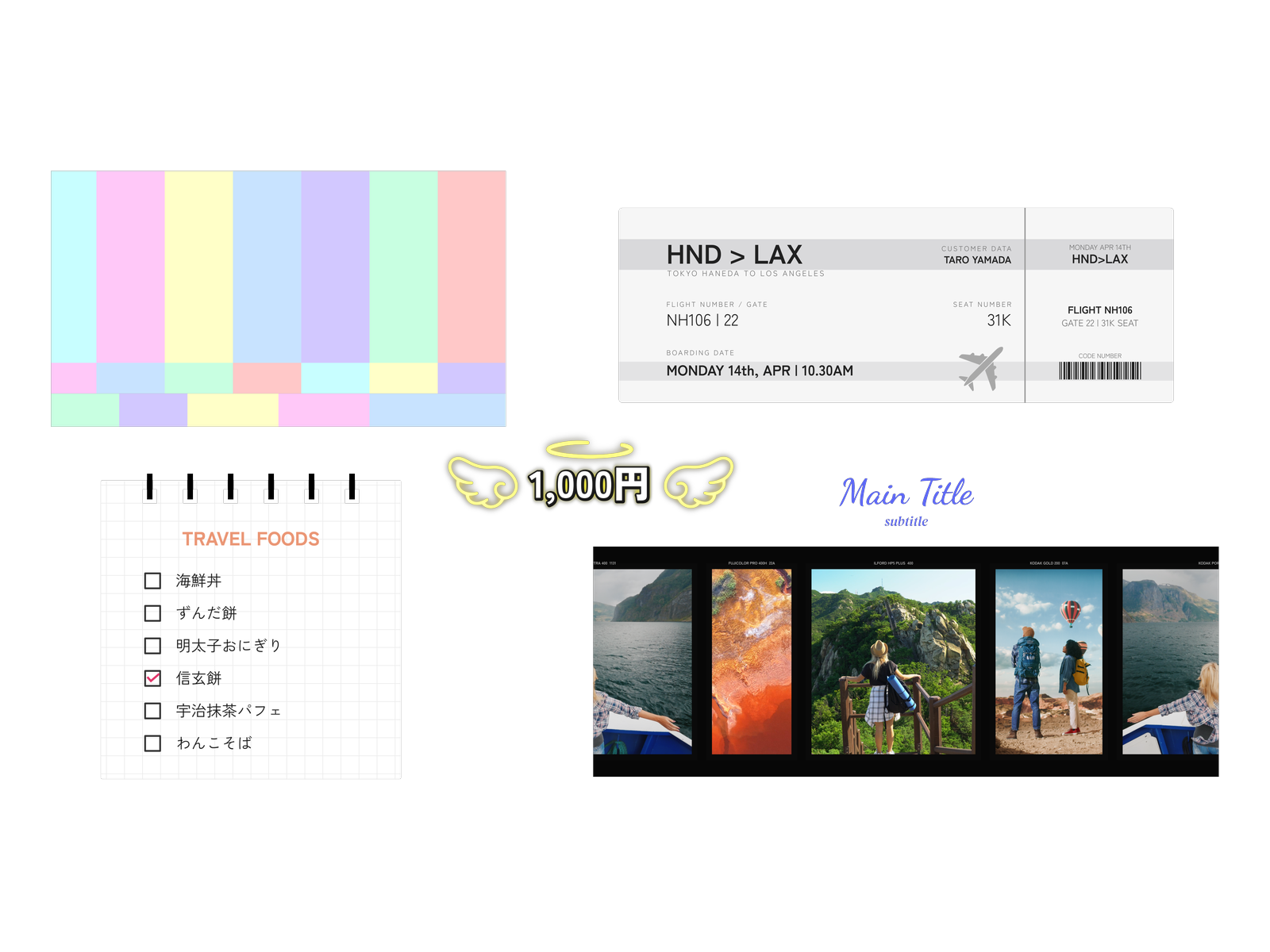
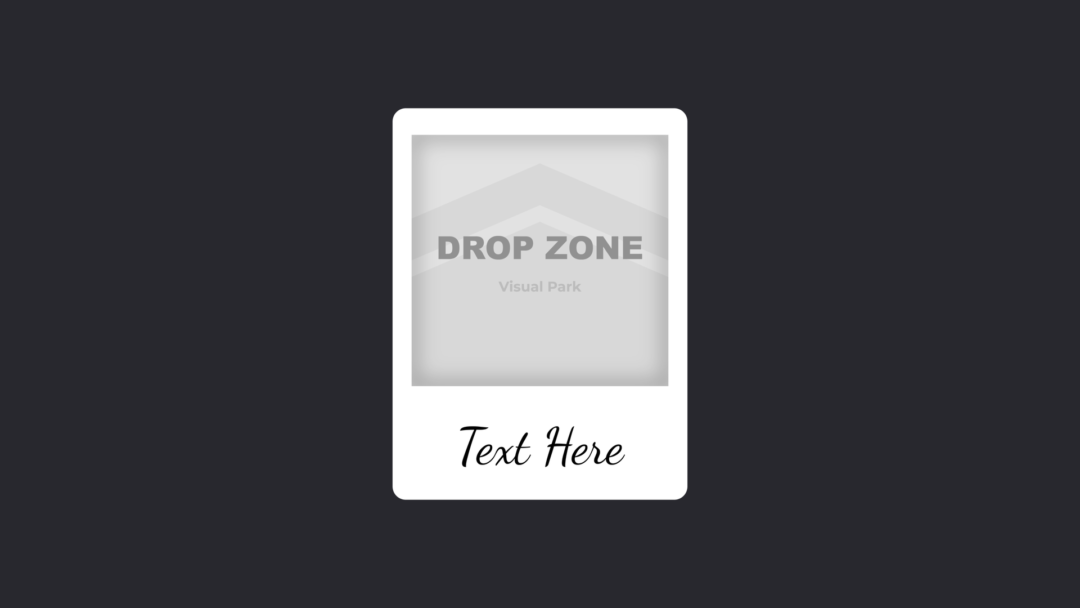
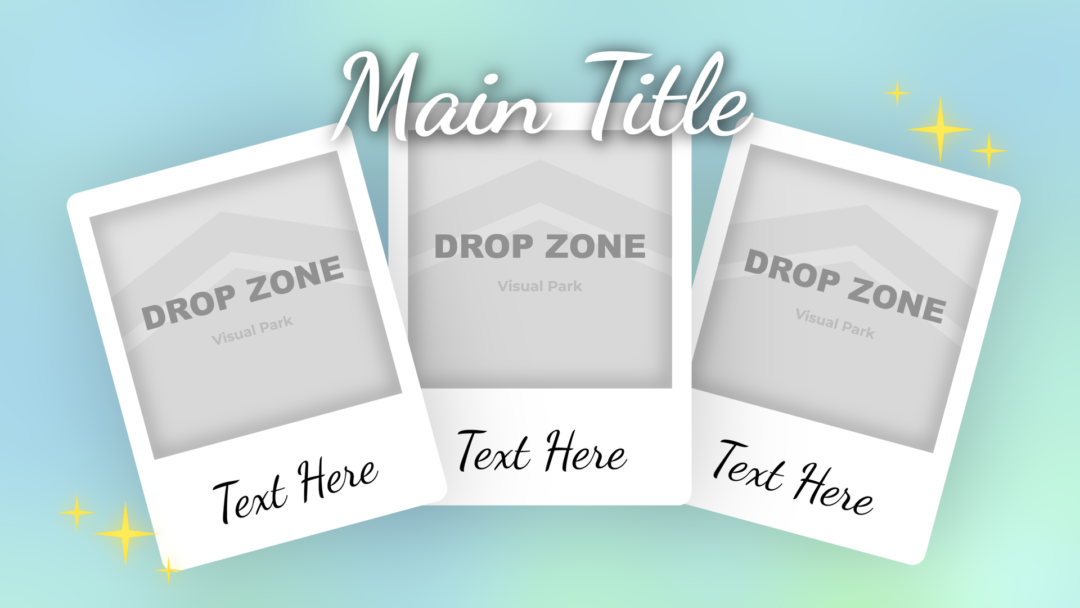
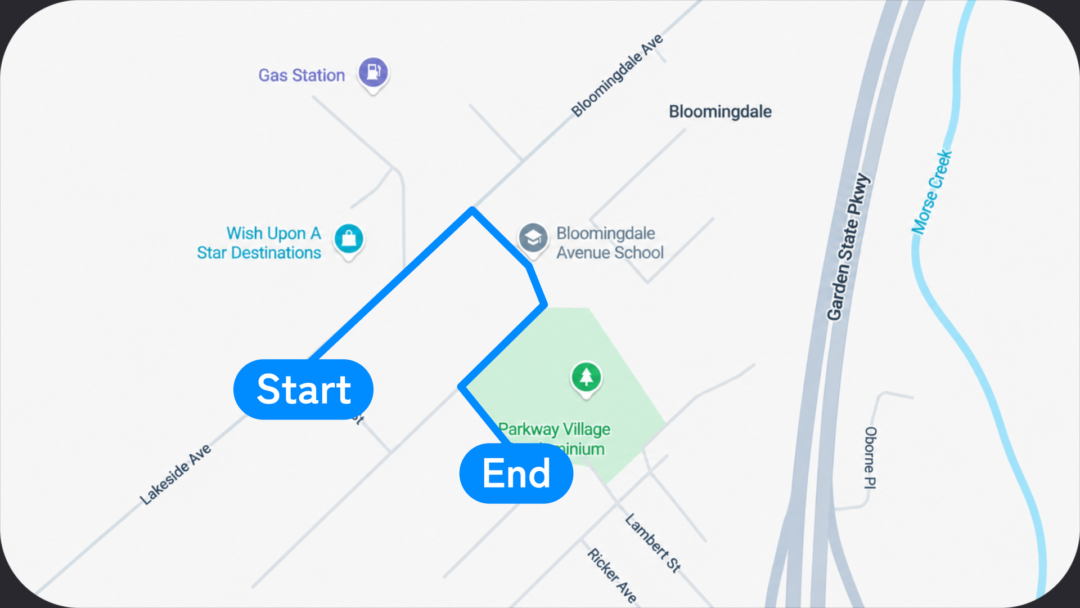
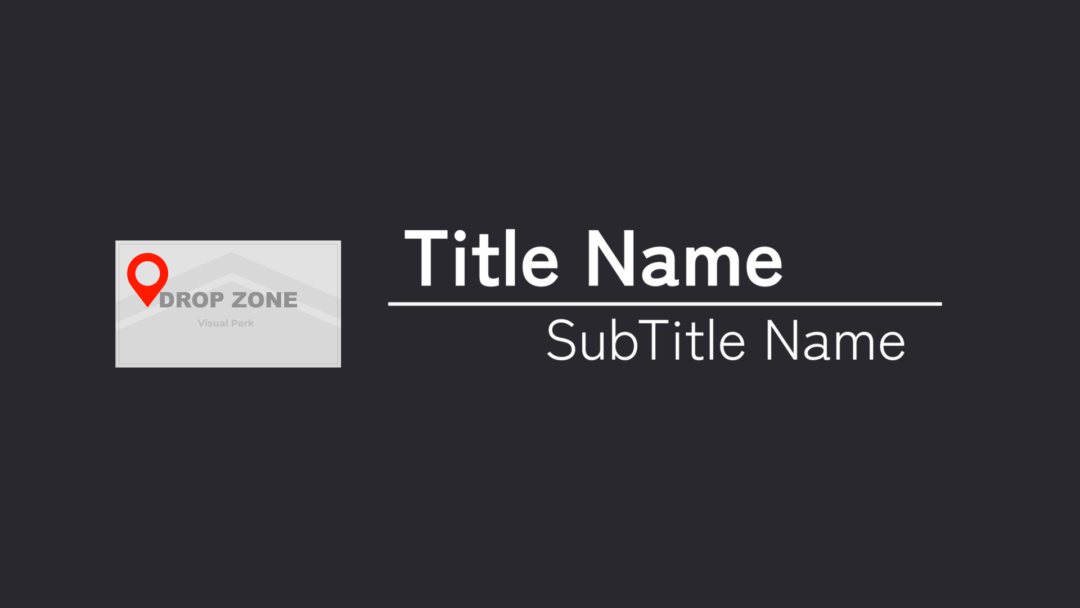
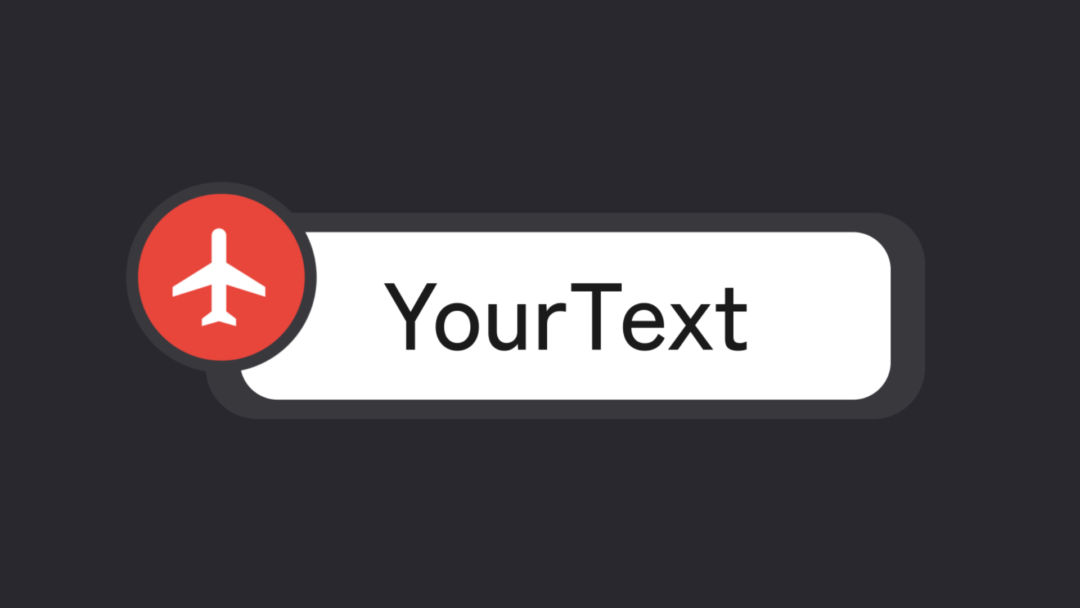
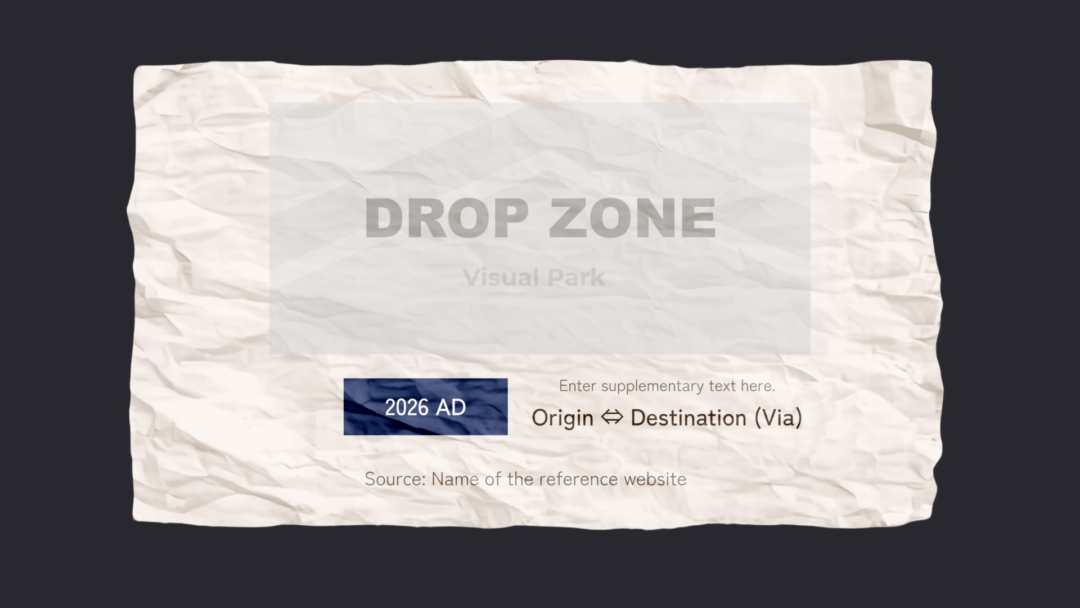
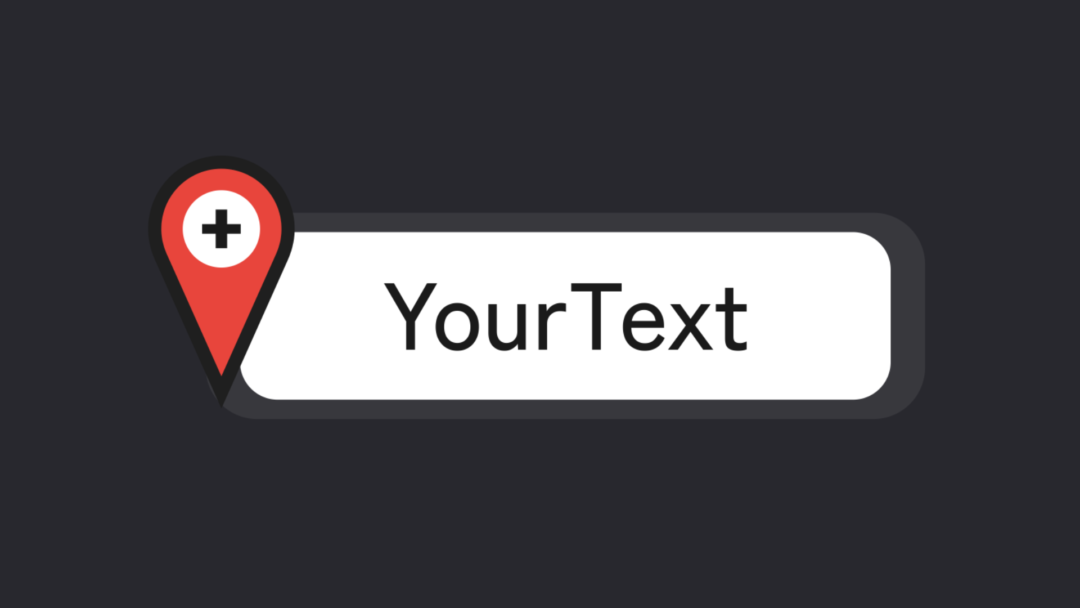
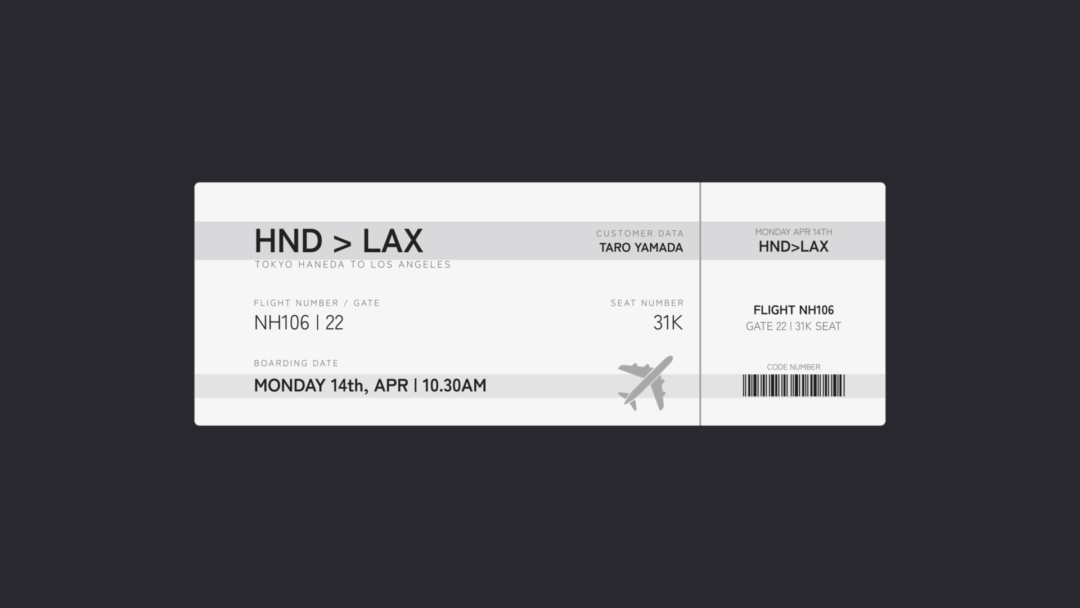
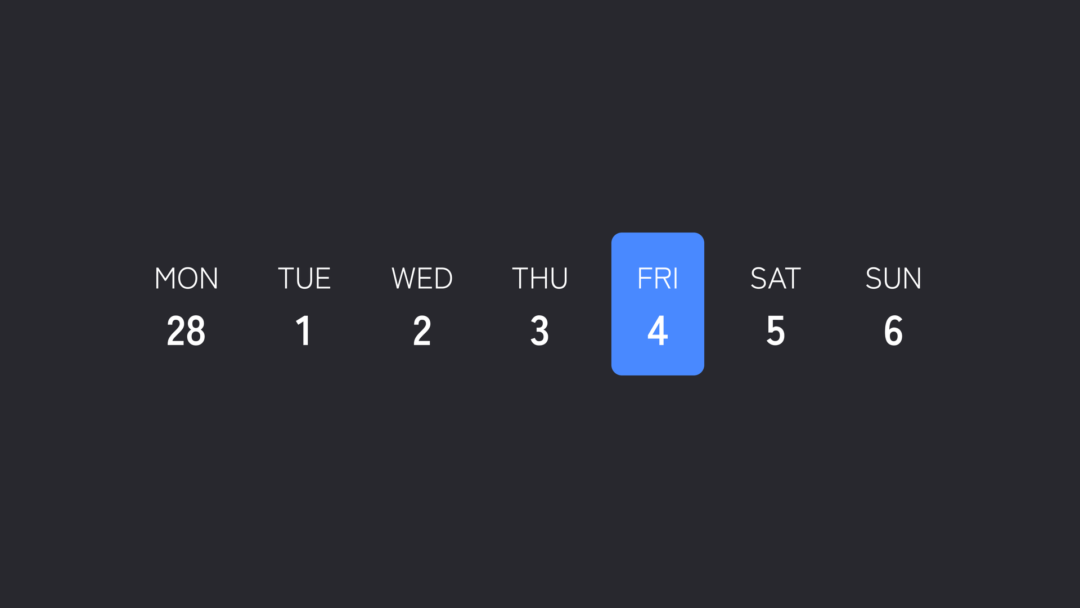
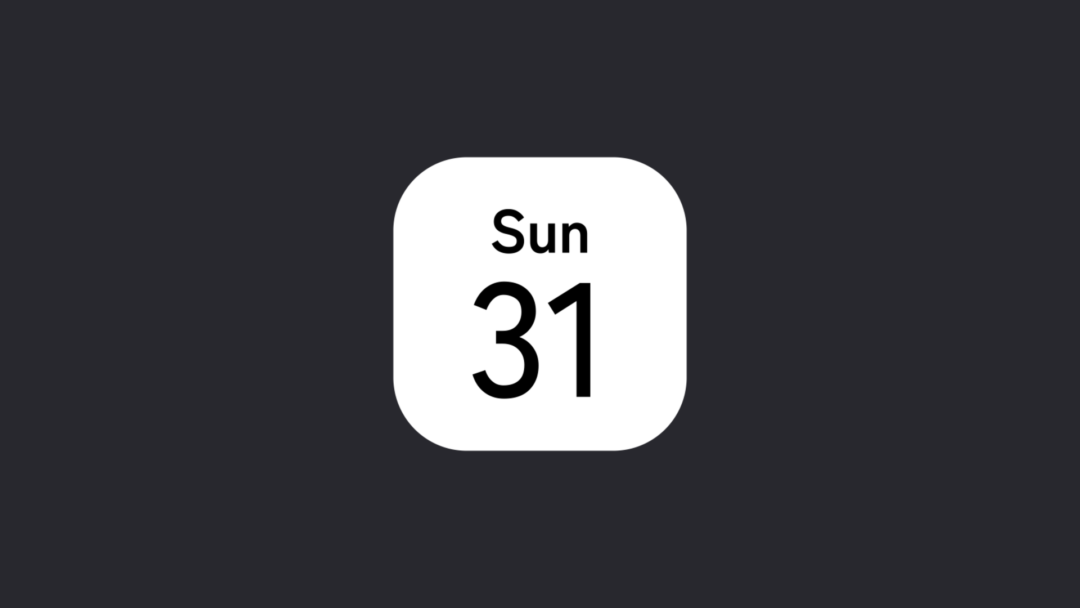
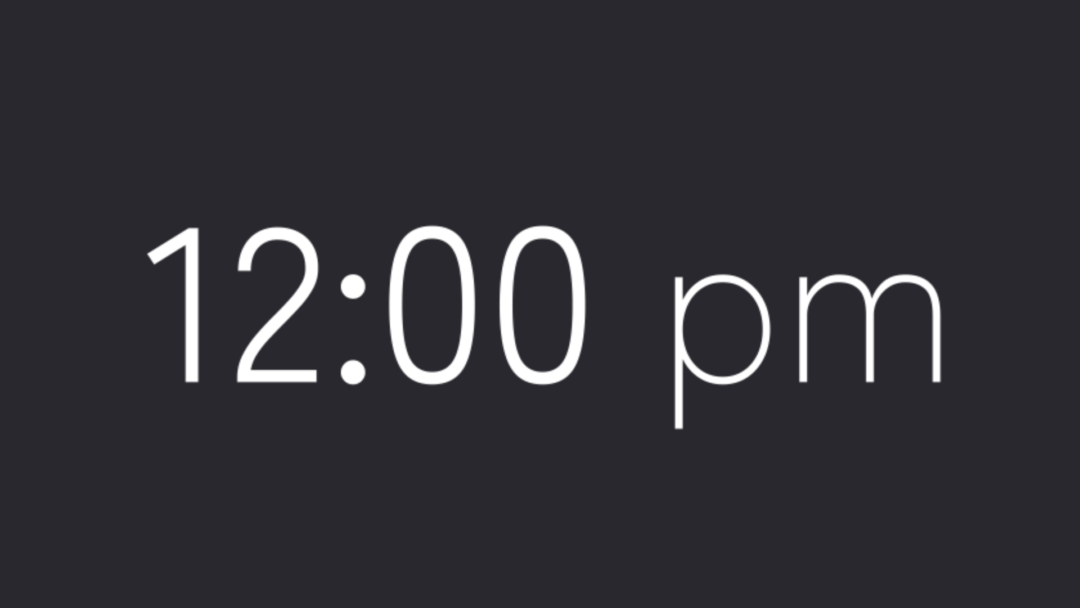
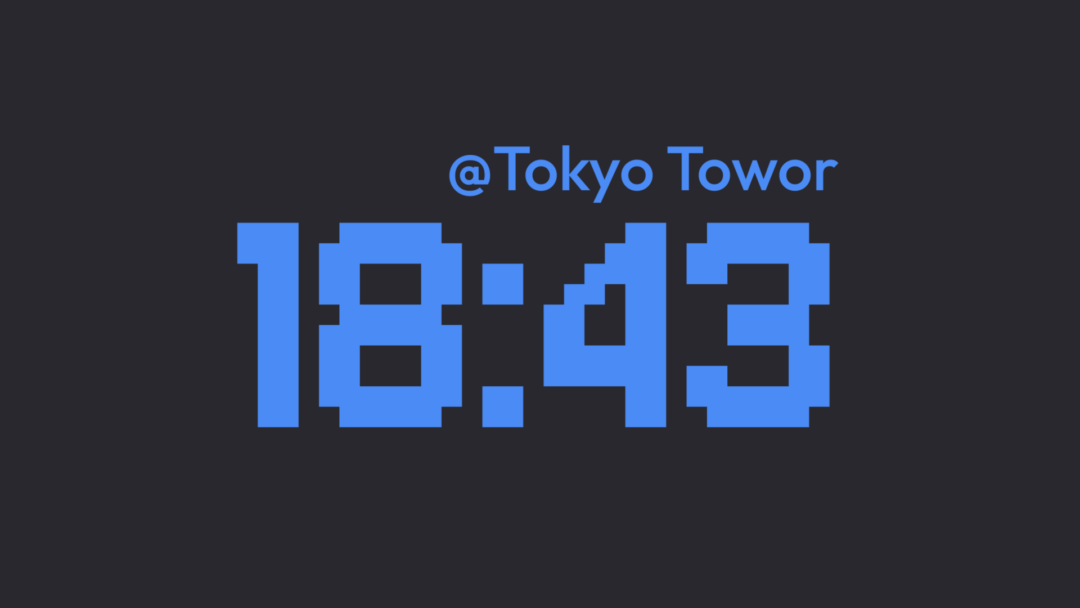
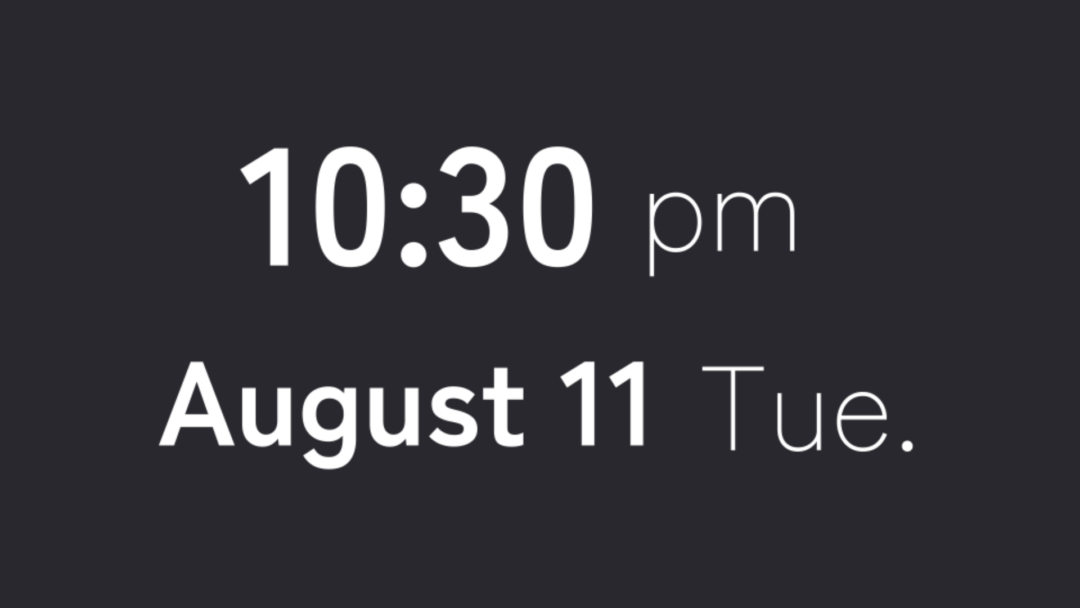
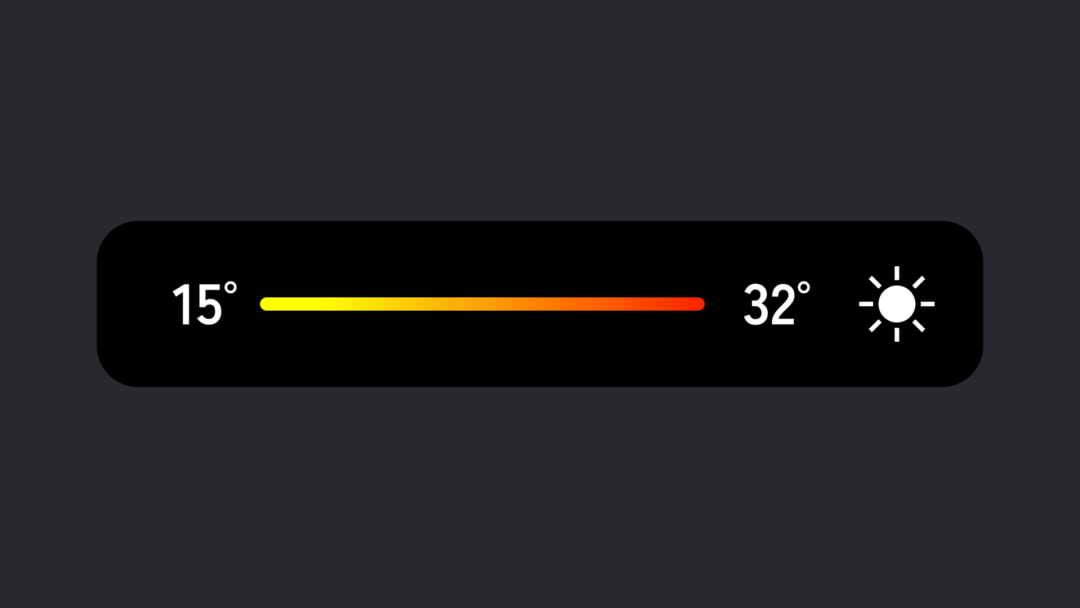
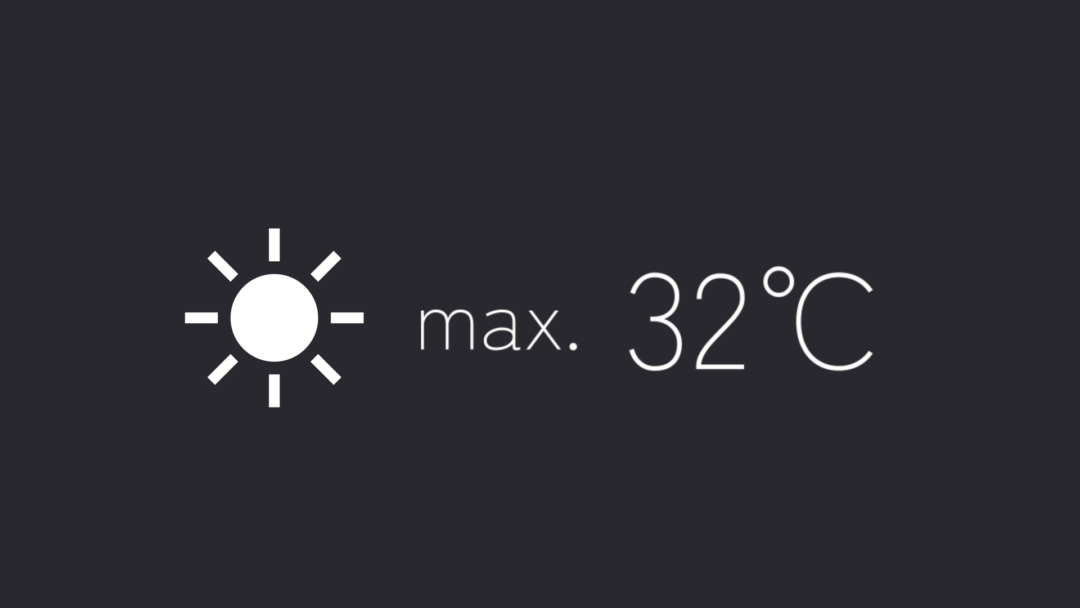
Route animations on maps, place labels, instant-photo frames, calendars, temperature and clocks, boarding passes — everything that makes a travel vlog pop.
Social and app-style UI
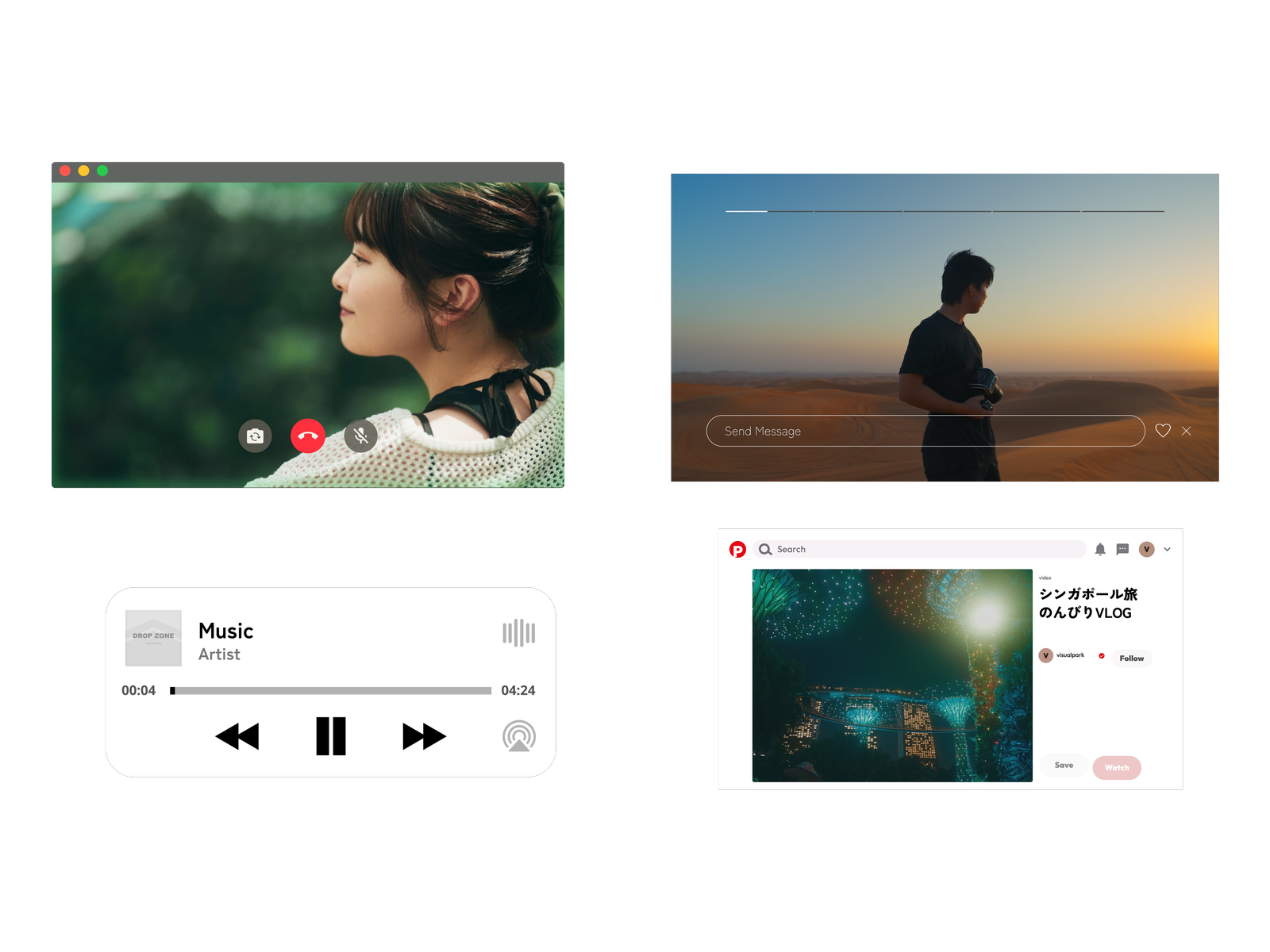
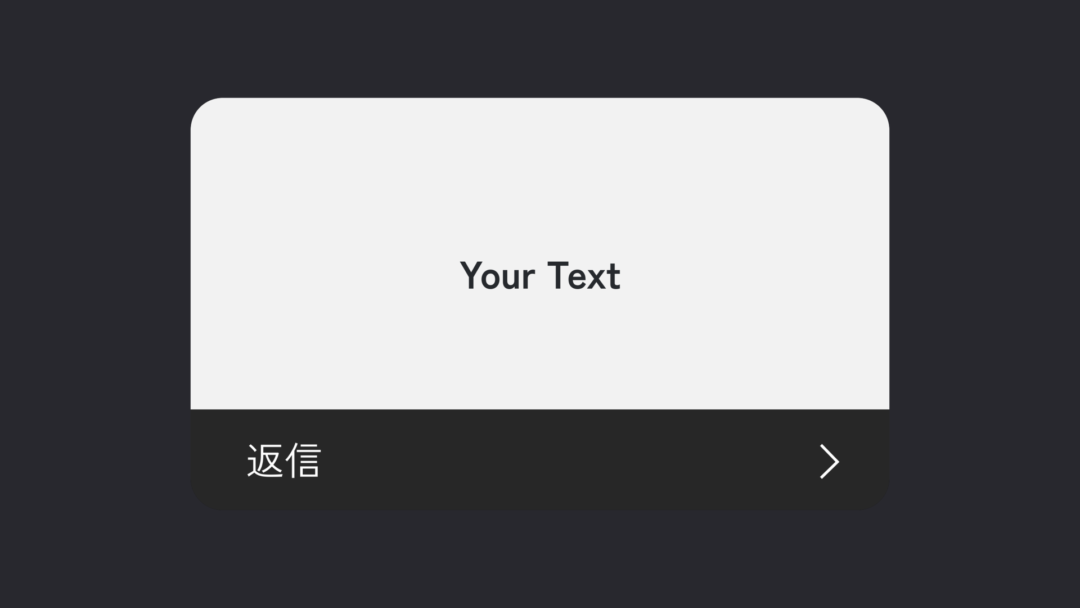
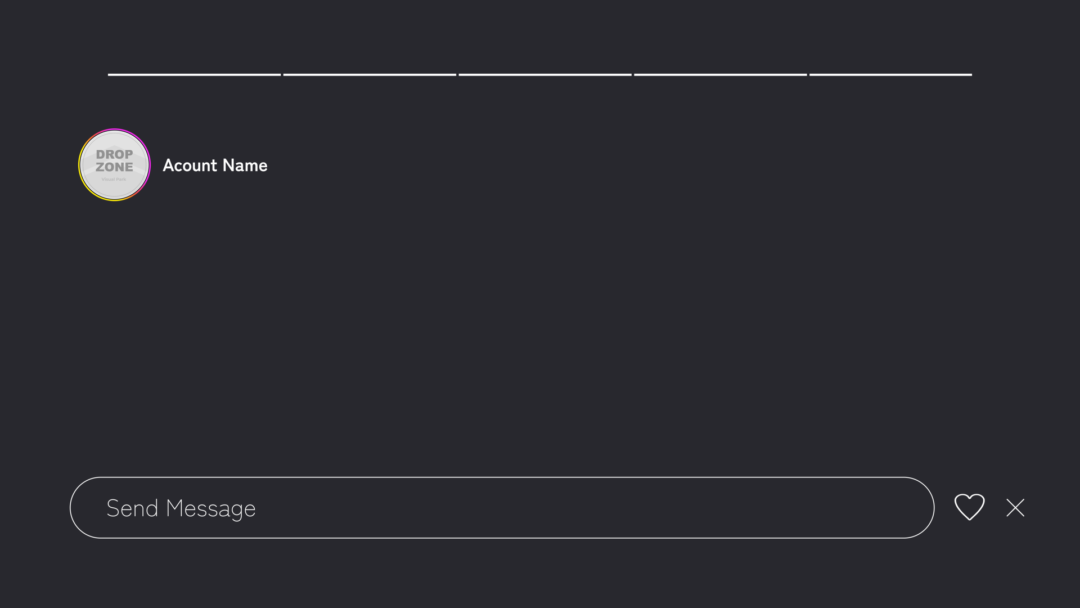
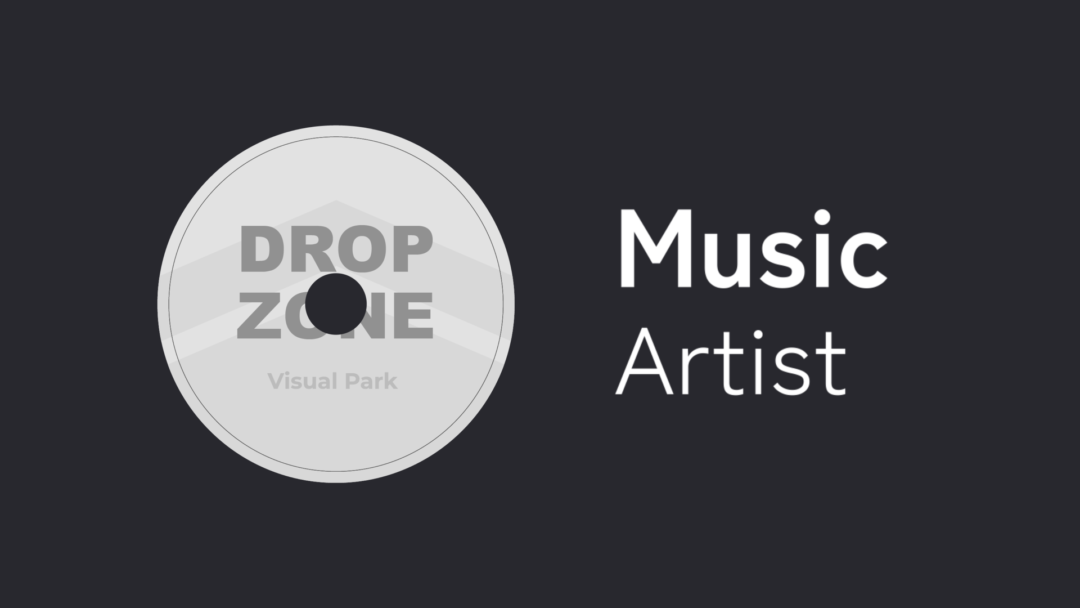
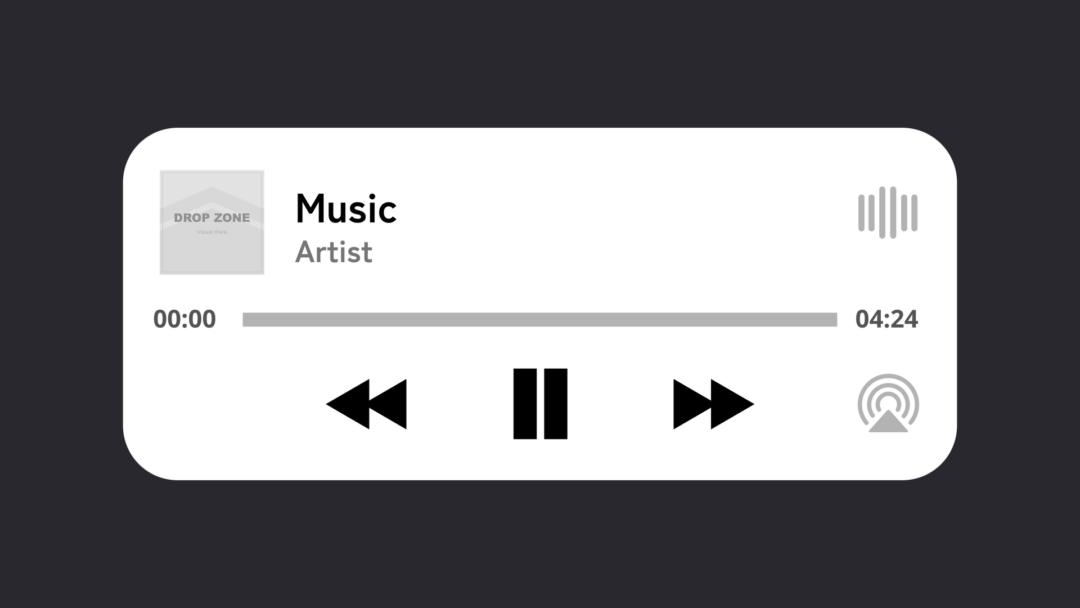
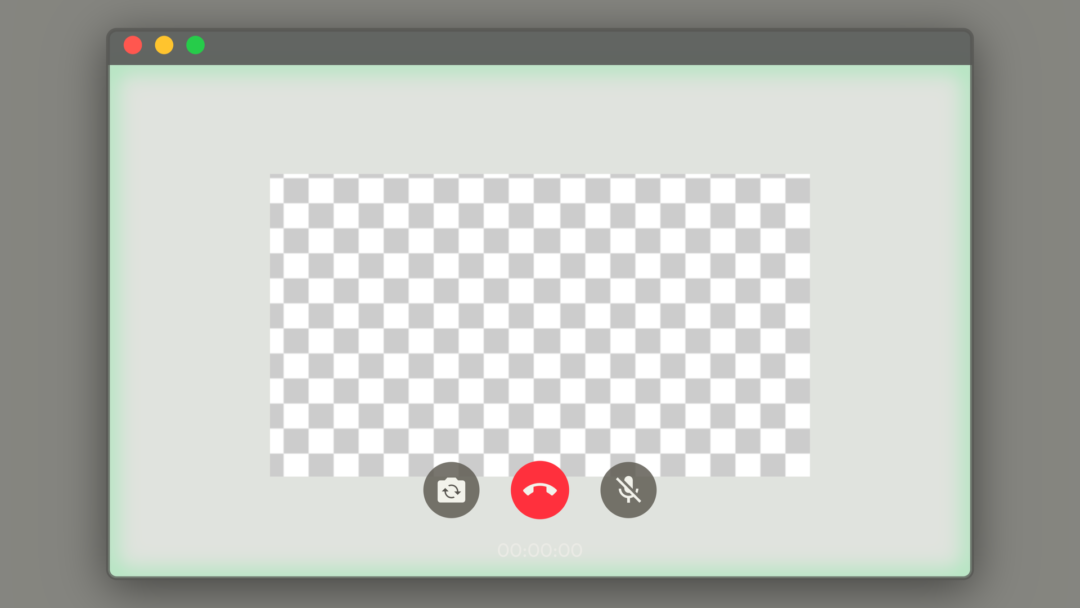
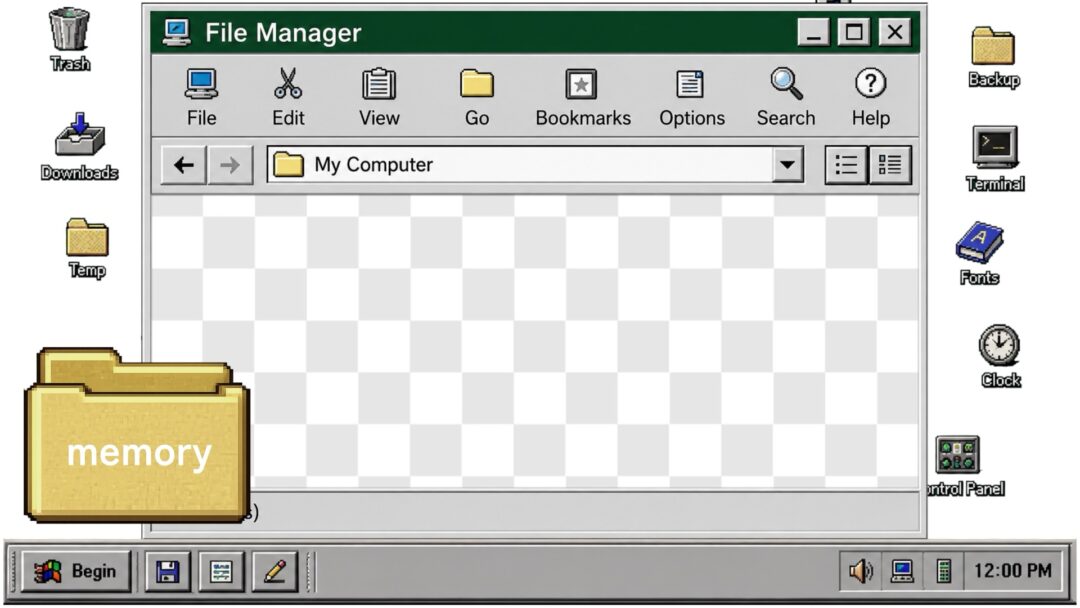
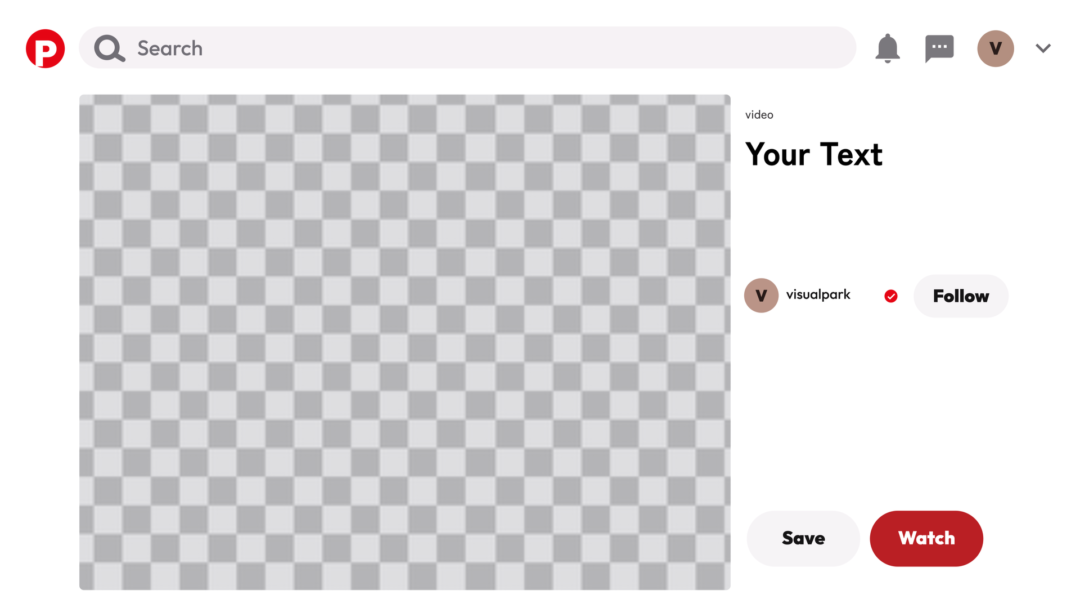
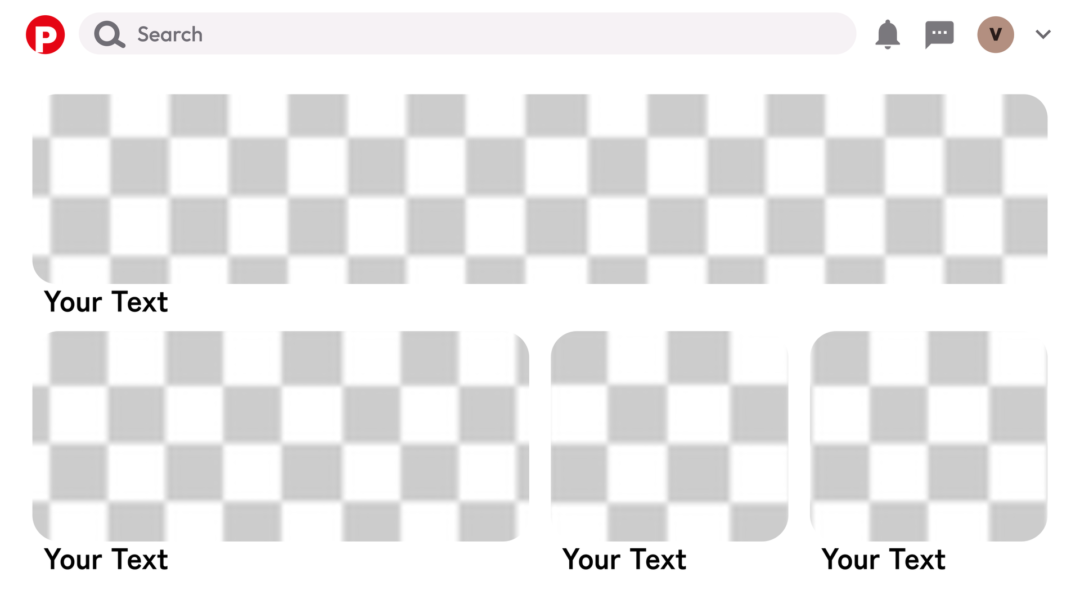
Pinterest-style cards, a Mac call window, playback windows, Instagram-style frames and music players — familiar interfaces, straight into your footage.
Room to edit further
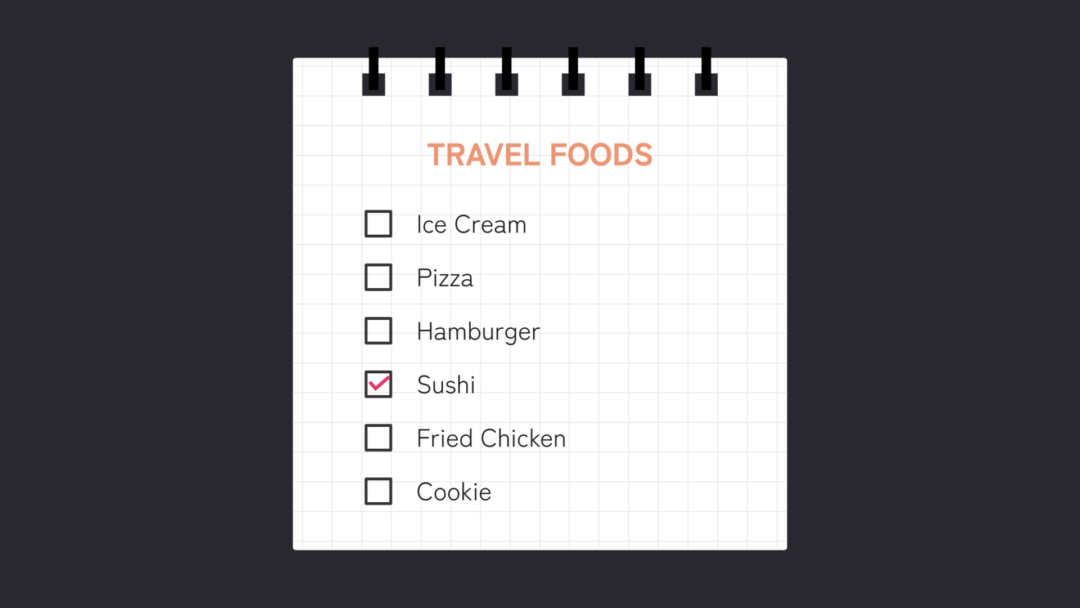
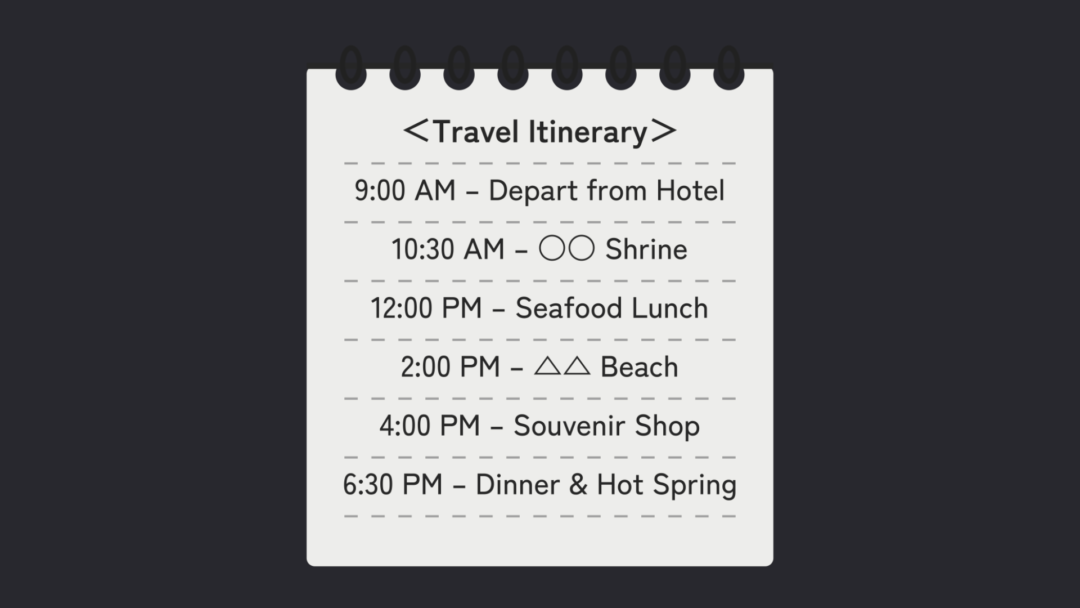
Split screens (2 to 6 ways) and crop transitions, plus note-style elements such as checklists. Broaden how your vlog is told.
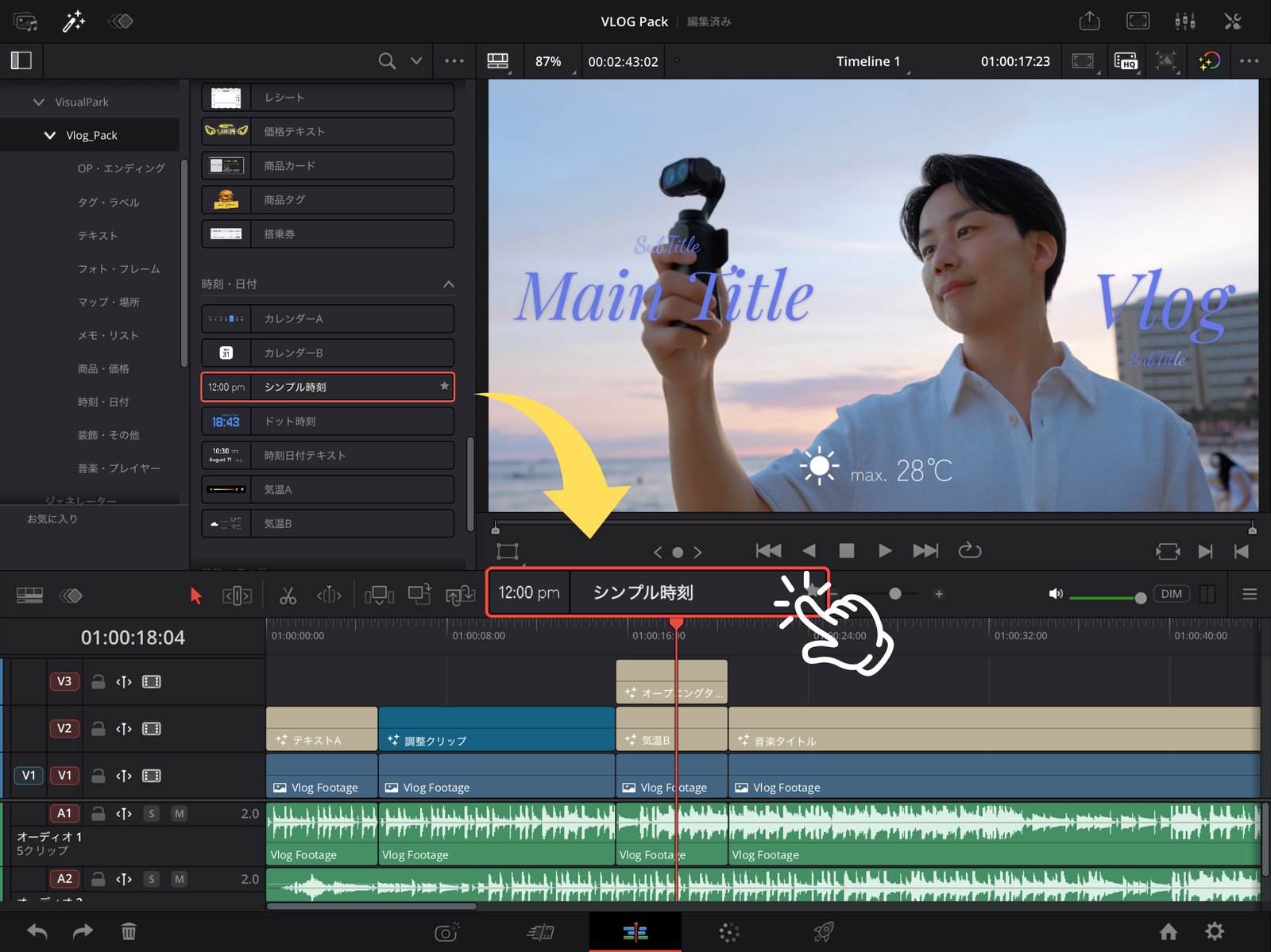
One click to a
professional finish.
Intuitive controls for color, text, and position. No complicated setup, so your own vlog style comes together instantly.
Works with the free version of DaVinci Resolve and DaVinci Resolve for iPad. No extra cost — bring professional-grade effects into your edit today.
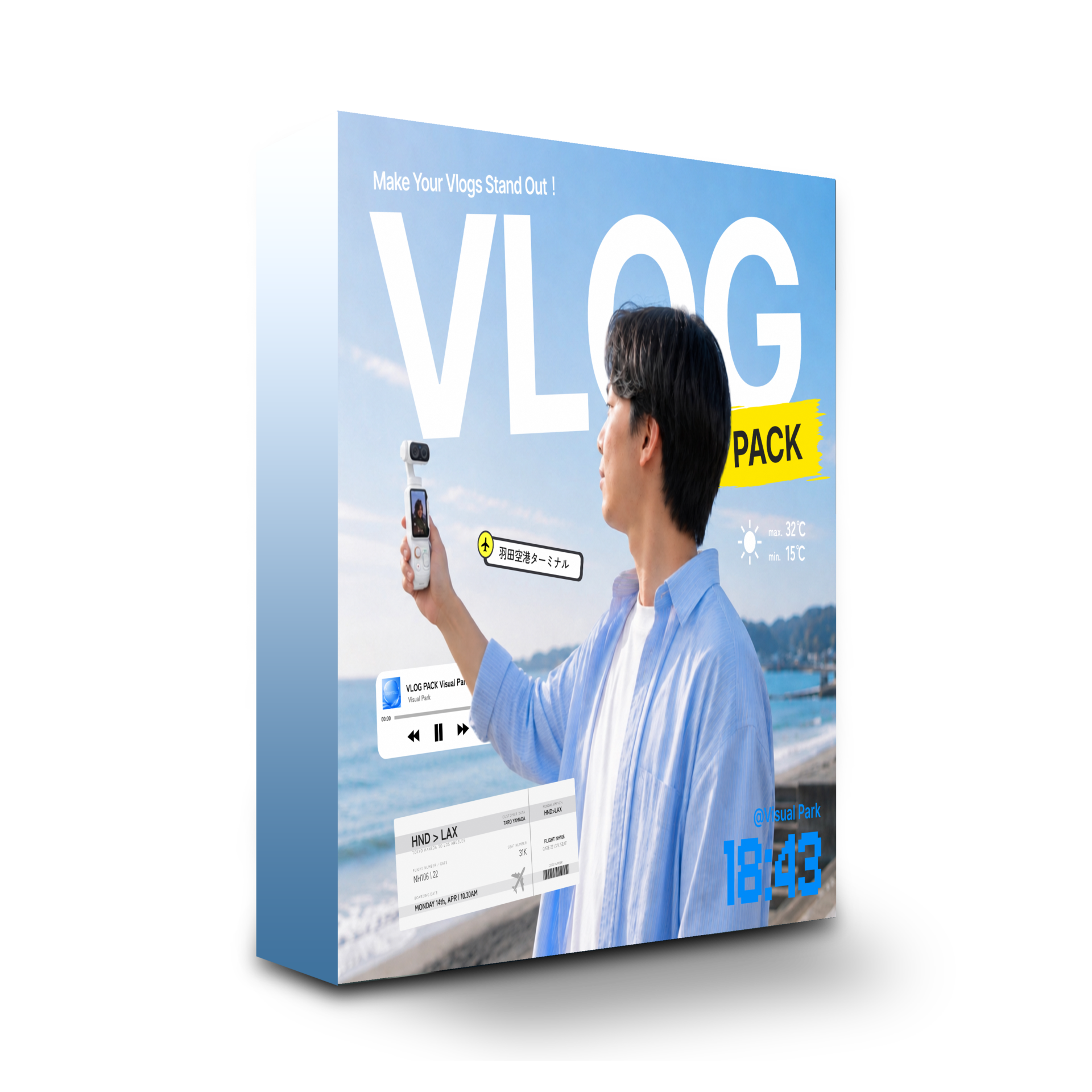
VLOG Pack
 For DaVinci Resolve
Make the everyday cinematic. 71 tools to make your vlog more compelling.
Before you start
- These presets are for DaVinci Resolve only and work with both the free version and DaVinci Resolve for iPad.
- Depending on text length and placement, you may need to fine-tune size and position.
- Playback and export may slow down depending on your computer specifications.
Supervised by a
DaVinci Resolve Certified Trainer
We share vlog-editing tips and preset tutorials on our
YouTube channel with more than 270,000 subscribers.
58 Titles
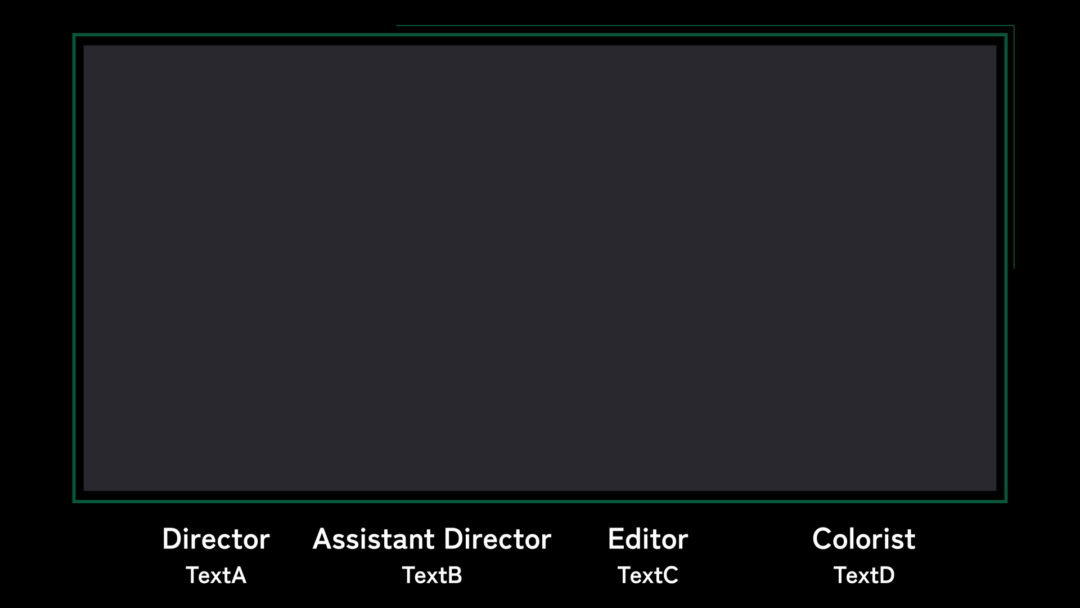
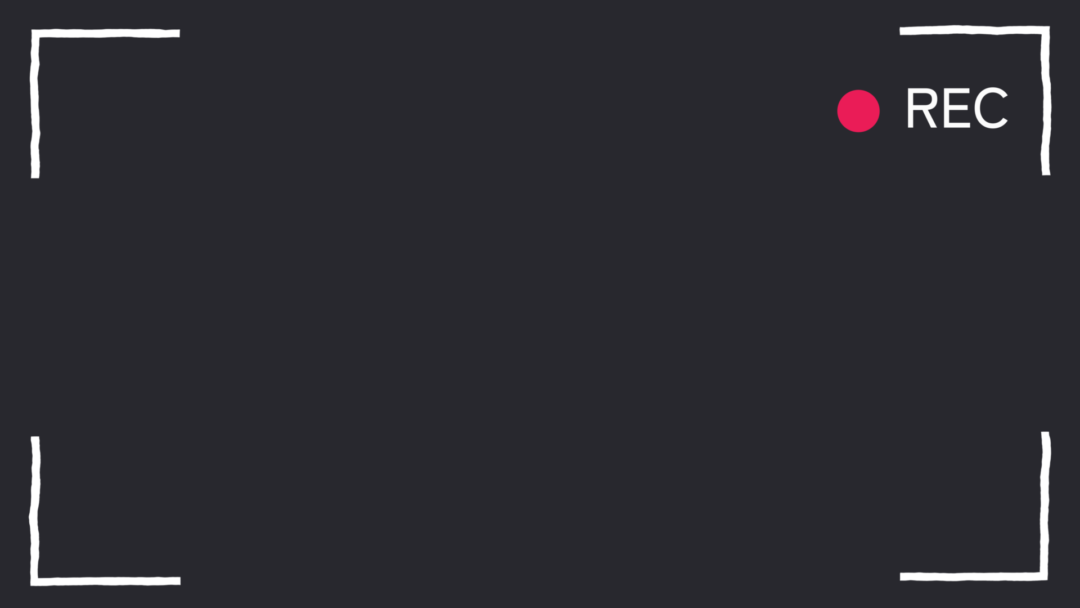
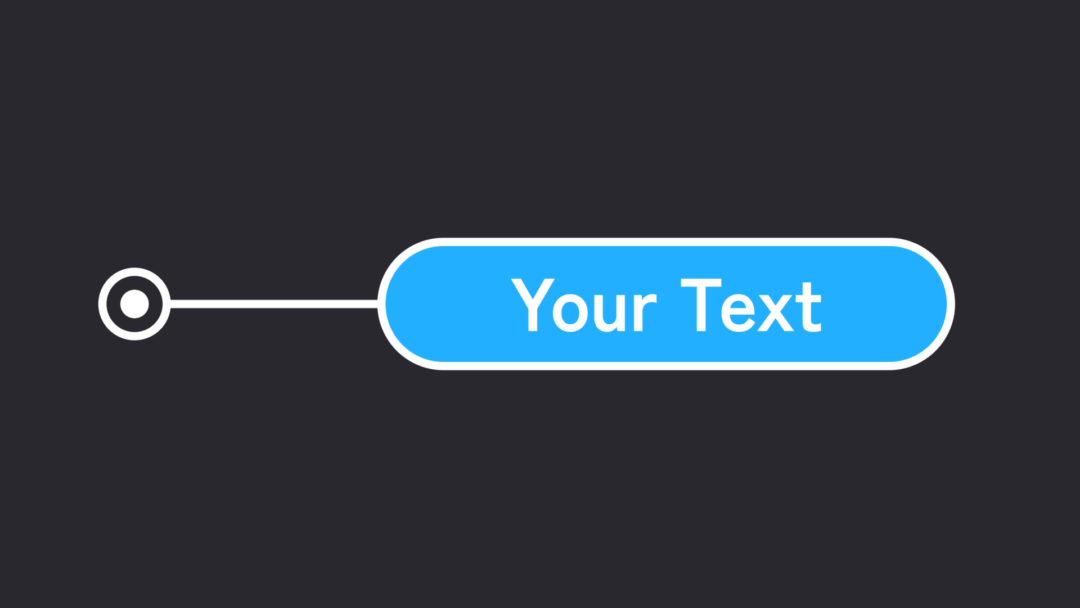
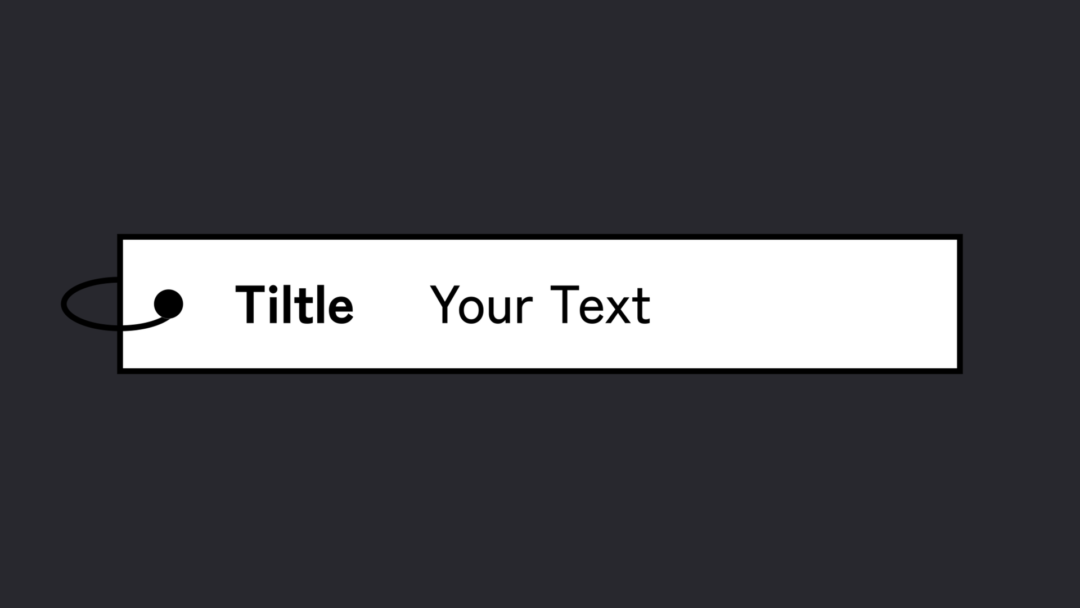
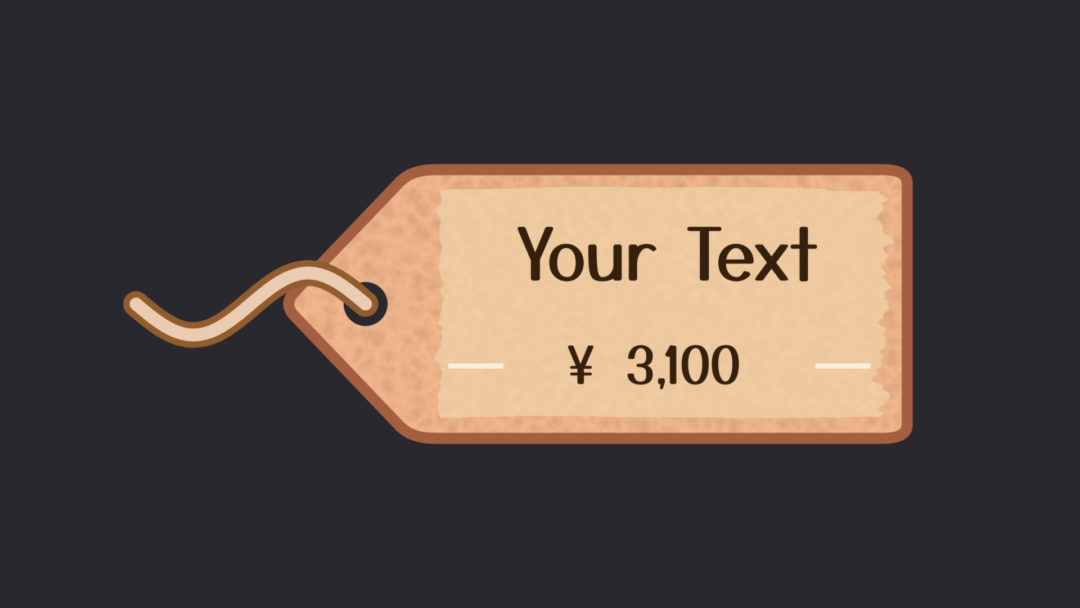
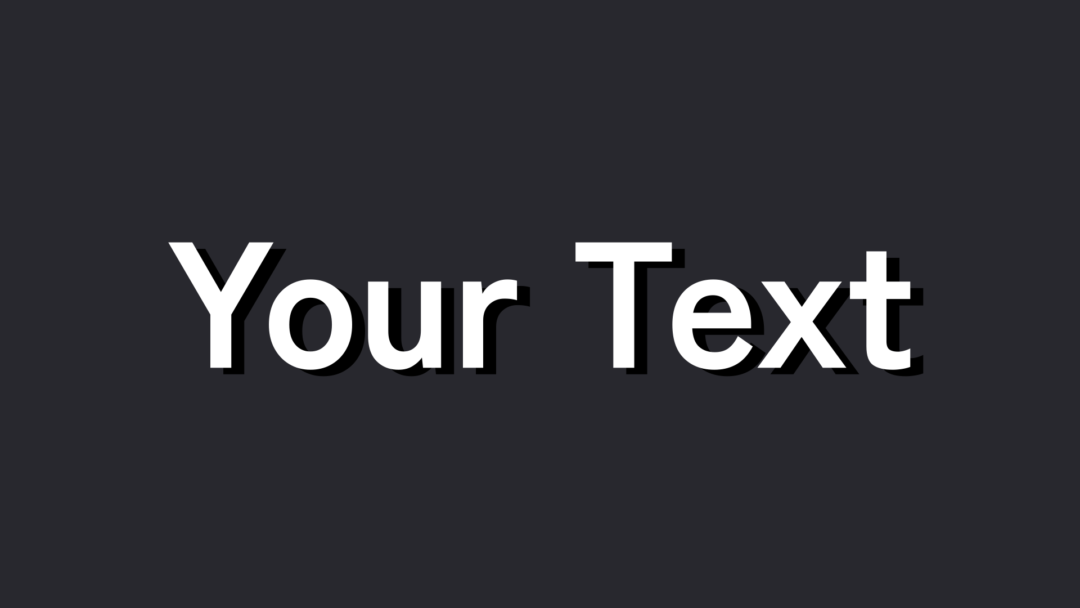
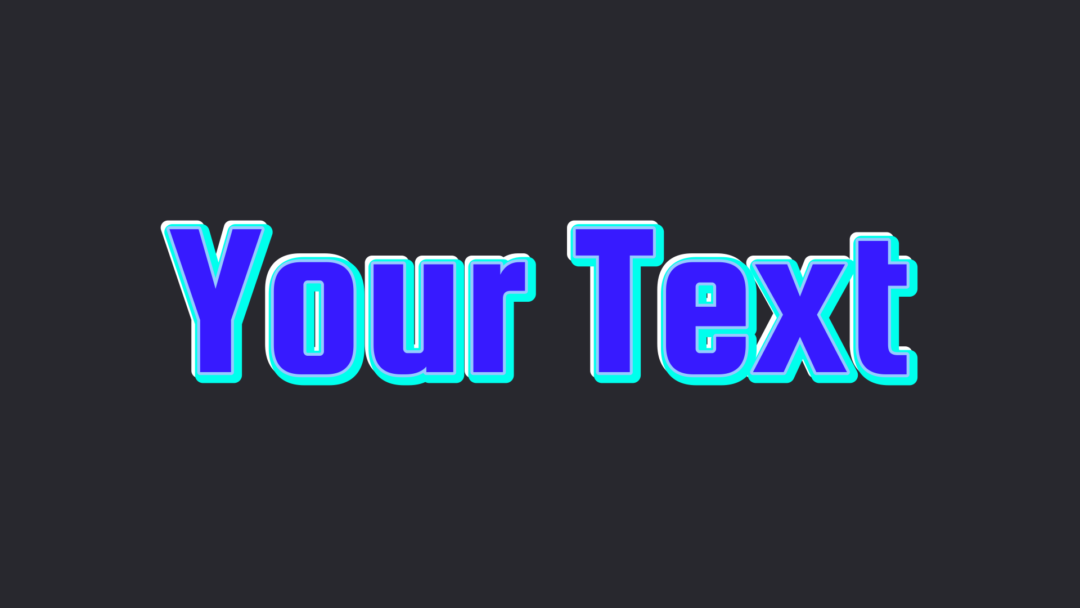
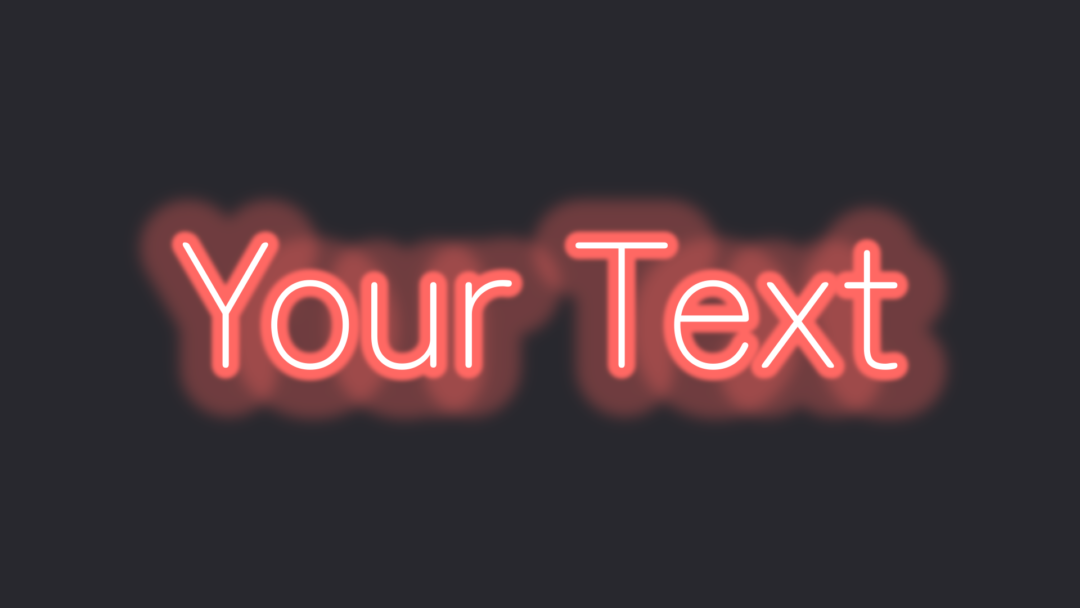
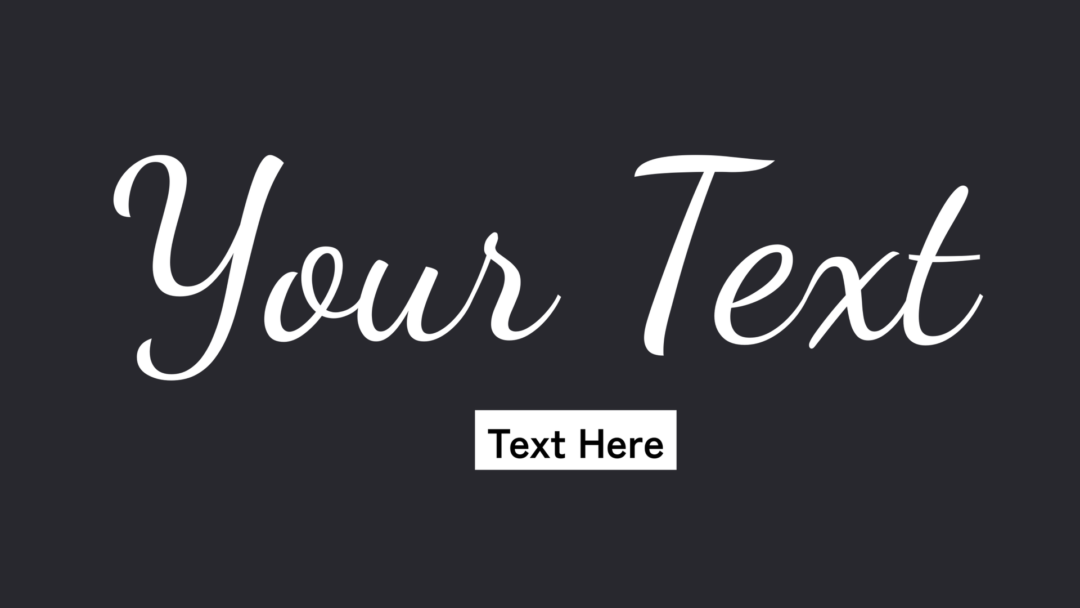
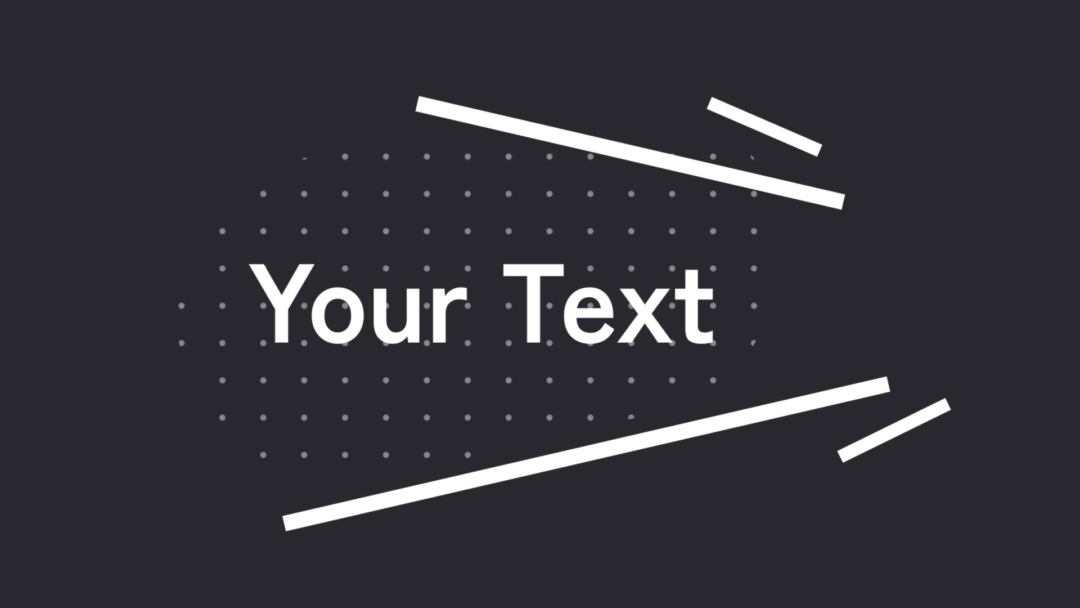
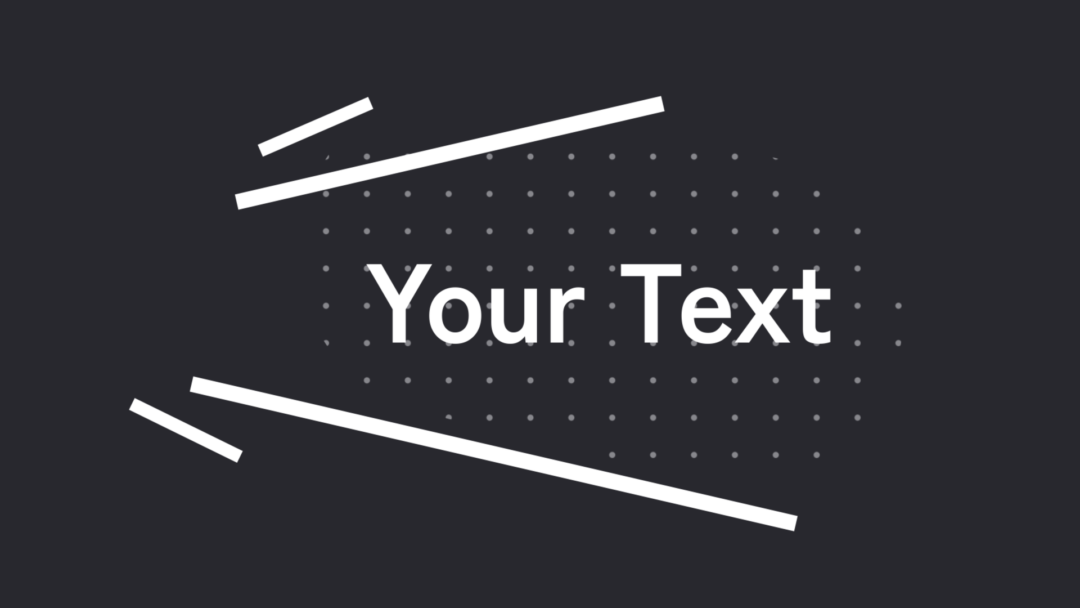
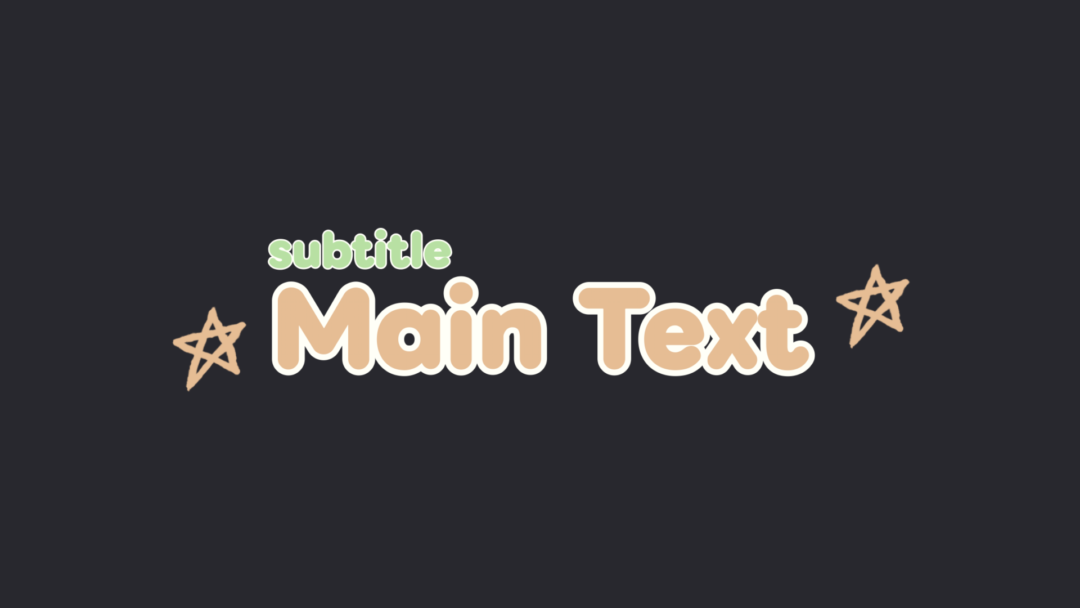
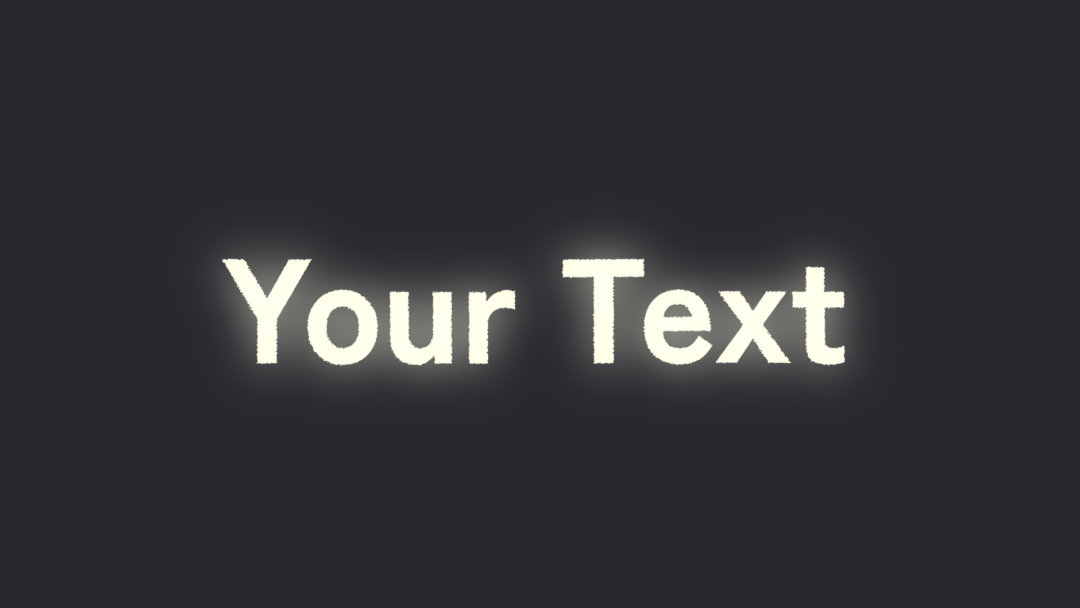

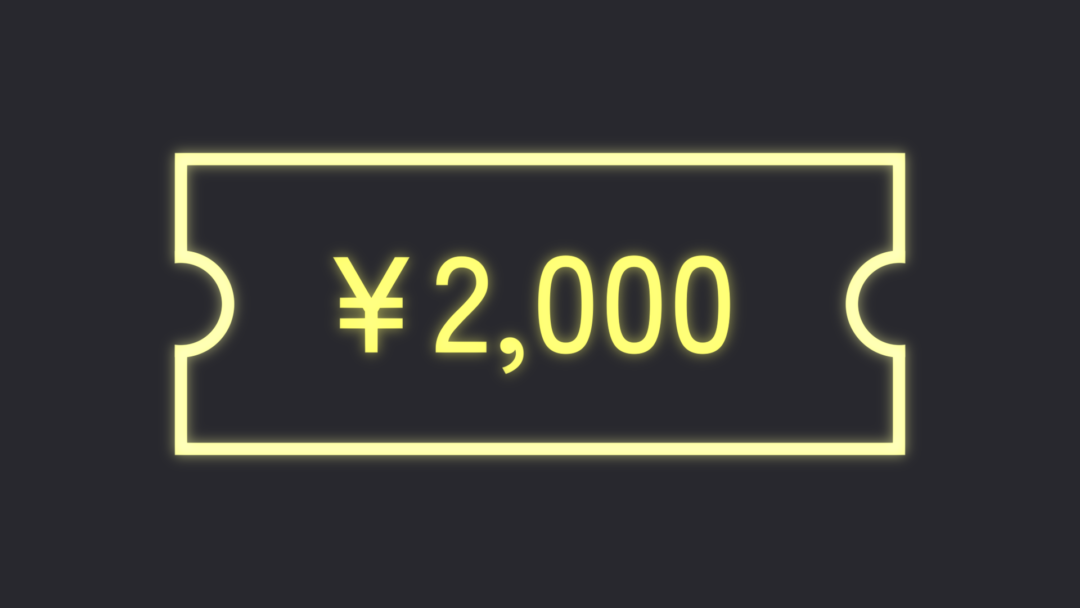
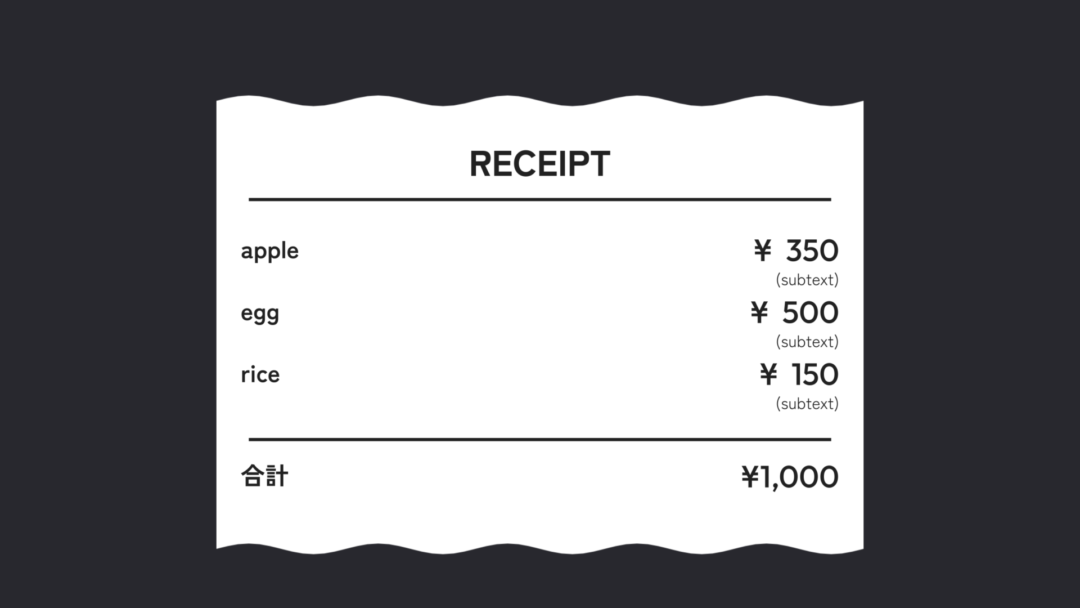
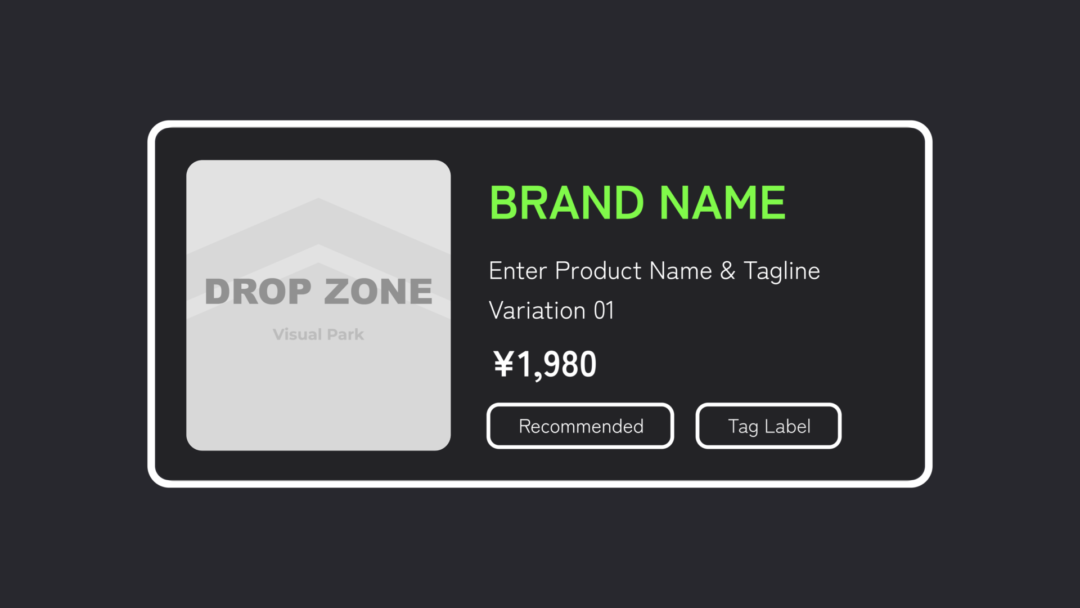

11 Effects

2 Transitions

Q&A
Purchase Questions
You May Also Like


 VLOG Pack
¥14,800 VAT
VLOG Pack
¥14,800 VAT