YouTube Creator Pack
A production toolkit built for YouTube creators. It includes 112 effects, generators, titles, and transitions, plus YouTube API integration that streamlines video-data retrieval.


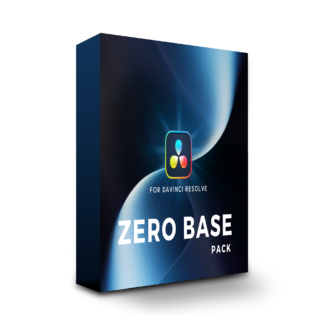

 For DaVinci Resolve
A plugin that puts essential DaVinci Resolve editing tools just one drag away.
Start here with Visual Park plugins.
Works with the free version of DaVinci Resolve and DaVinci Resolve for iPad · Commercial use permitted
Three effects and two transitions.
Simply drag any of them from the DaVinci Resolve Effects Library onto your clip.
Zoom in on or out from a specific part of the frame to draw attention to a detail. Apply it to Adjustment Clips to stack and combine as many stages as you need.
Animate images, logos, and video assets with ease. Adjust their size with the mask controls, then customize the direction and speed of the animation.
Split the screen in two with one click. Resize each clip, add borders and show a divider between the two sides.
A zoom-in transition that dives into the next shot. Customize the easing and fine-tune the fade and blur intensity.
A zoom-out transition that pulls away from the outgoing shot. Customize the easing and fine-tune the fade and blur intensity.
Download, install and drag. Hover over each step to see how it works.
Explore these plugins when you want more options for captions, interface graphics and visual effects.
A production toolkit built for YouTube creators. It includes 112 effects, generators, titles, and transitions, plus YouTube API integration that streamlines video-data retrieval.
A practical DaVinci Resolve plugin pack with more than 290 captions, effects and transitions.

A practical business-focused pack with 206 text presets, effects and transitions.

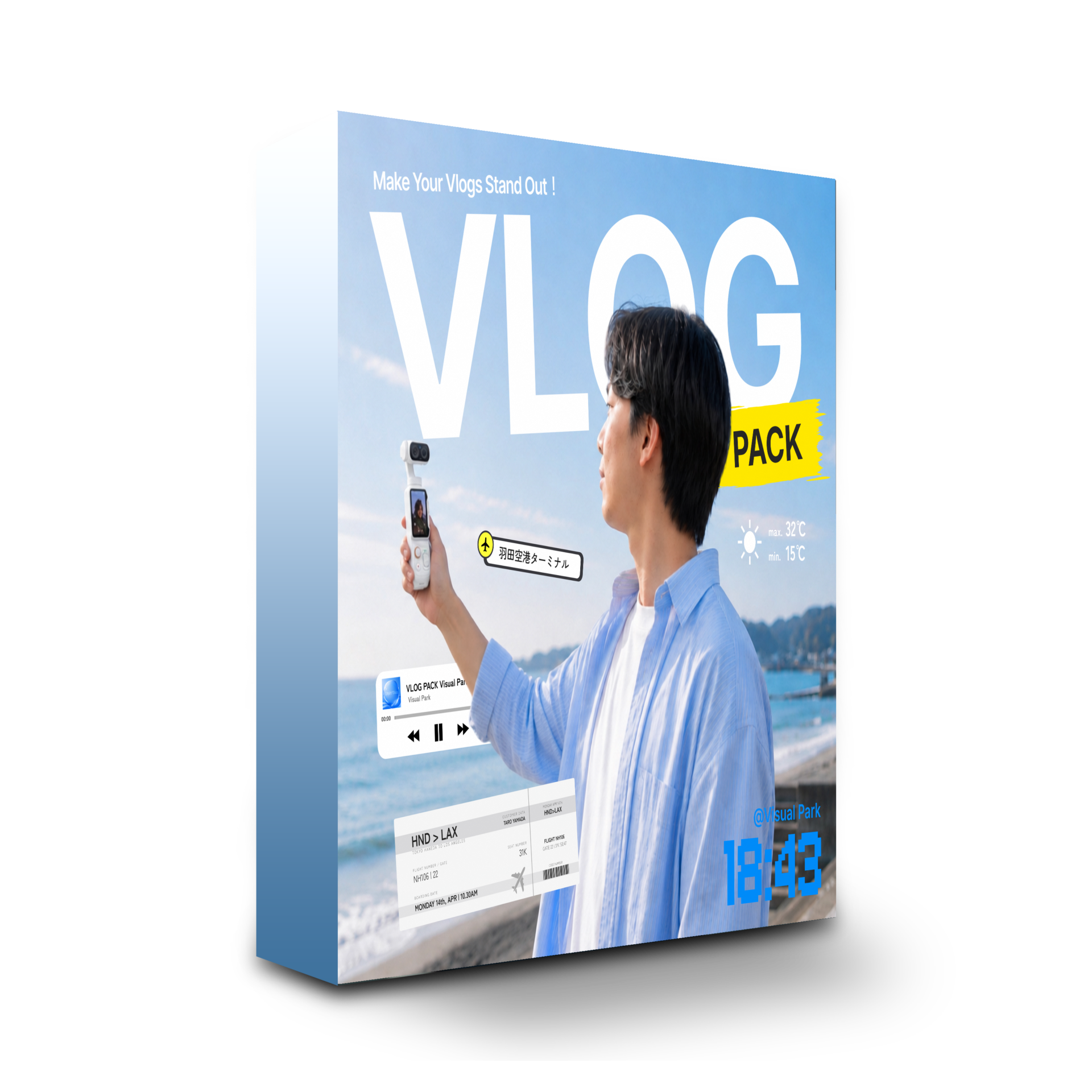
Includes 71 captions, titles, icons and other tools for vlog production. Works with DaVinci Resolve Free.
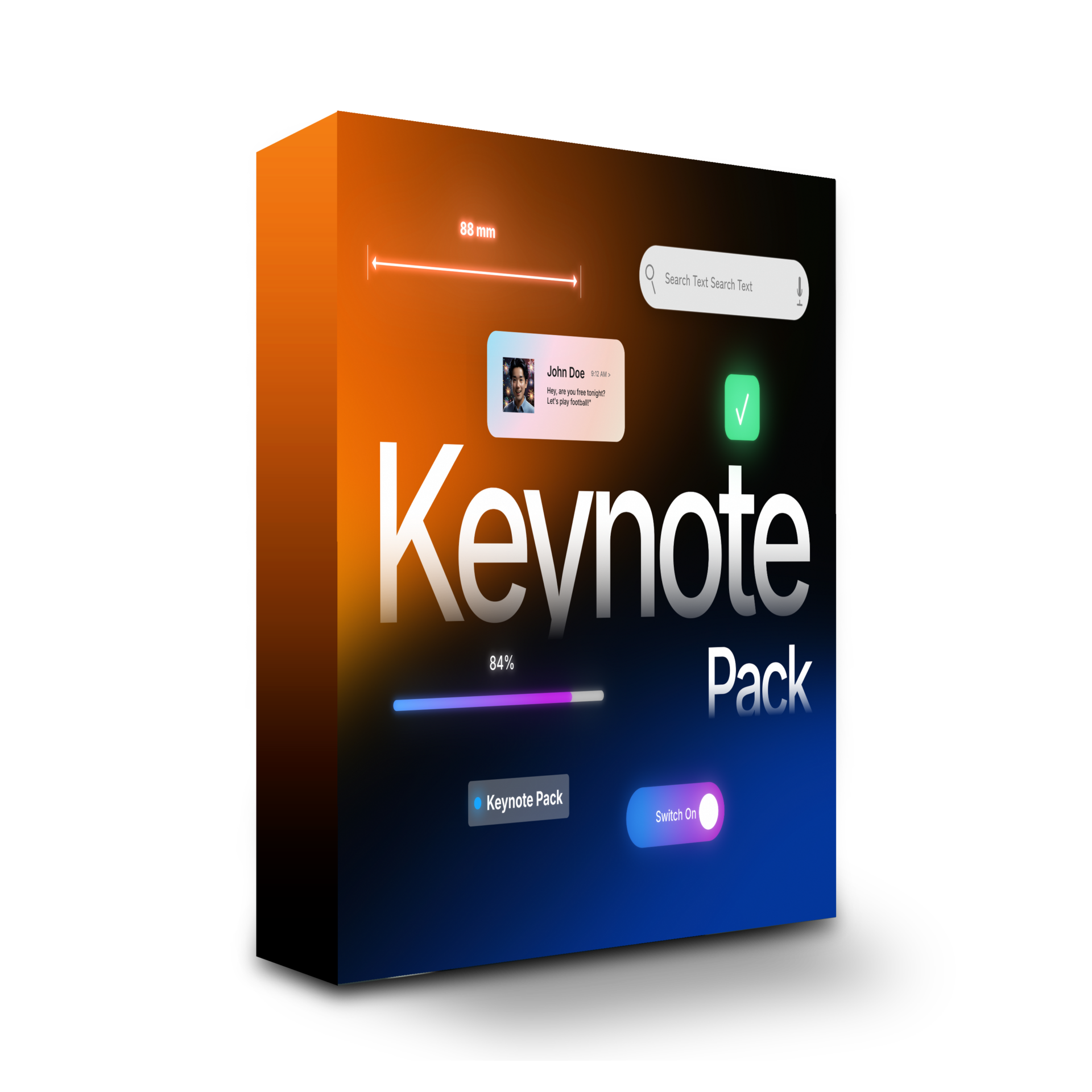
A collection of motion presets for recreating Apple- and iOS-inspired interface elements in video, covering everything from titles and on-screen profile graphics to diagrams.
Q: Does it work on Windows?
A: Yes. It works on both macOS and Windows.
Q: Does it work with DaVinci Resolve for iPad?
A: Yes. It works with both the iPad and desktop versions.
Q: Does it work with DaVinci Resolve Free?
A: Yes. It works with both the Free and Studio versions.
Q: Can I use it commercially?
A: Yes. Commercial use is permitted.
Q: What are the system requirements?
A: Windows 10 or later, or macOS 10.14 or later, and DaVinci Resolve 19 or later.
 ZERO BASE PACK
¥0 VAT